Proen AI | Voice | Text-to-Speech
The AI app that turns text into audio speech with ease. Get ready to generate custom audios from texts quickly and accurately.
Apr 29, 2024●
1
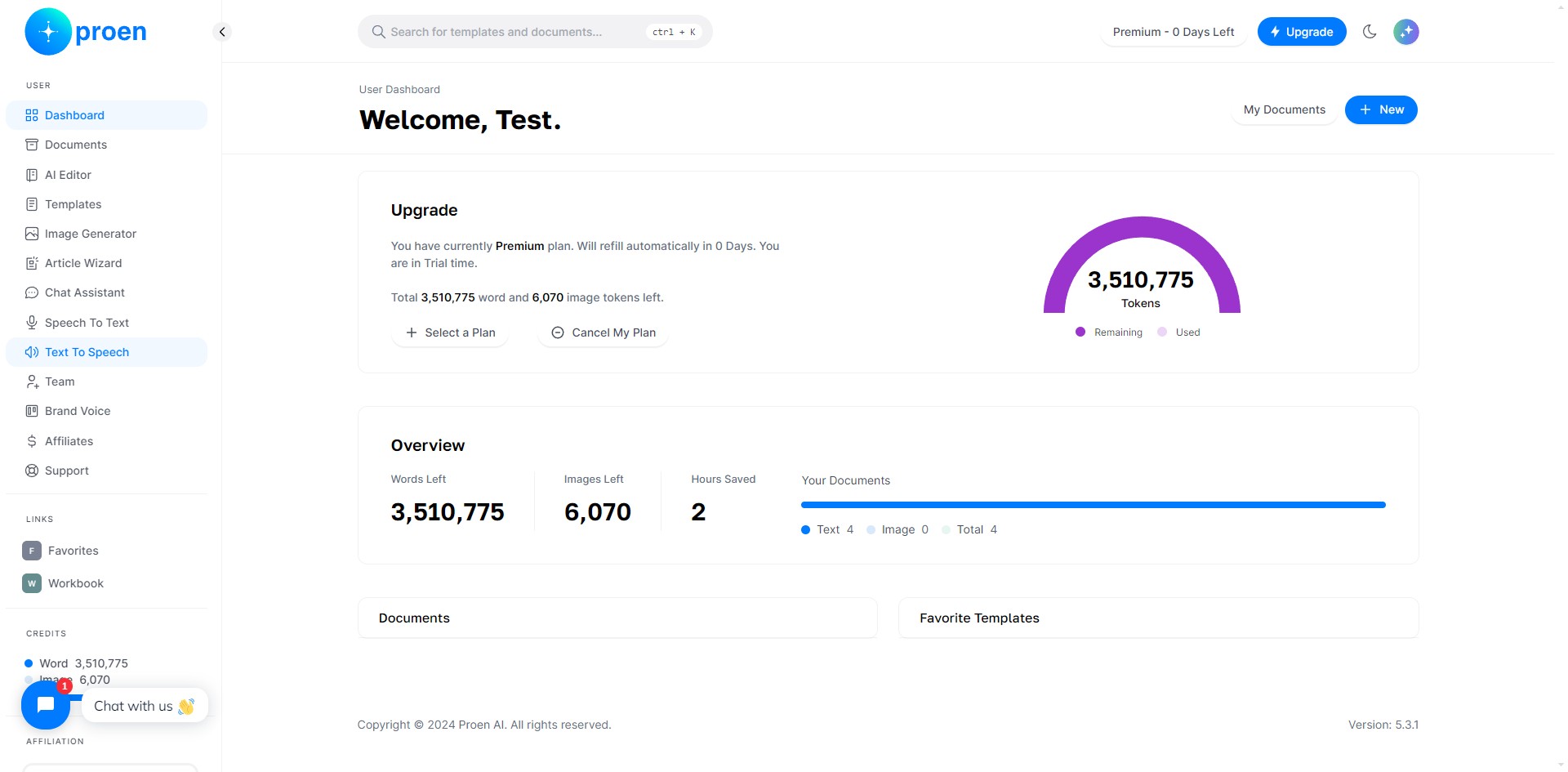
Click on "Text To Speech"
2
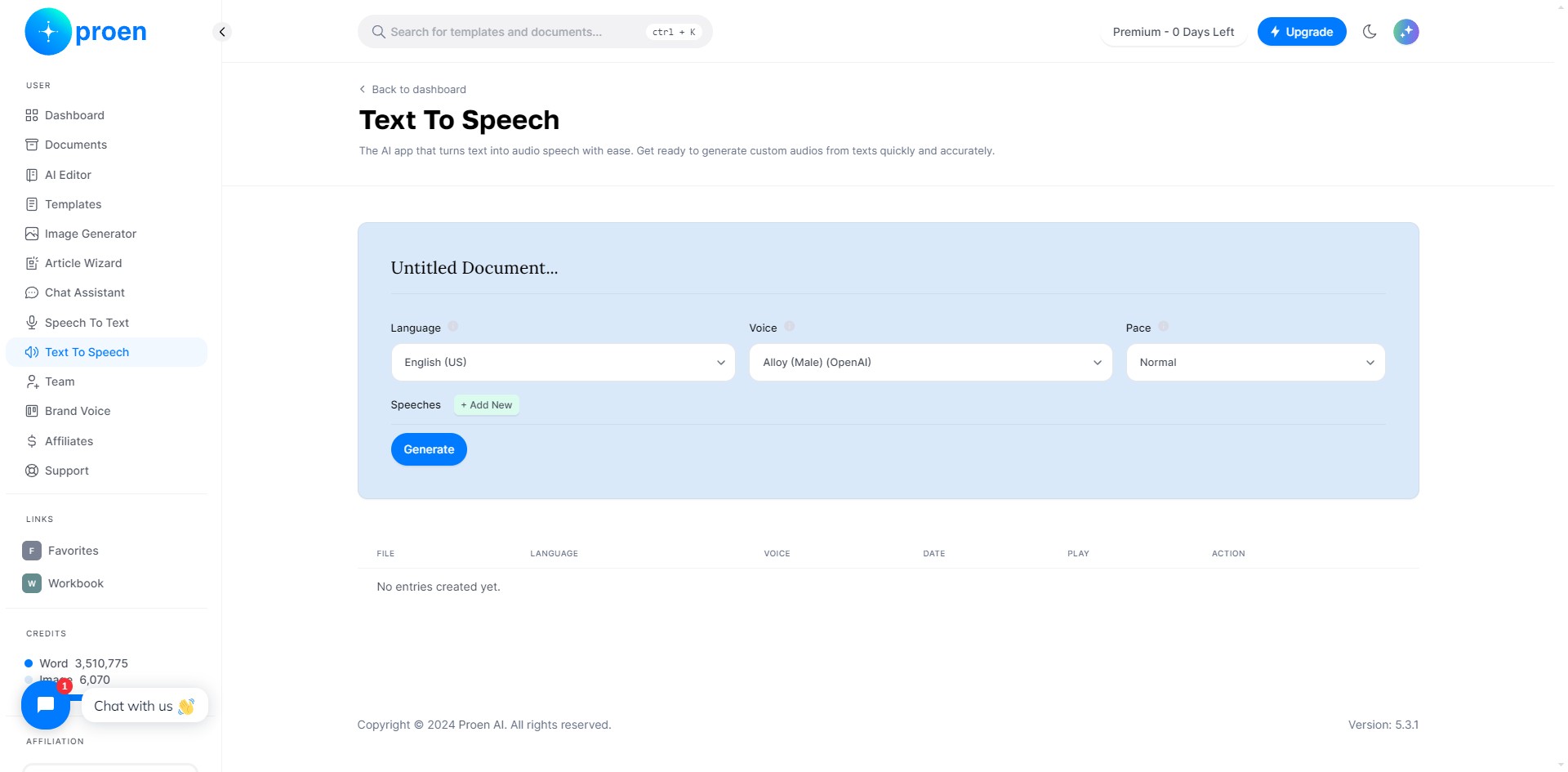
Select the language, voice and pace you wish the generated speech to use
3
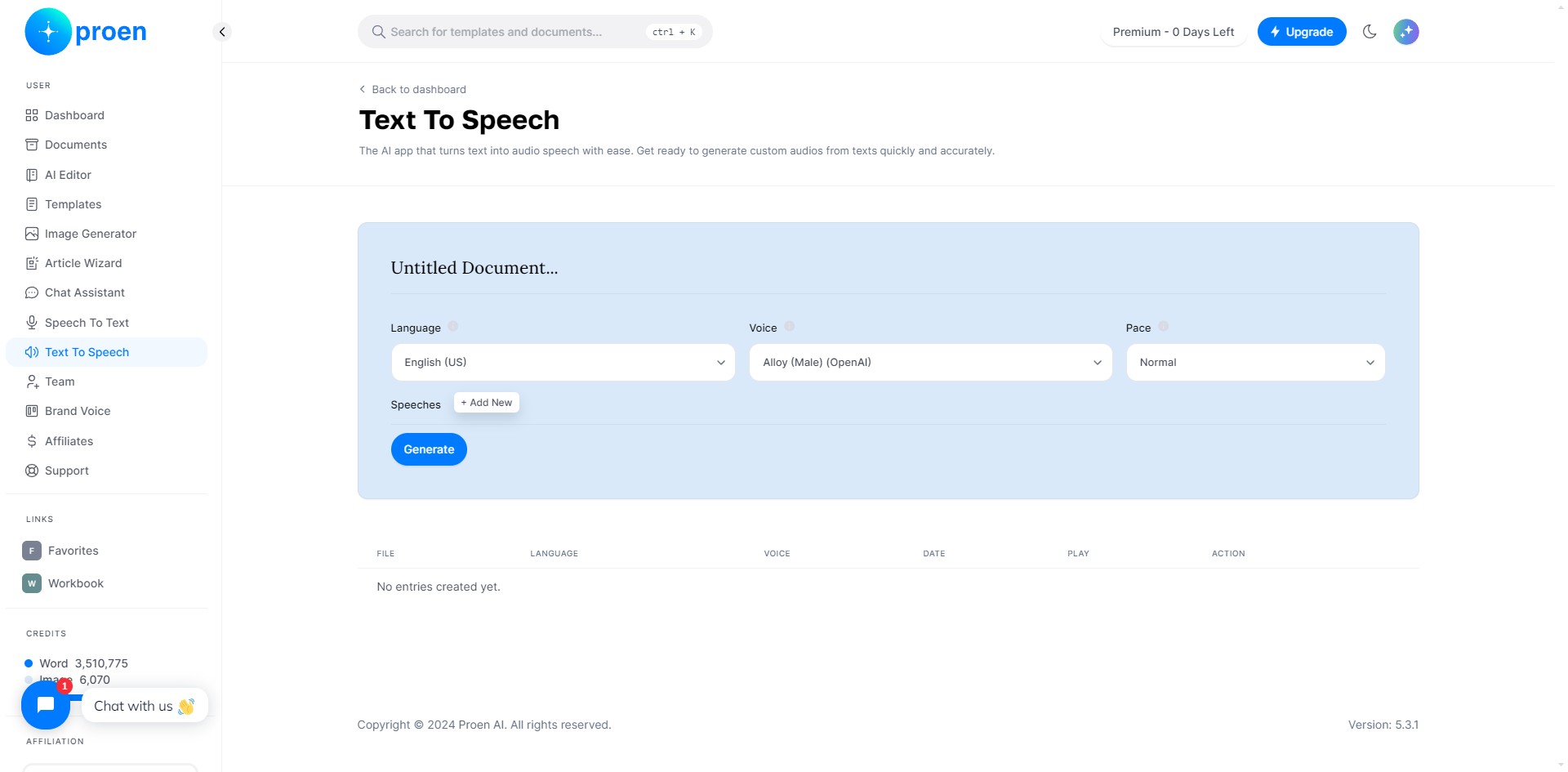
Click on "+ Add New"
4
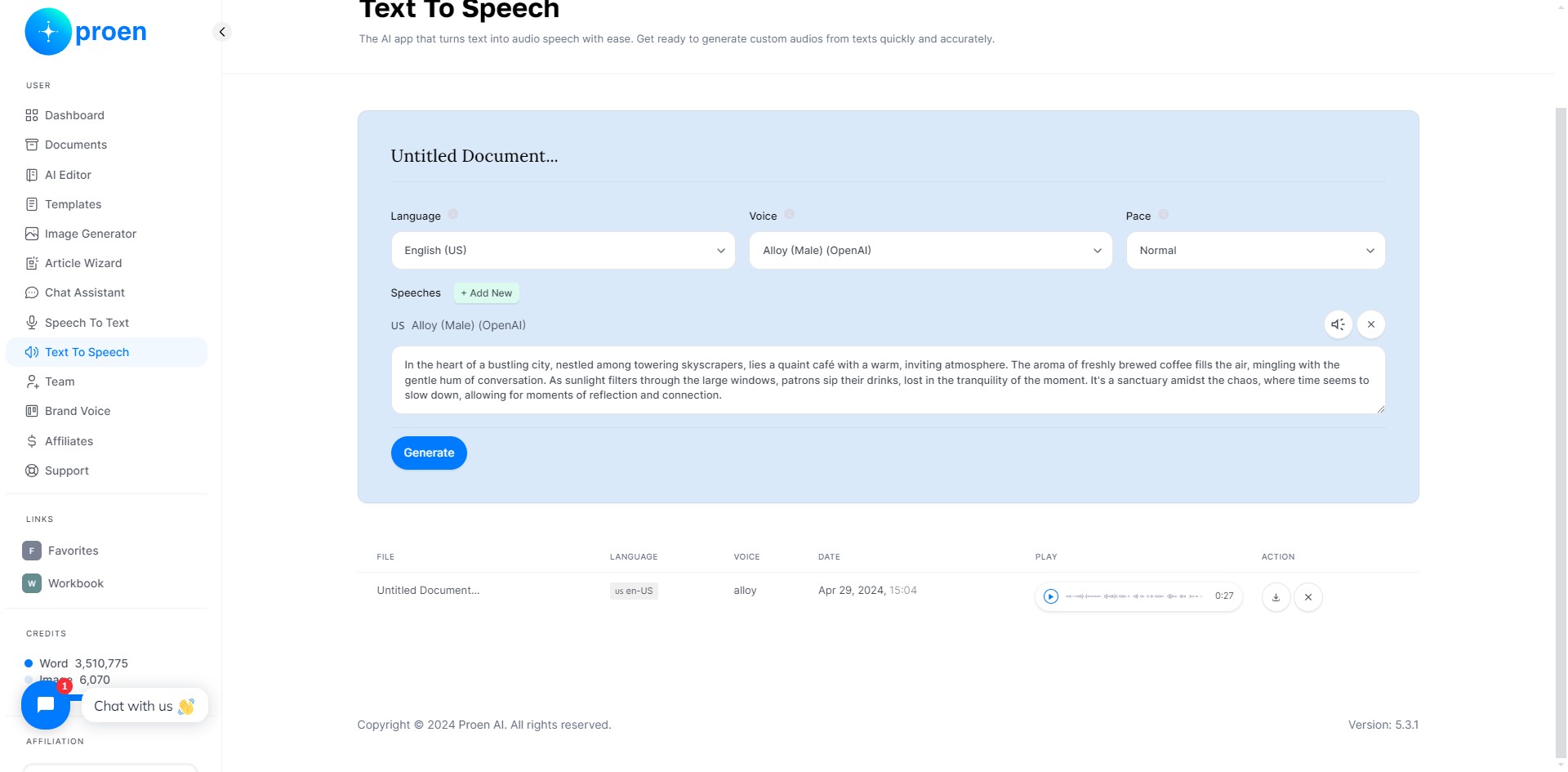
Provide the text you wish to convert to speech
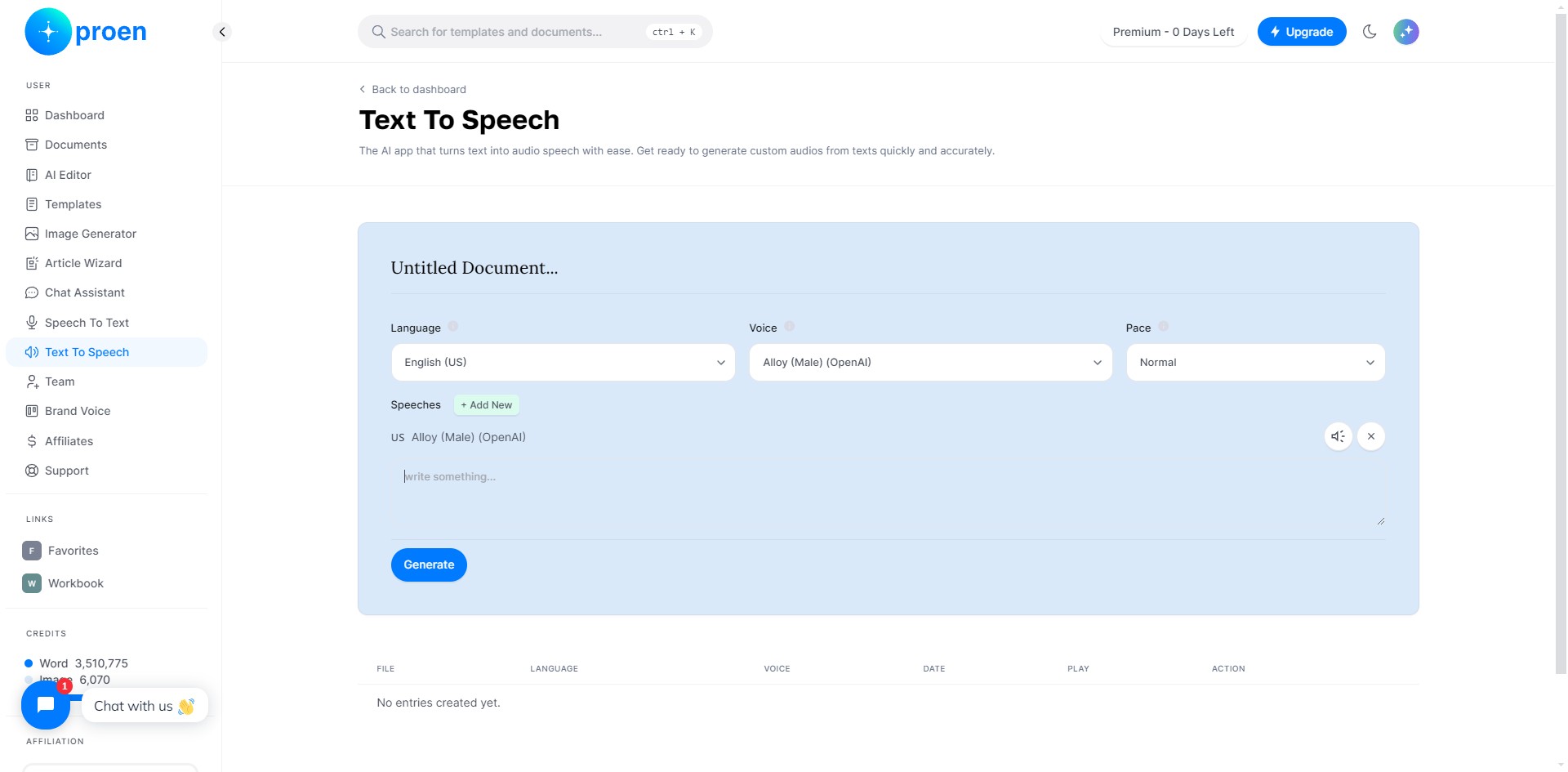
5
Click on "Generate"
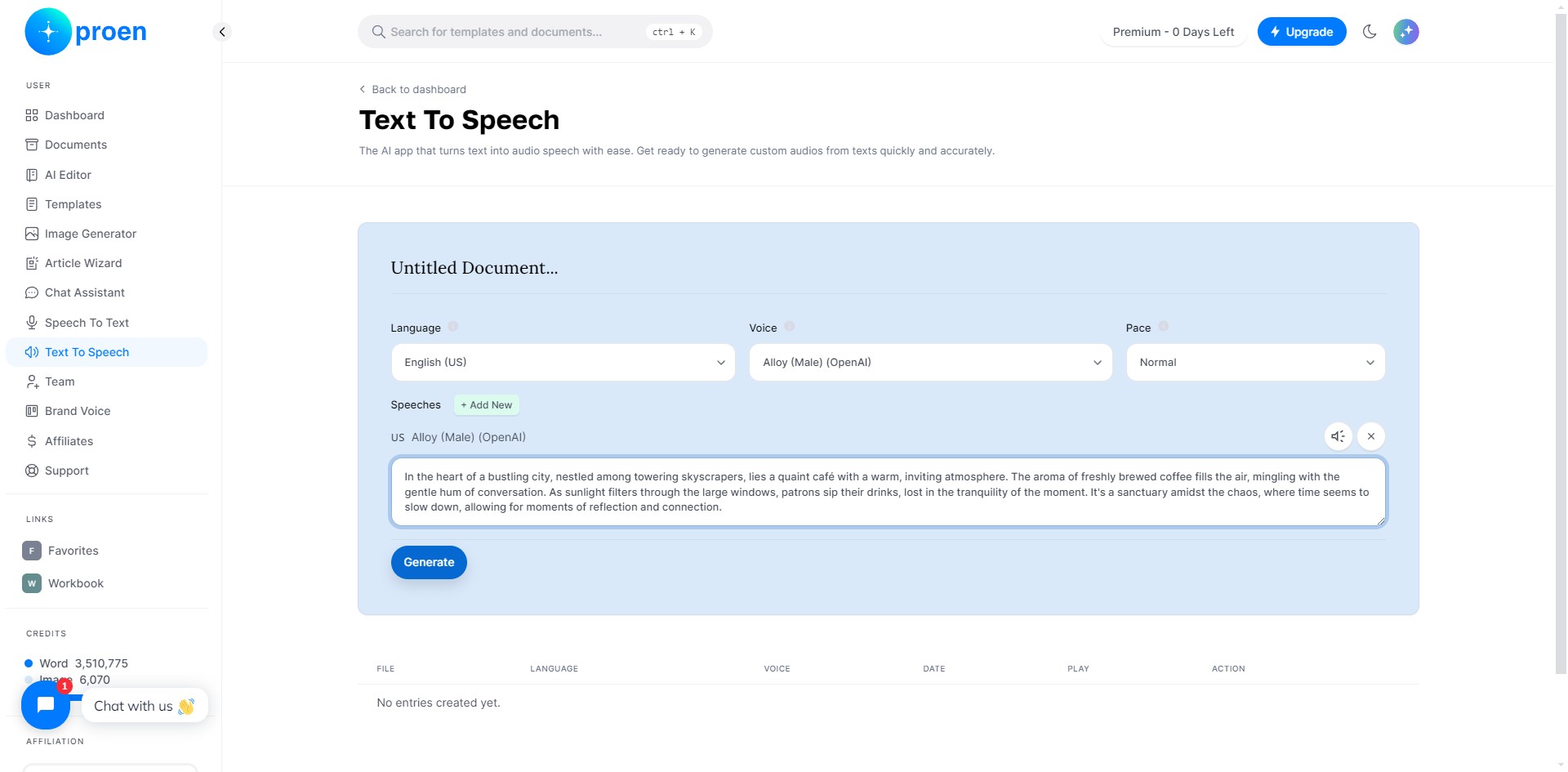
6
Here, you will find the generated speech, along with the following information for it: its language, voice, generated date, the audio, and the choice to either download or delete it
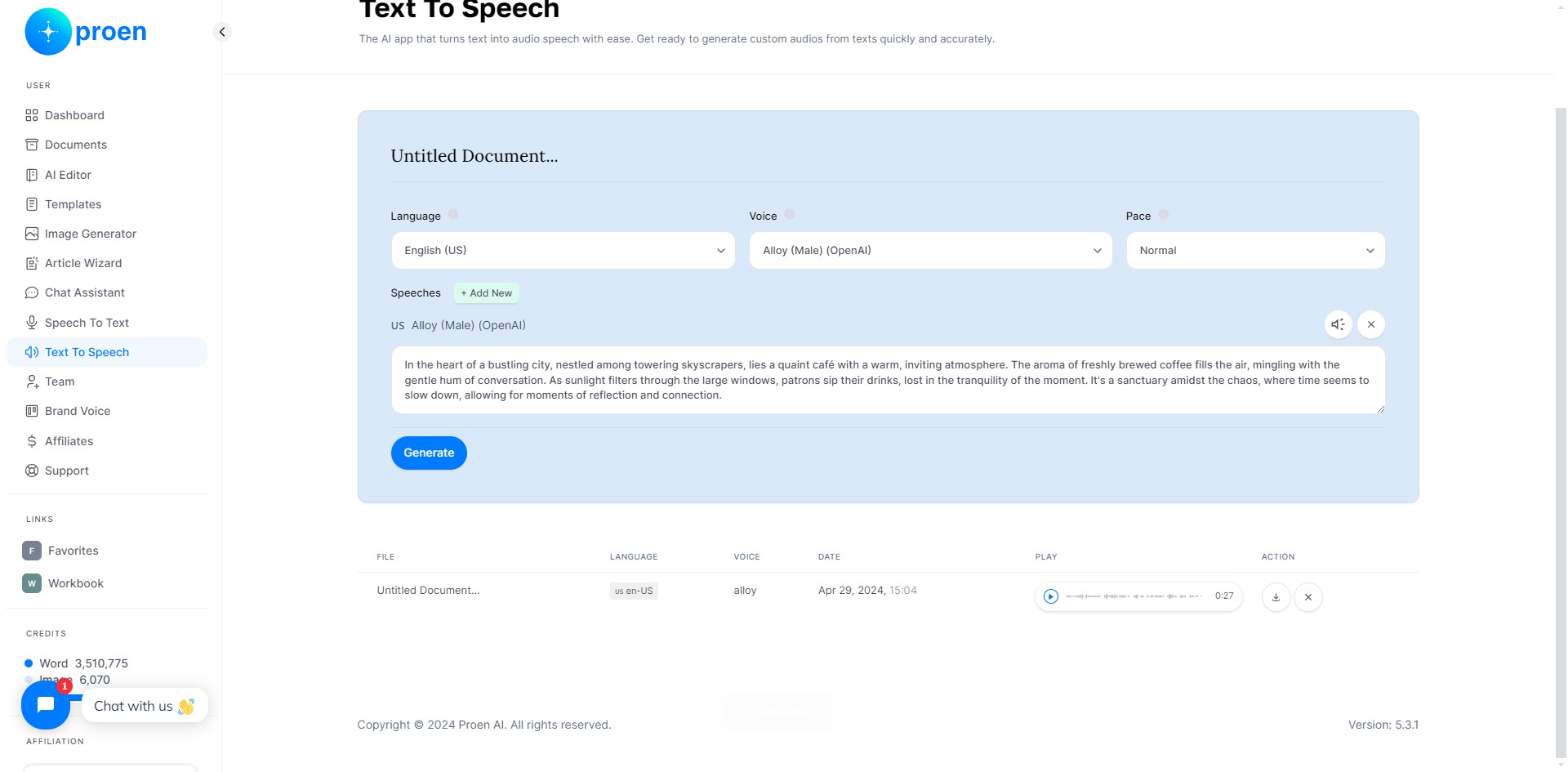
7
Done 🚀