

Proen AI | Image Generator | DALL-E
Create stunning images in seconds.
Apr 29, 2024●
1
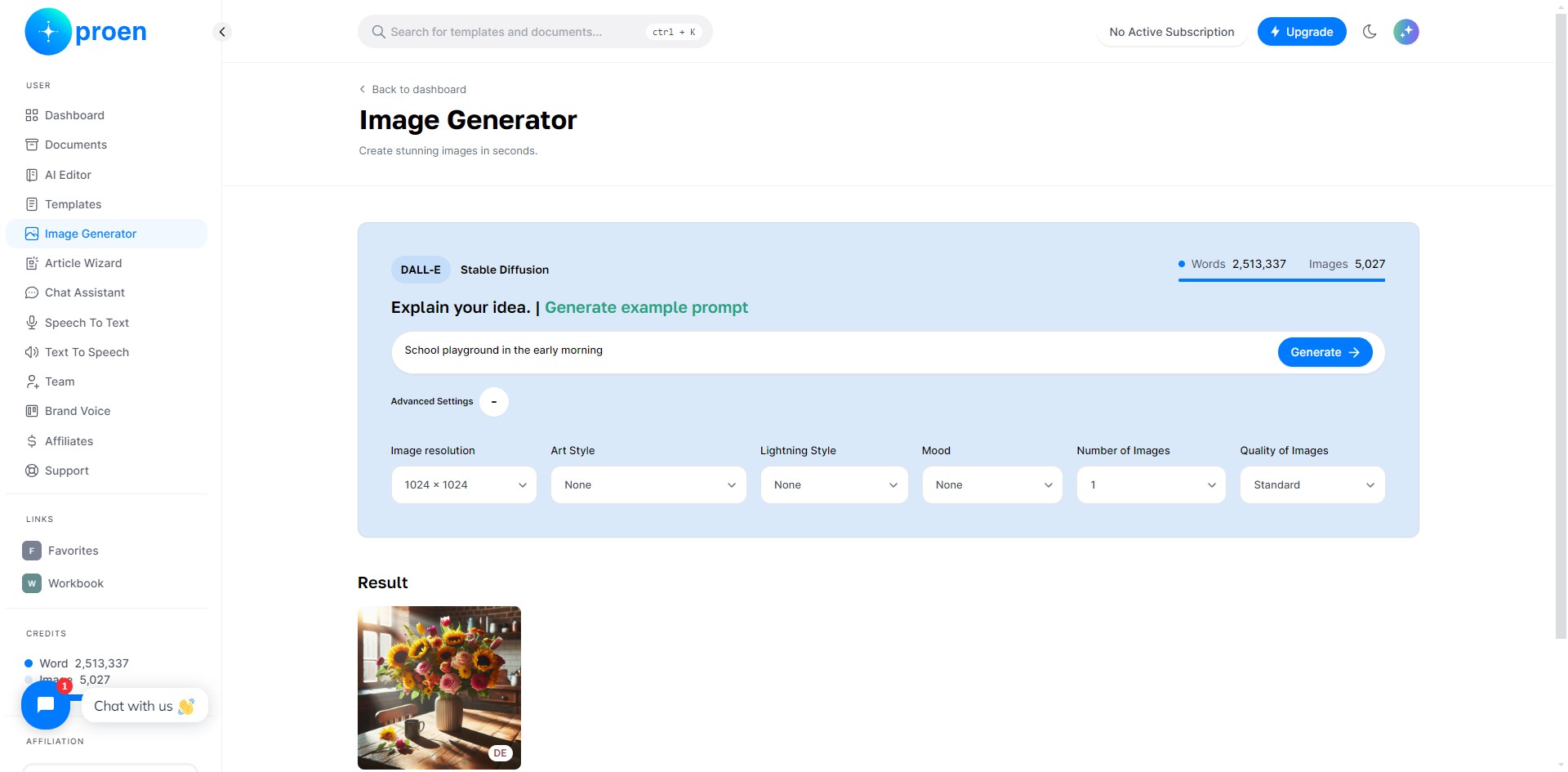
Click on "Image Generator"
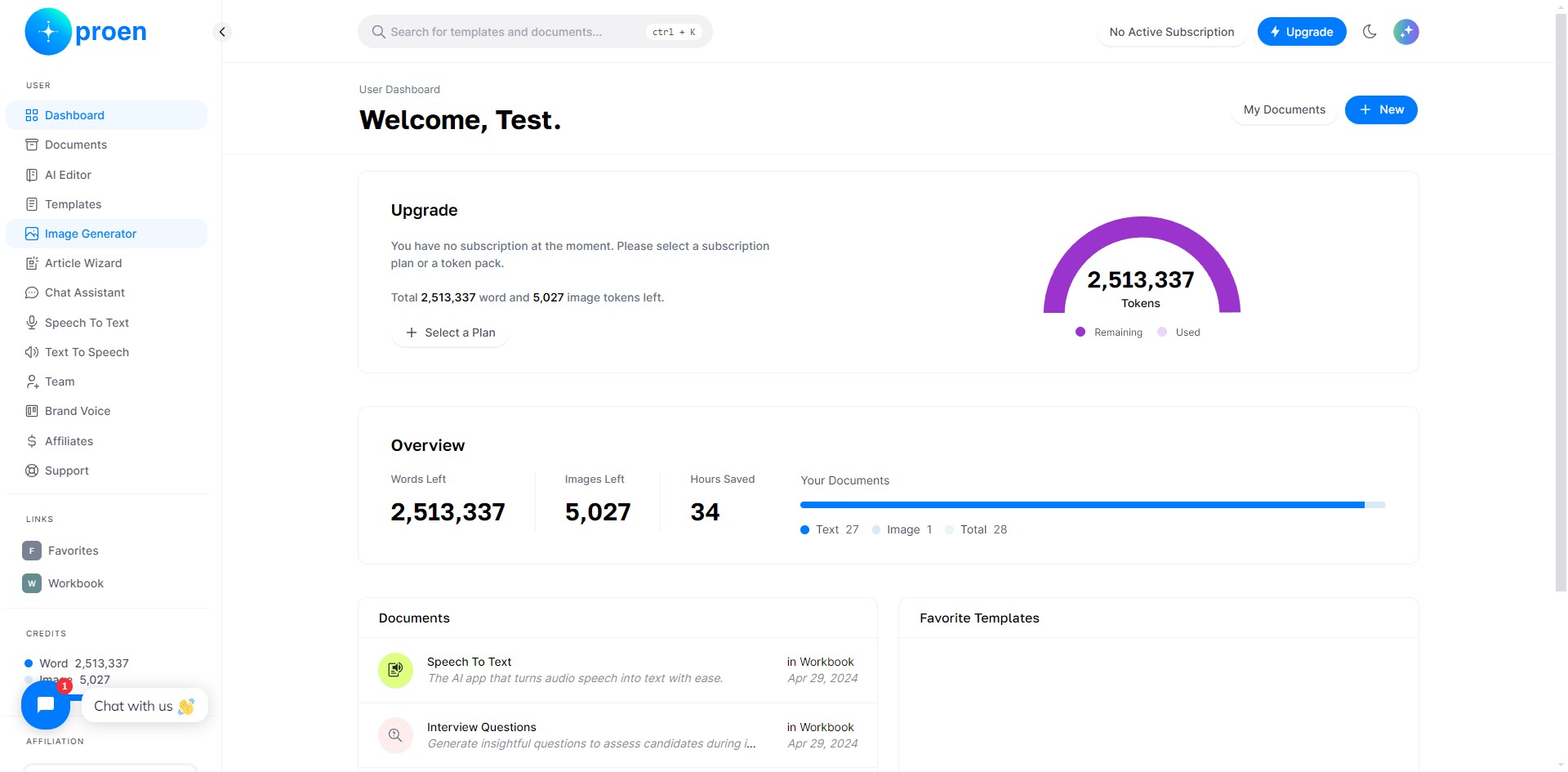
2
Click on "DALL-E"
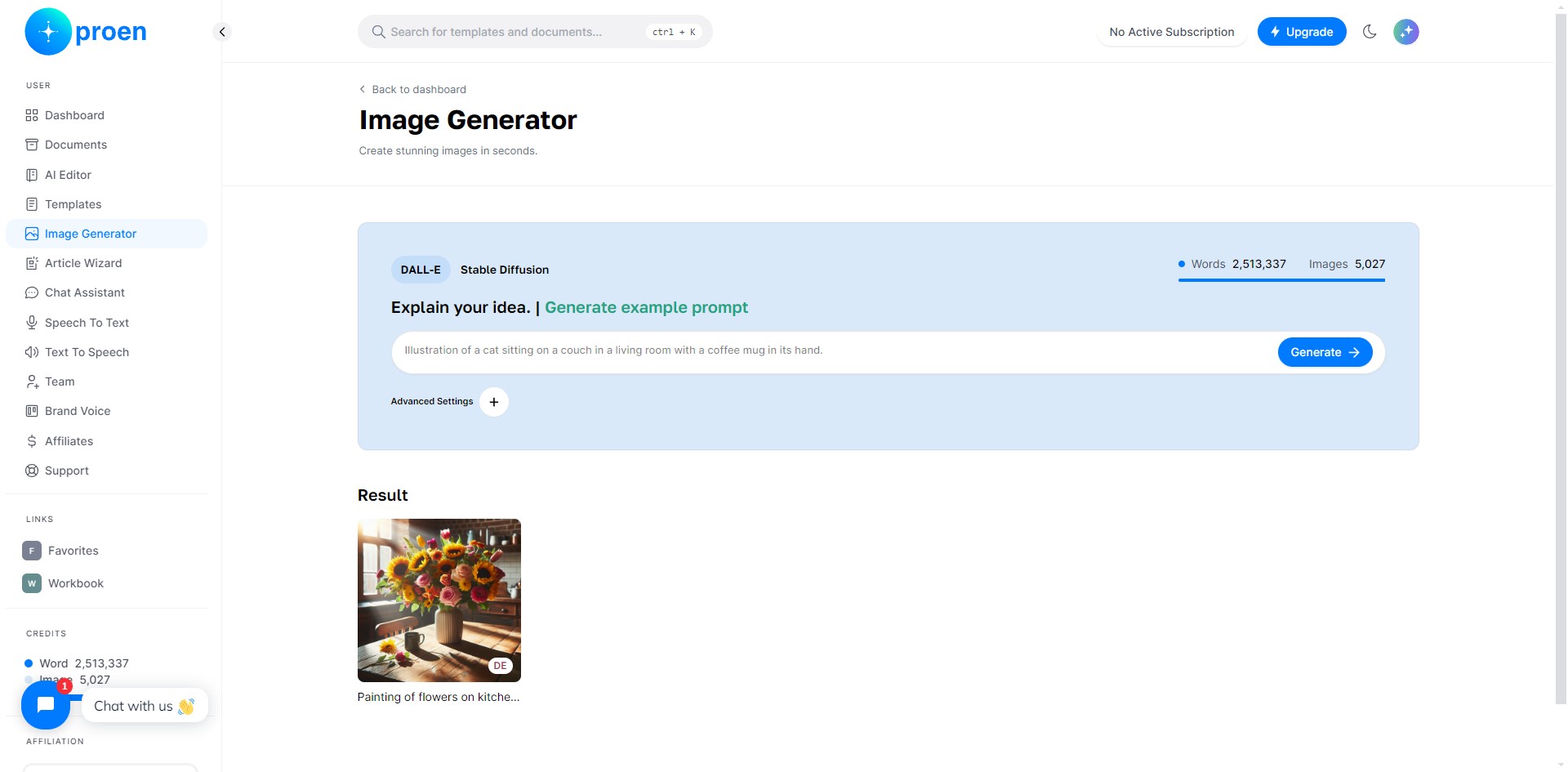
3
Provide a brief description of the illustration you wish to generate
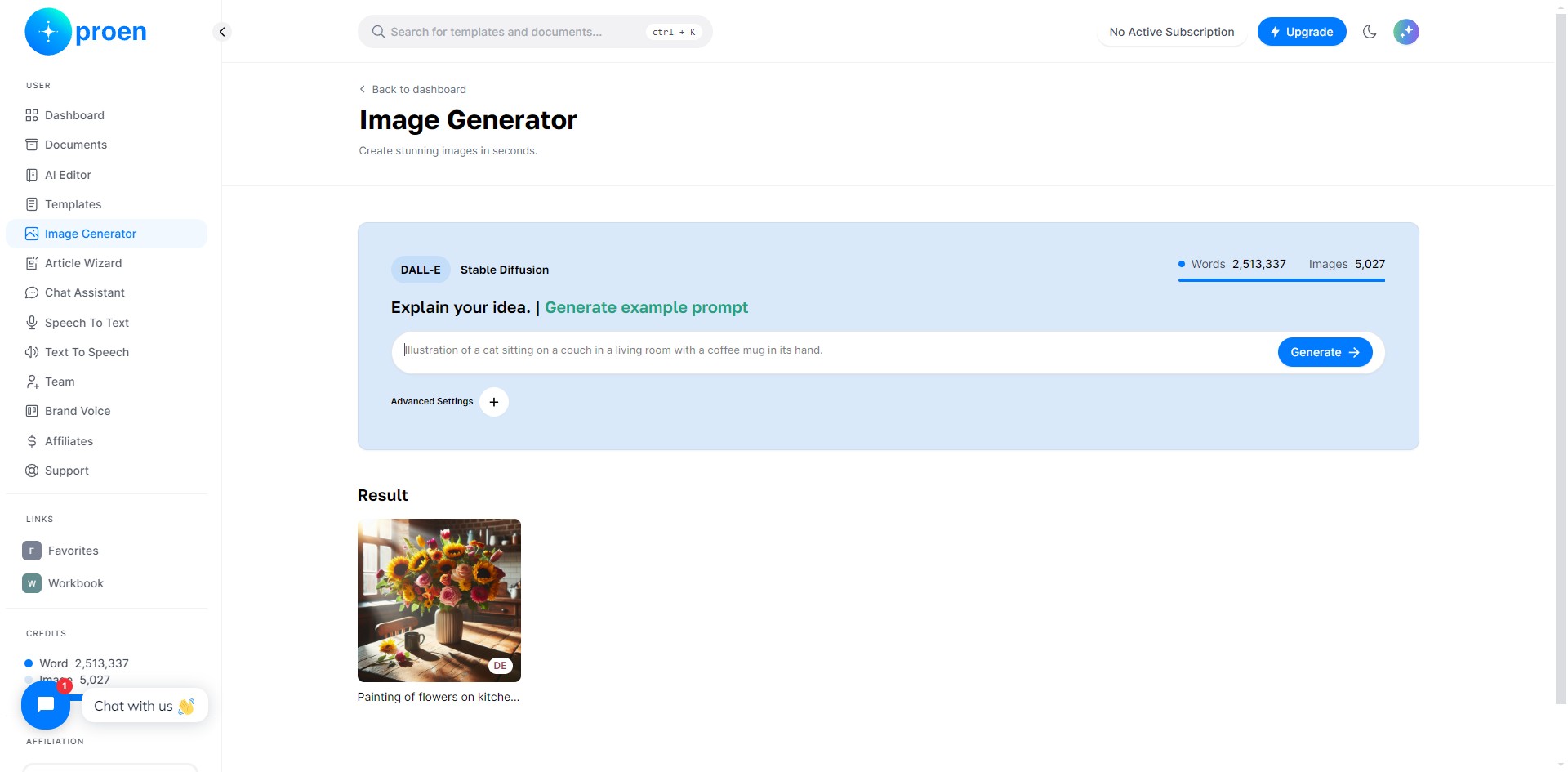
4
Click "+" next to "Advanced Settings"
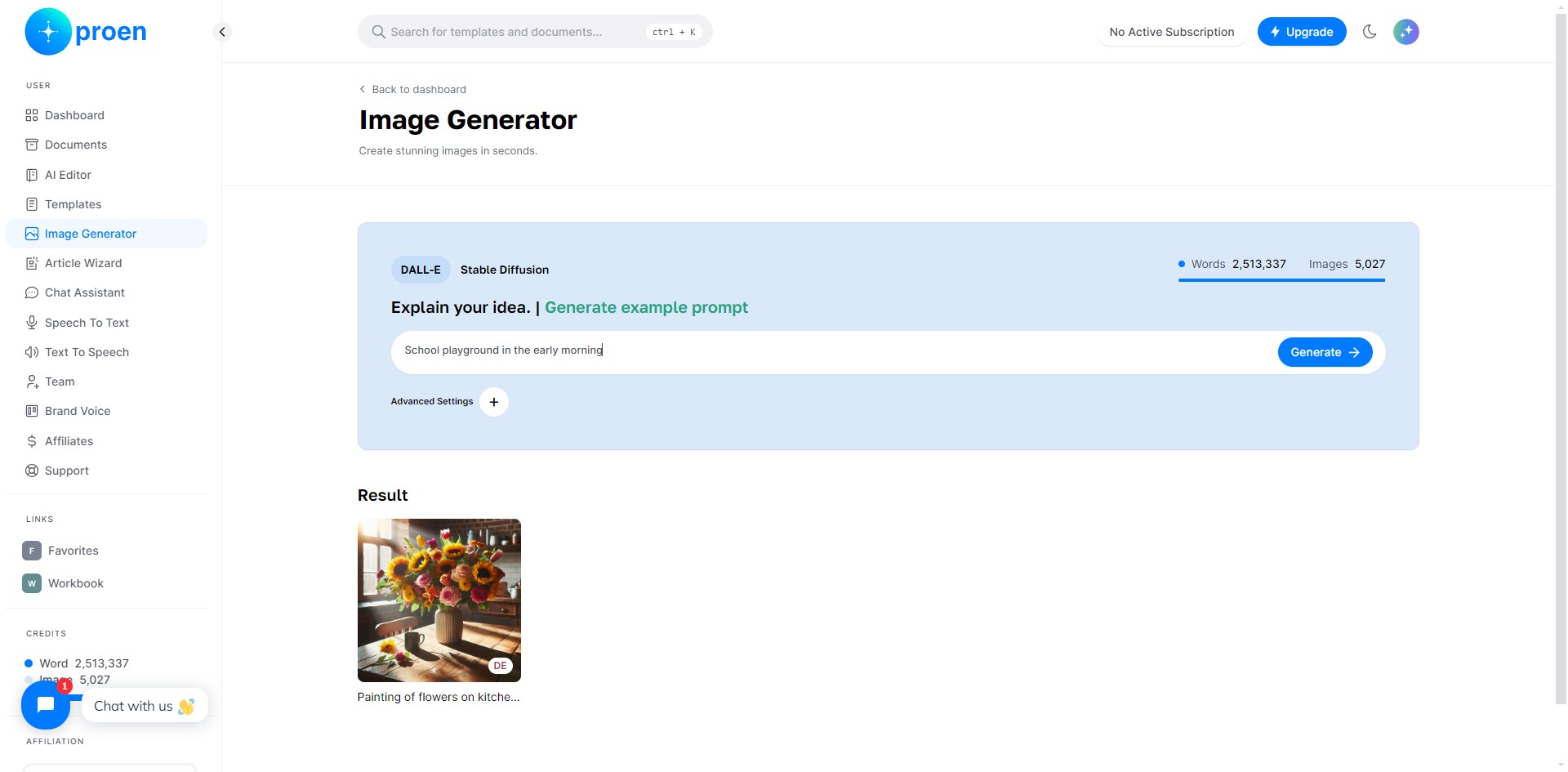
5
Here, you can select the image resolution, art style, lighting style, mood, the number of images to be generated, and their quality
6
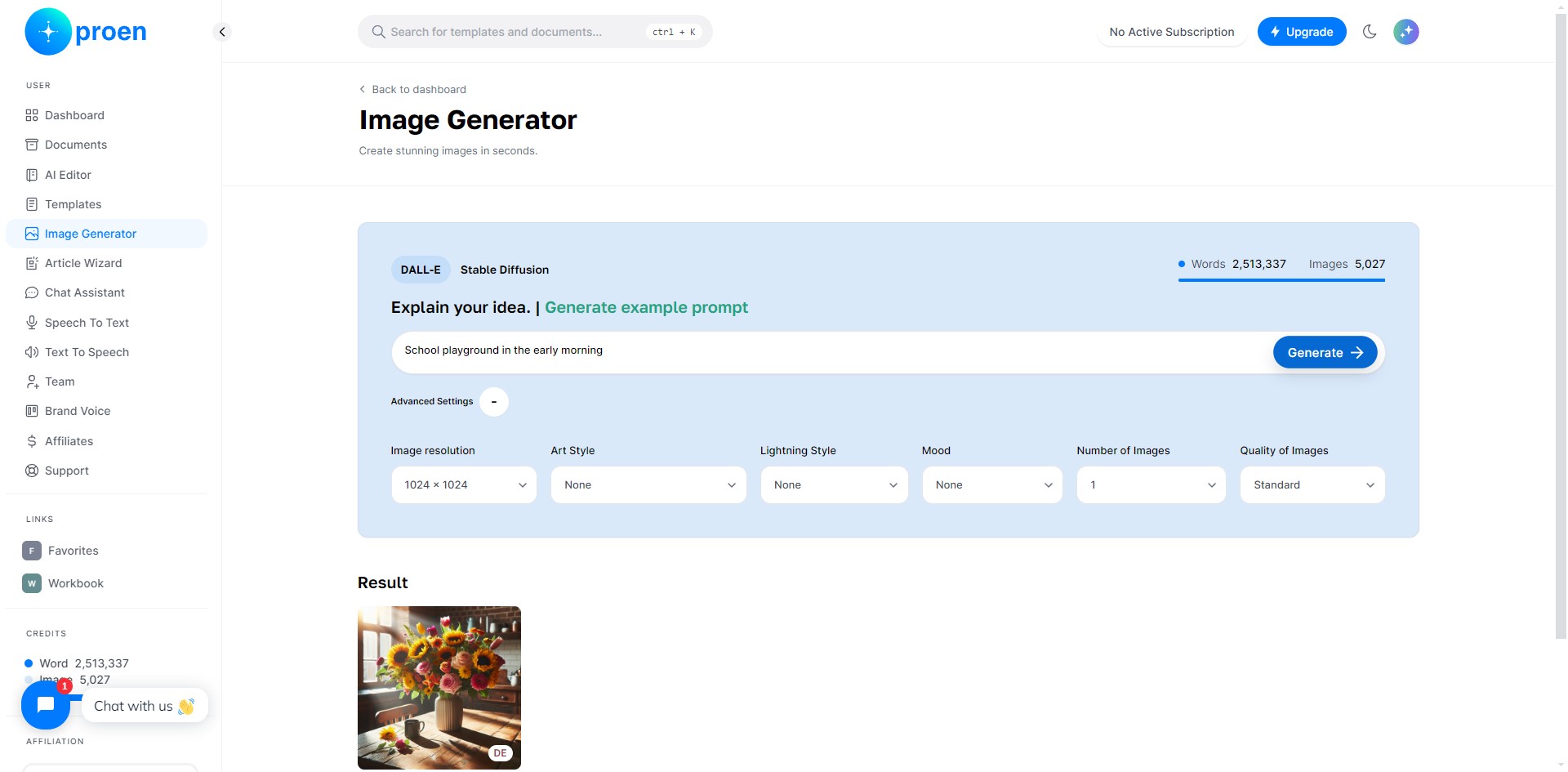
Click on "Generate"
7
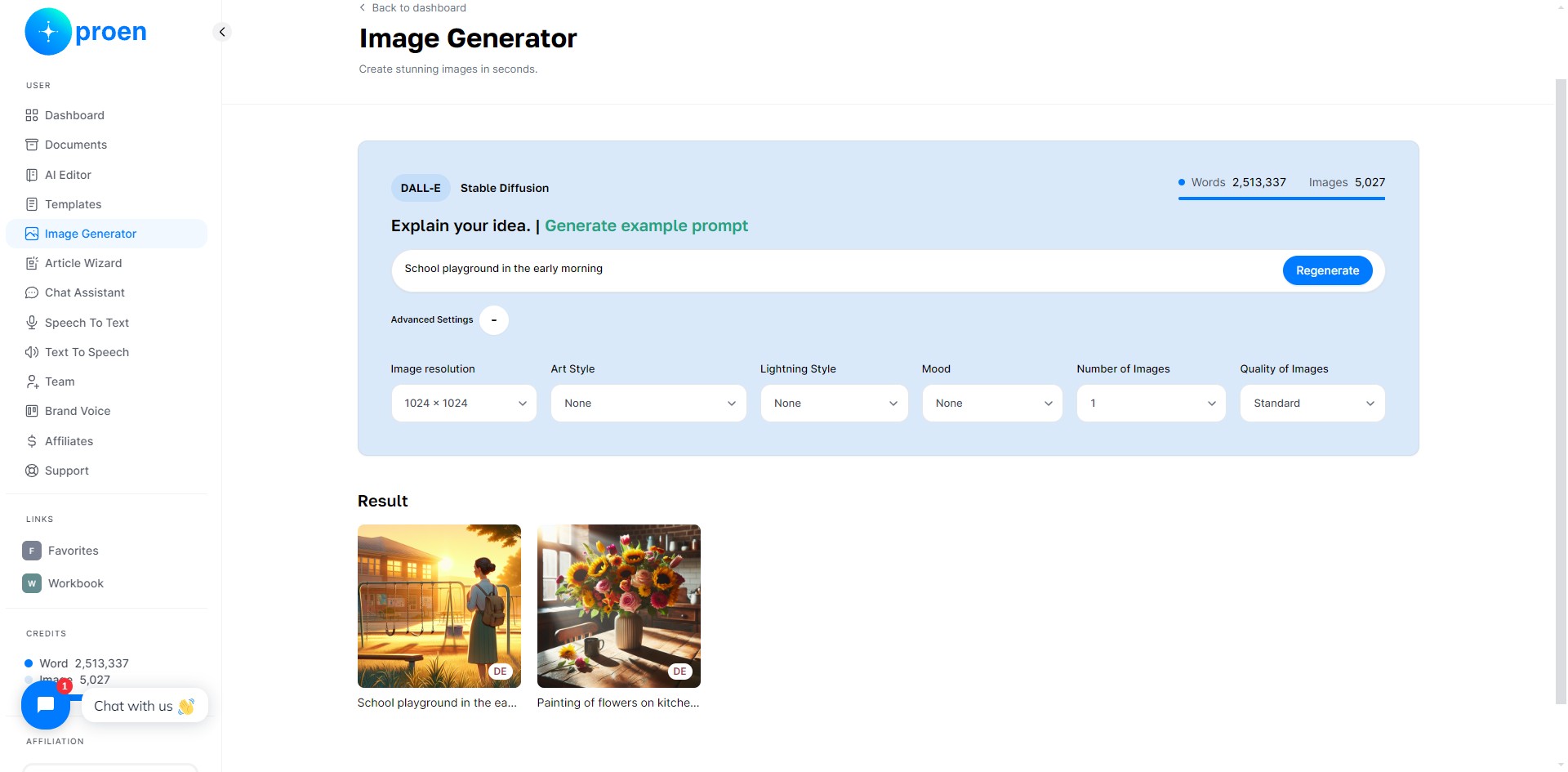
You will find the latest generated image as the first image under "Result"
8
Done 🚀