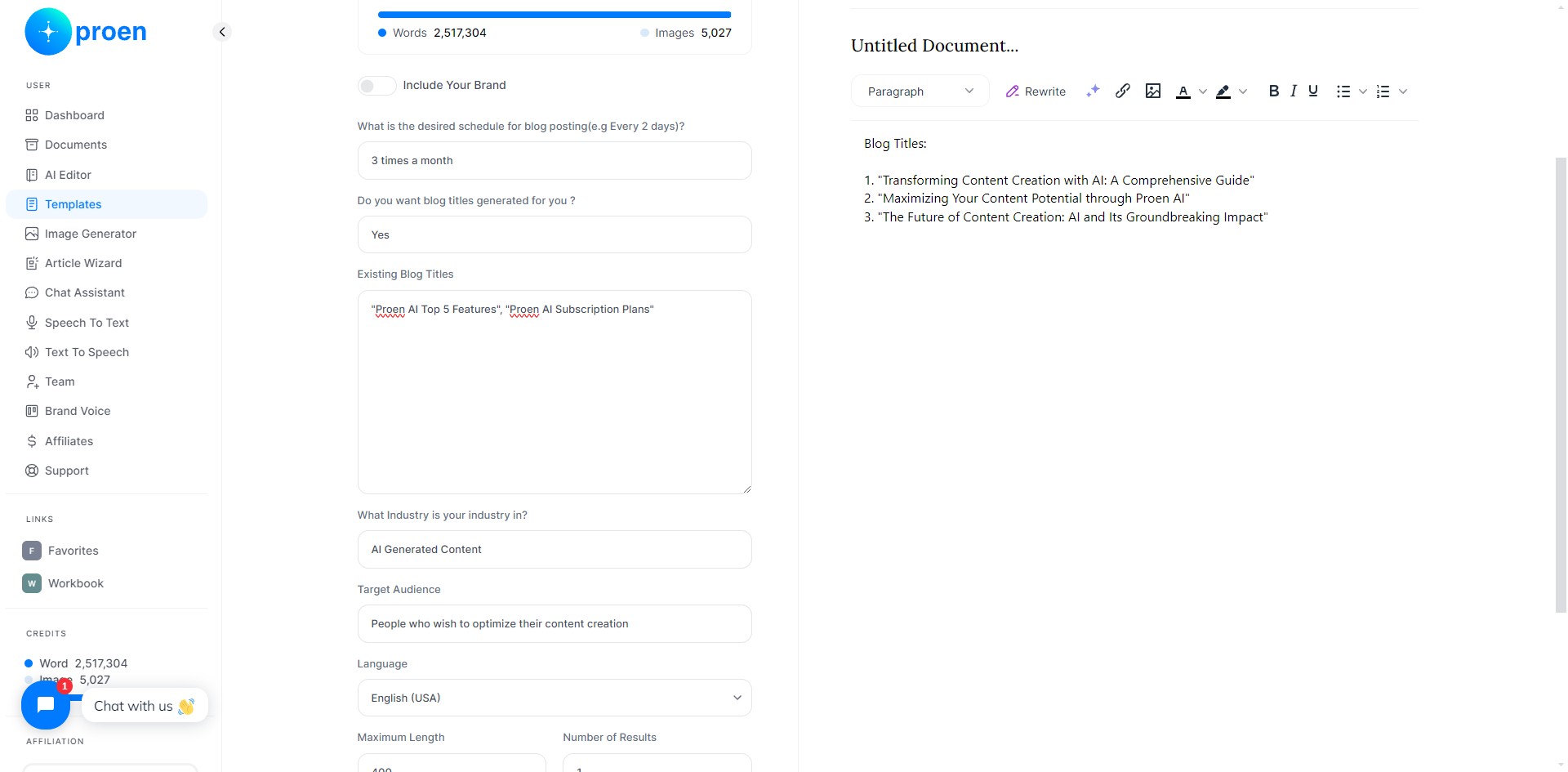
Proen AI | Blog Calendar
Schedule your blogging content with an organized calendar.
Apr 29, 2024●
1
Click on "Templates"
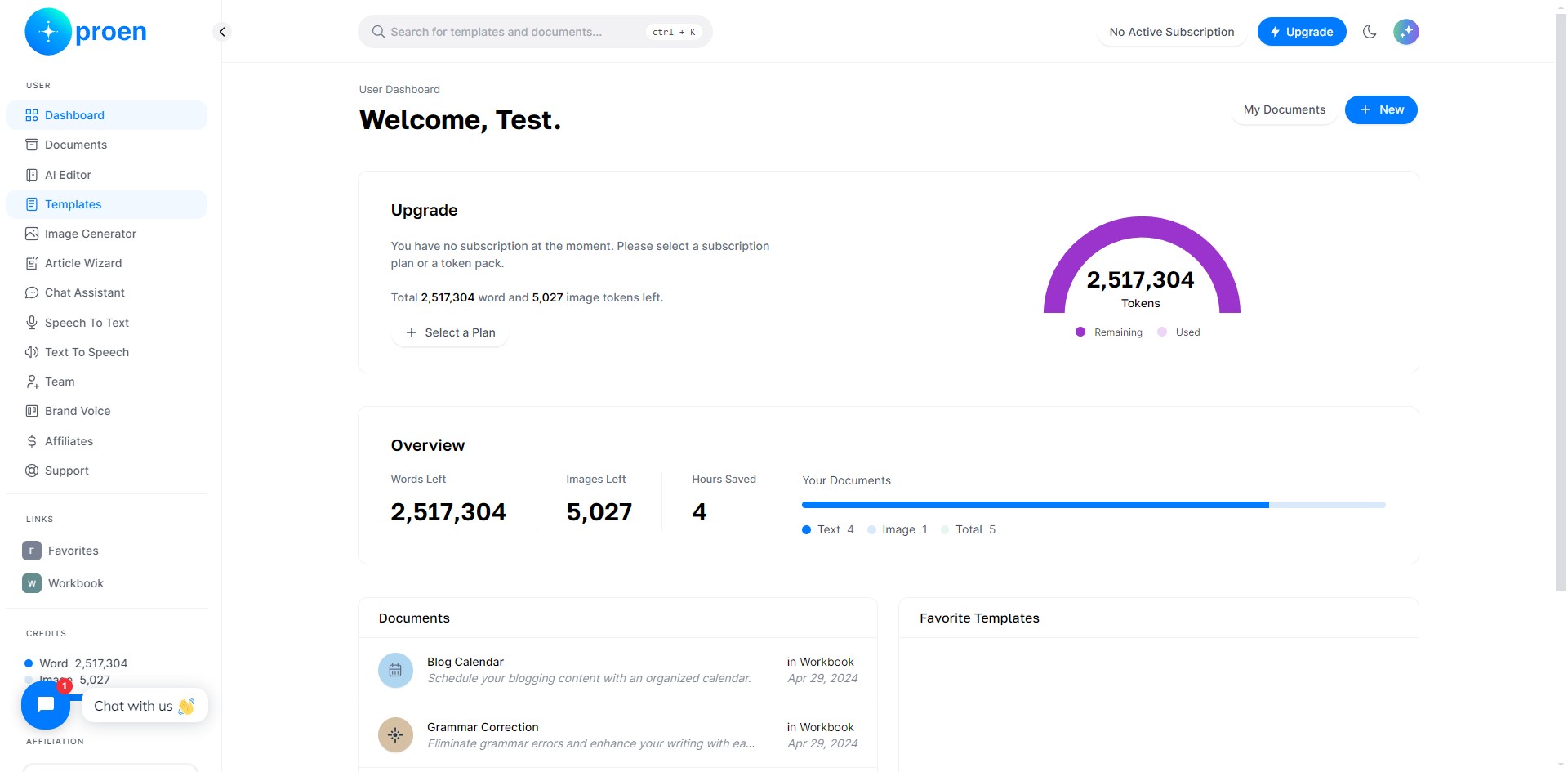
2
Click on "Blog"
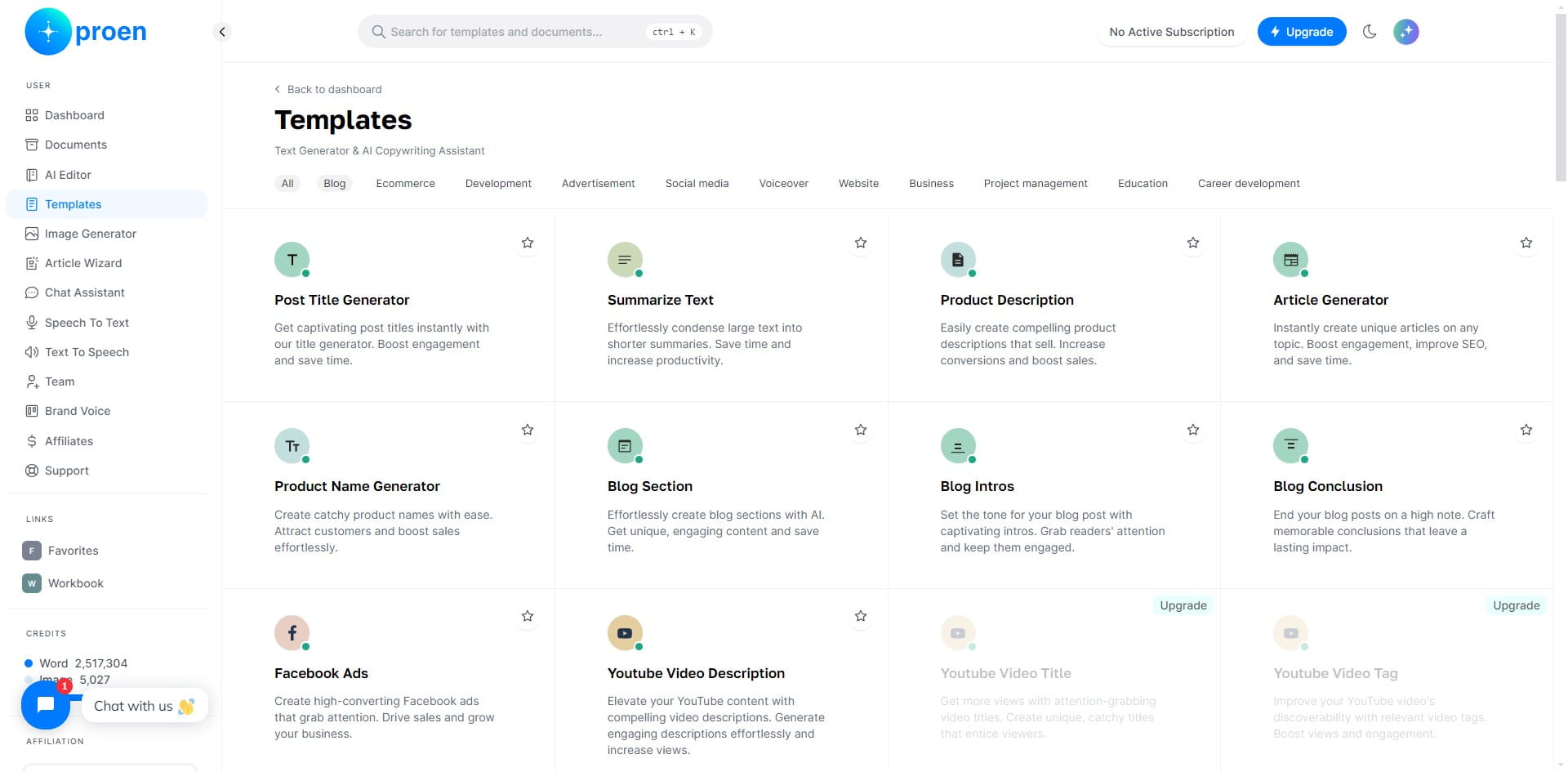
3
Click on "Blog Calendar"
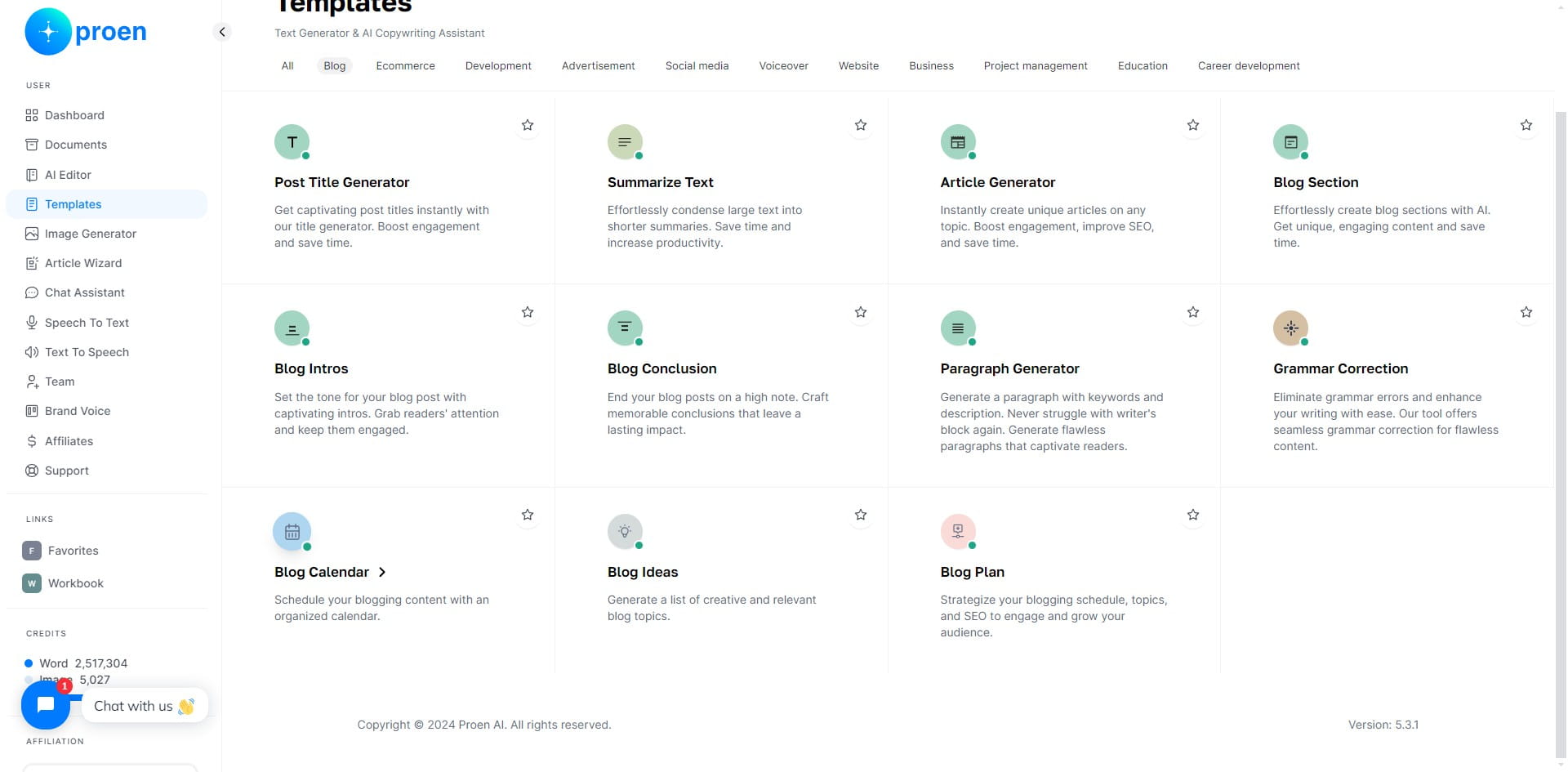
4
Optional: toggle ON "Include Your Brand"
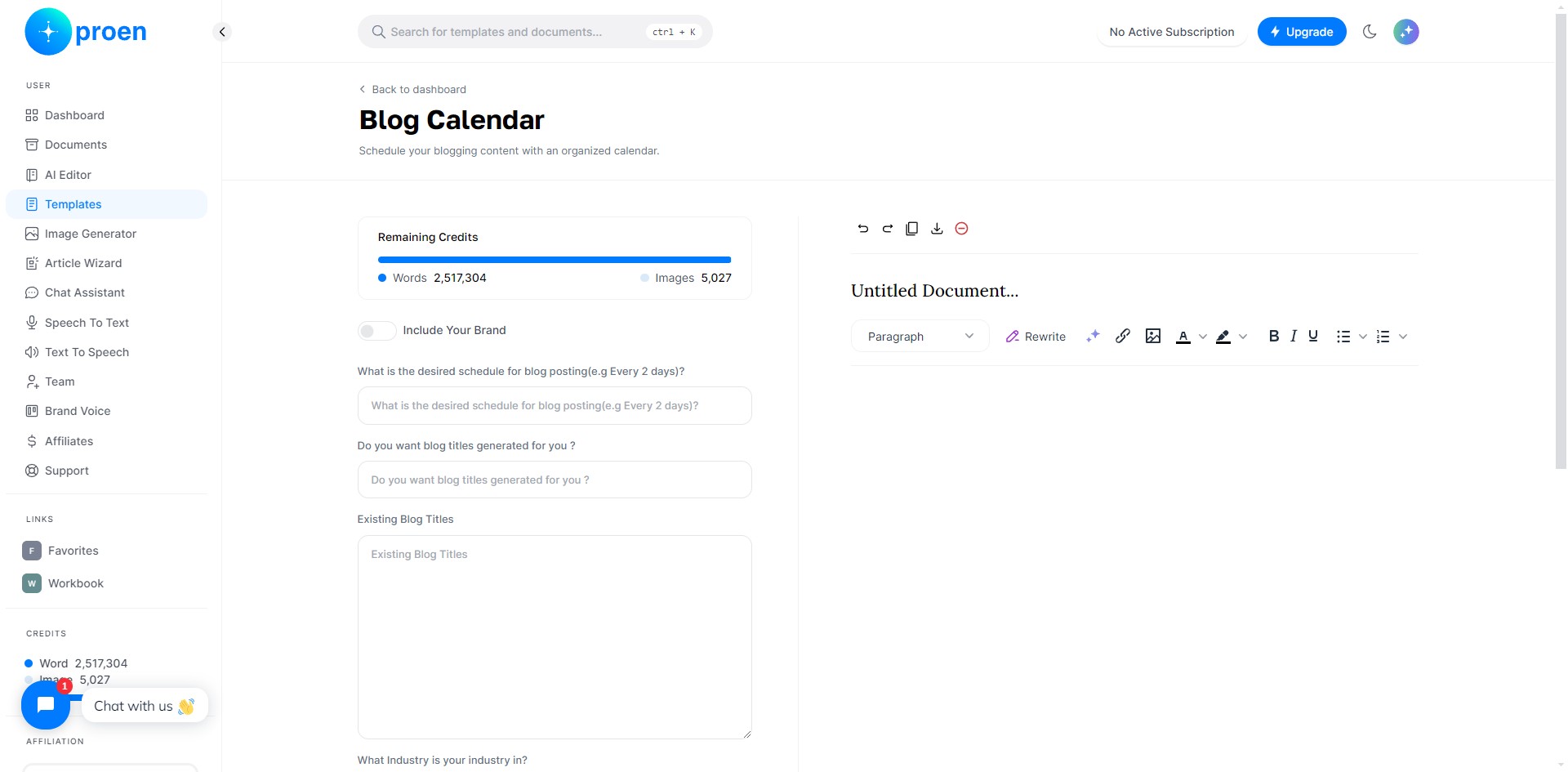
5
Enter the frequency you wish to post on your blog
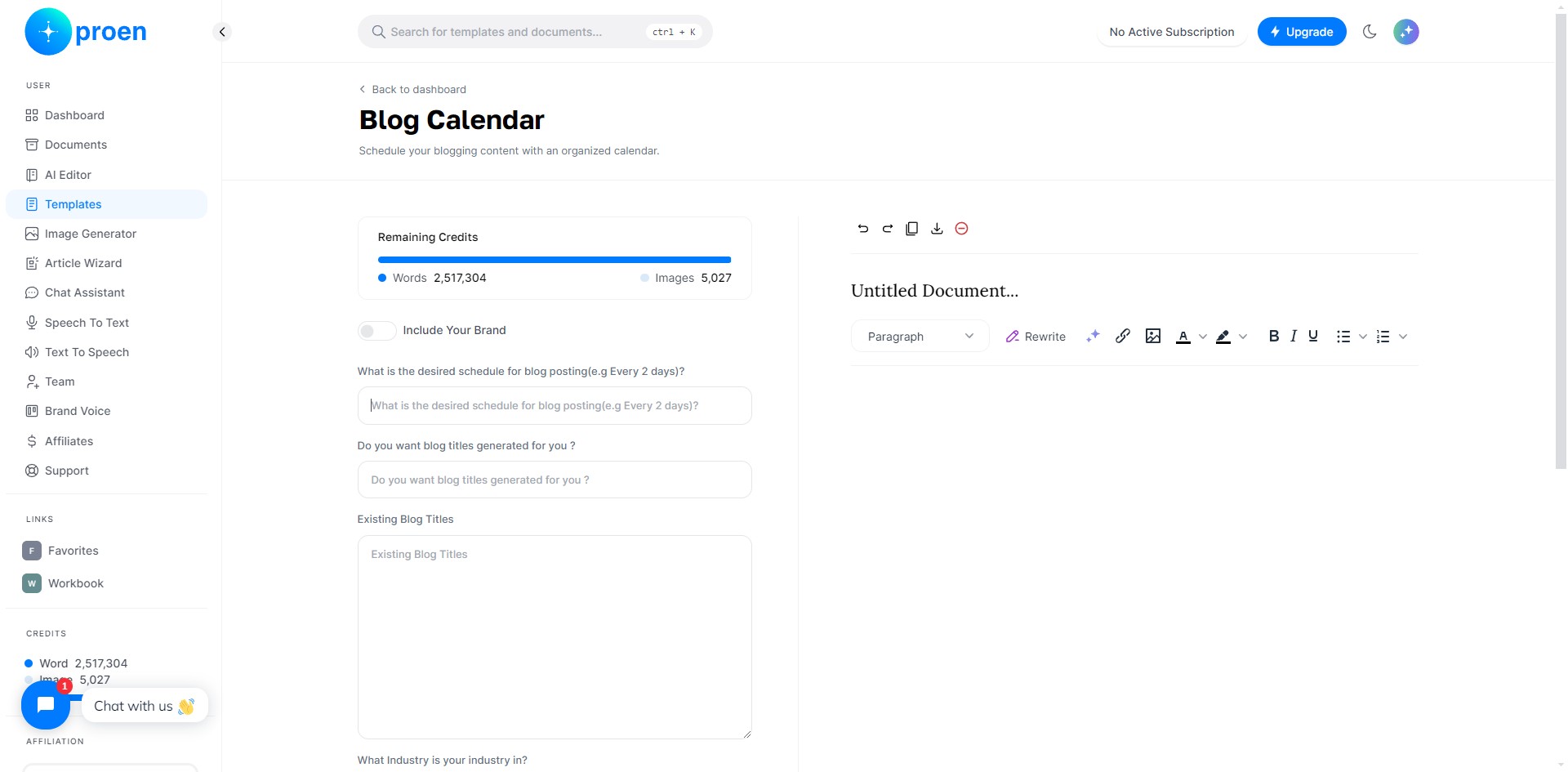
6
Type in "Yes" or "No" for the question: "Do you want the blog titles generated for you?"
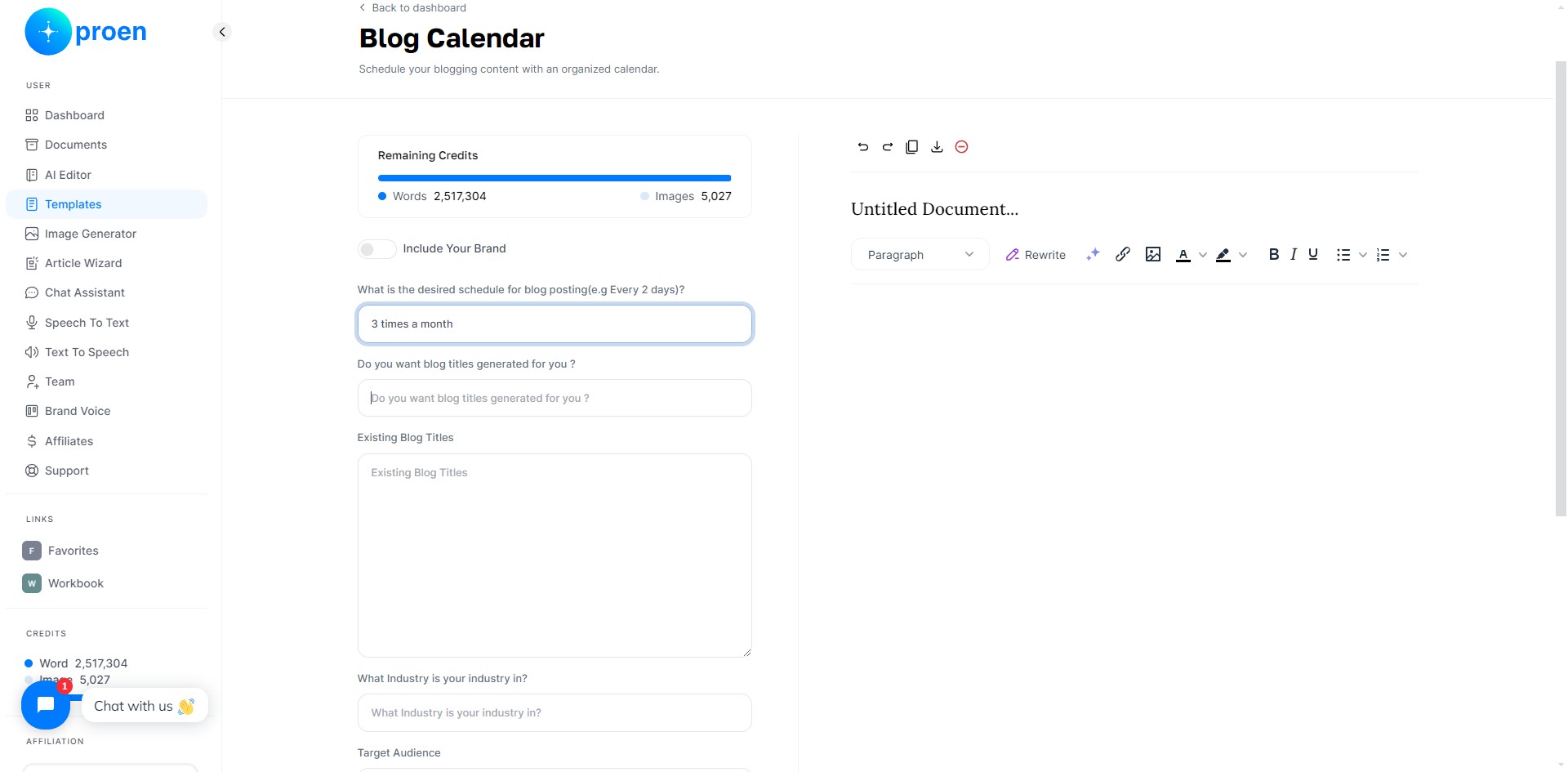
7
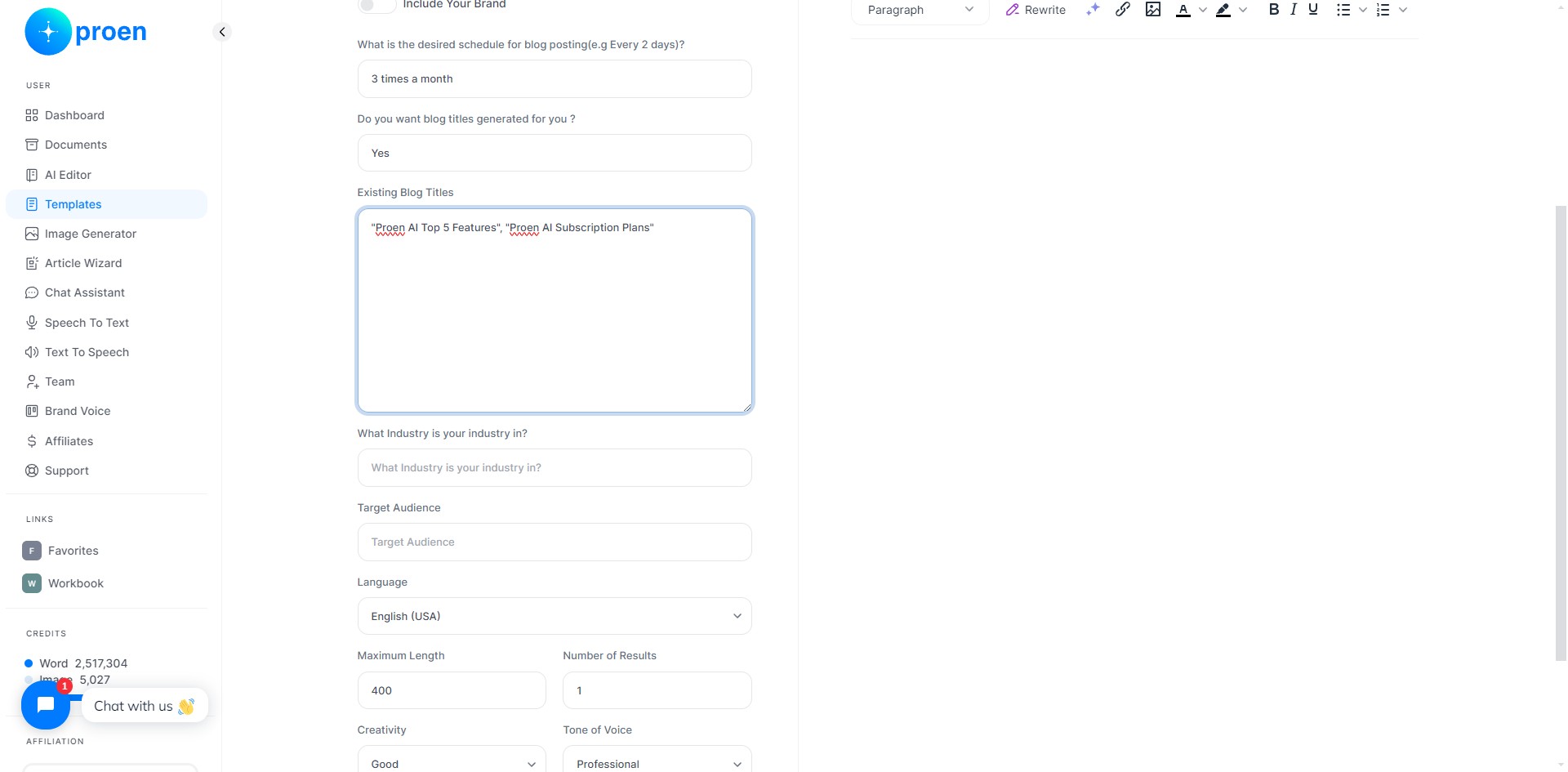
Enter any existing blog titles you may have and want to include in your blog calendar, separate them with commas
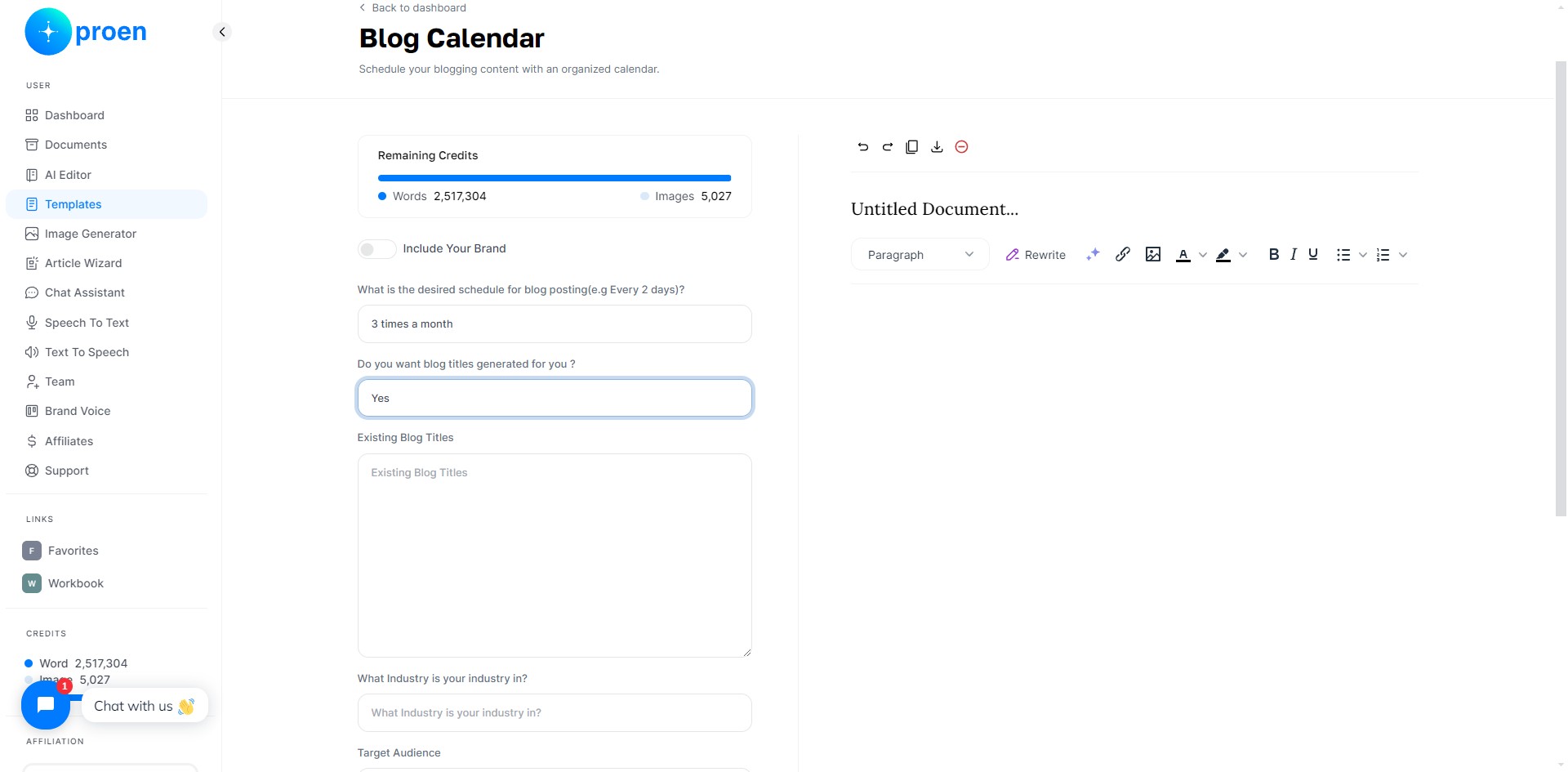
8
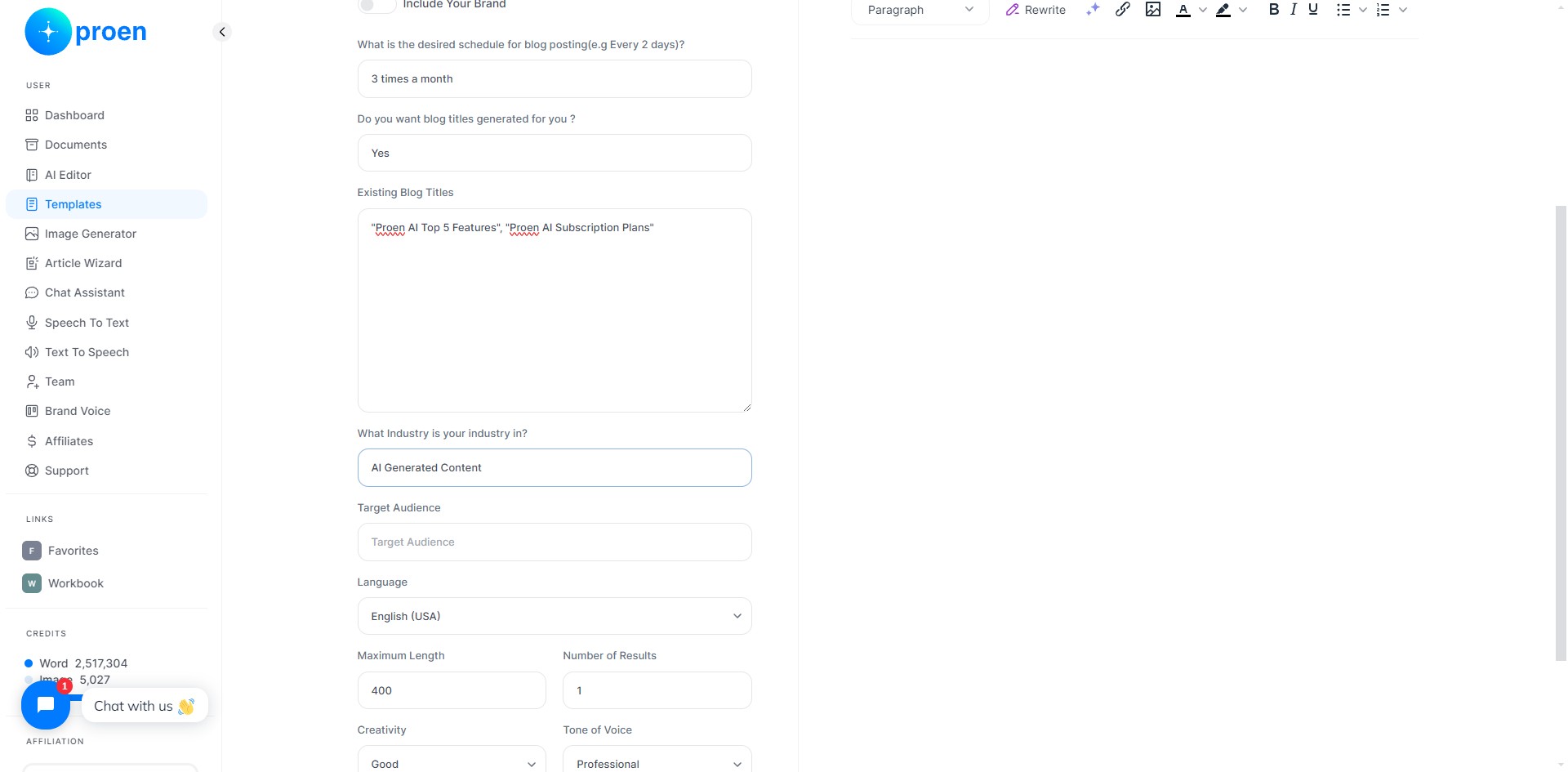
Enter the industry your blog is based in
9
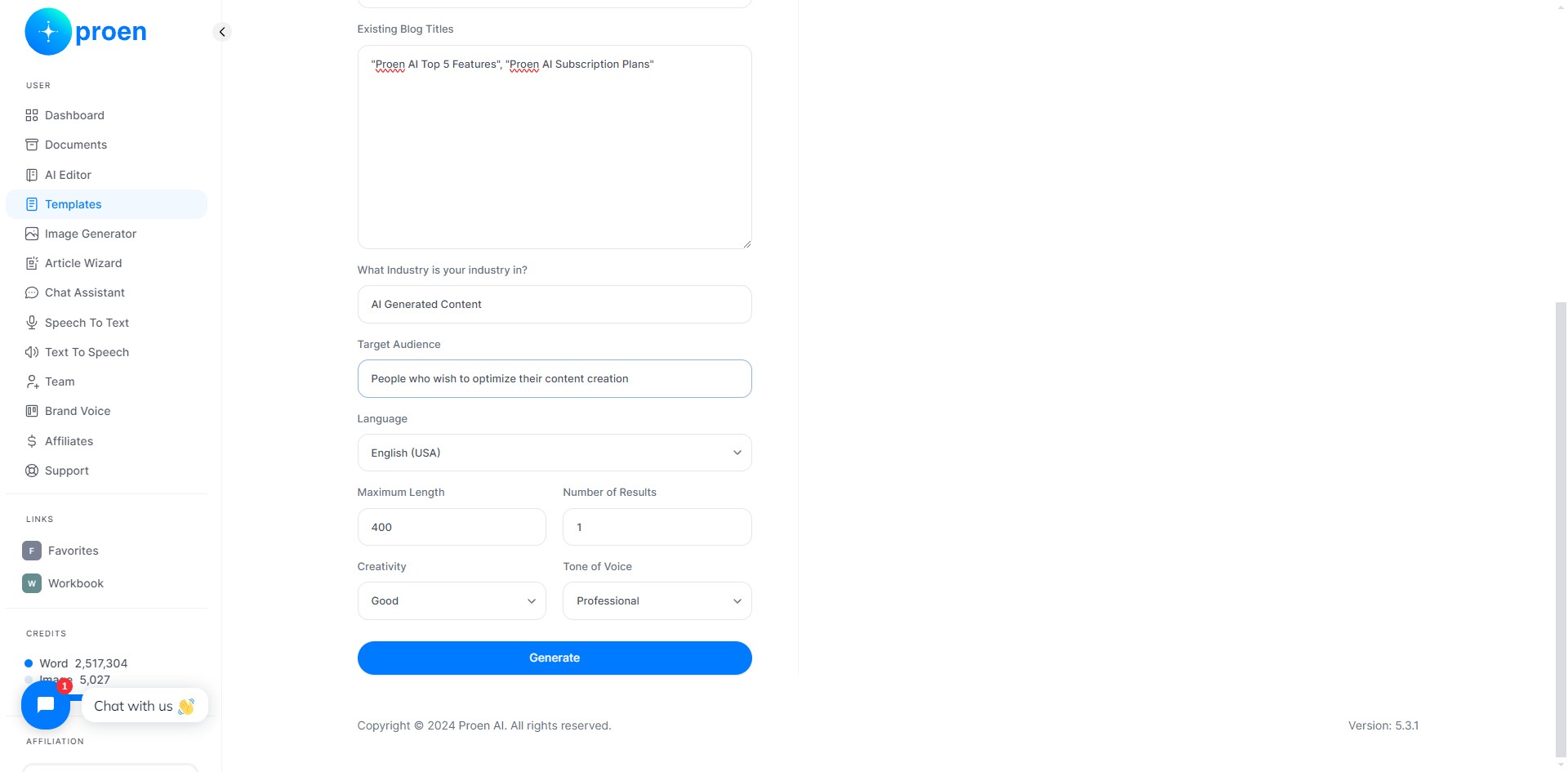
Enter your blog's target audience
10
Optional: curate the content that will be generated
11
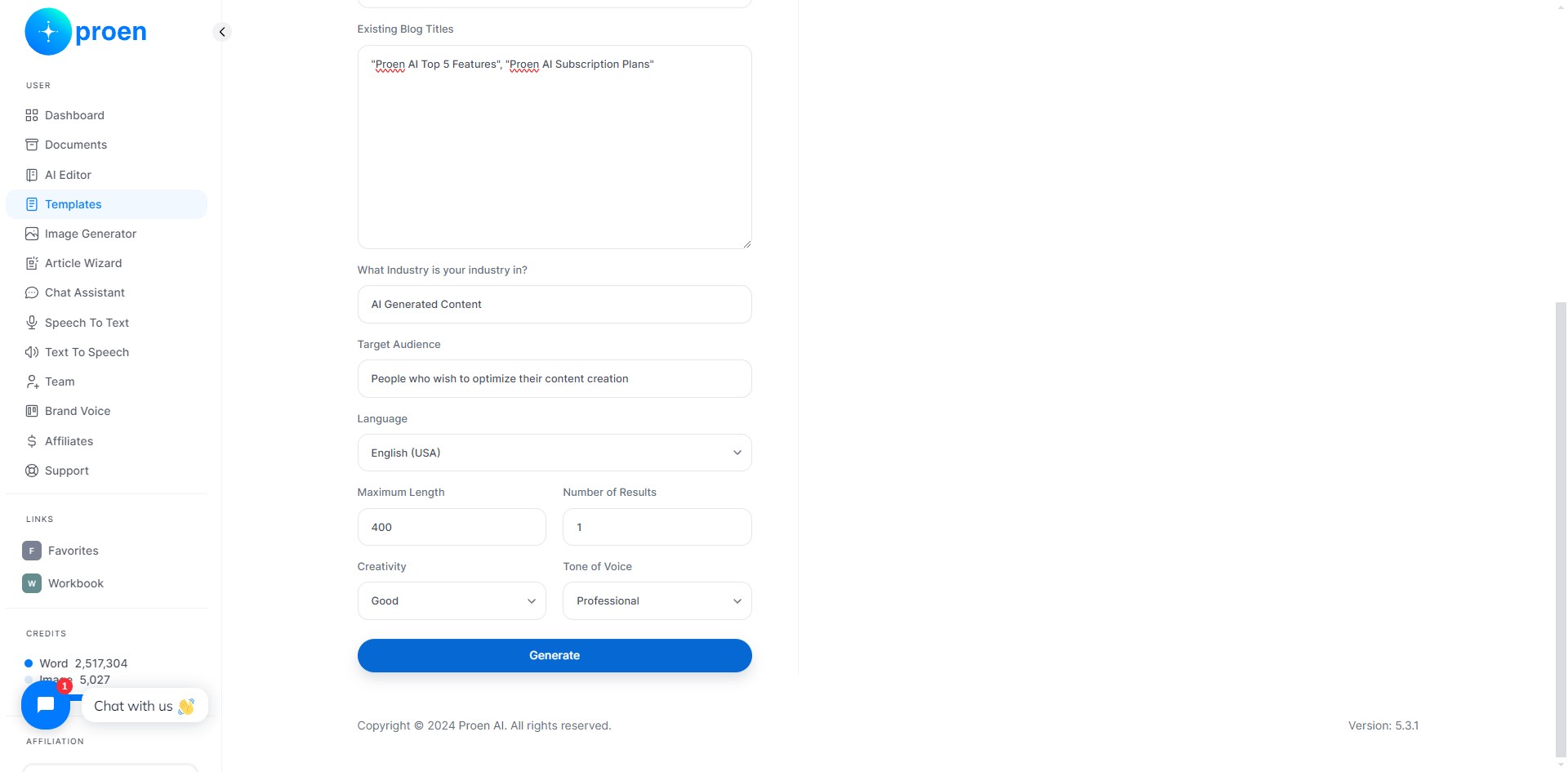
Click on "Generate"
12
Done 🚀