Proen AI | Managing Your Brand Voices
A guide on how to access brand voice settings and how to define and customize brand voice parameters. The Brand Voice features allows Proen AI to generate curated content based on your brand.
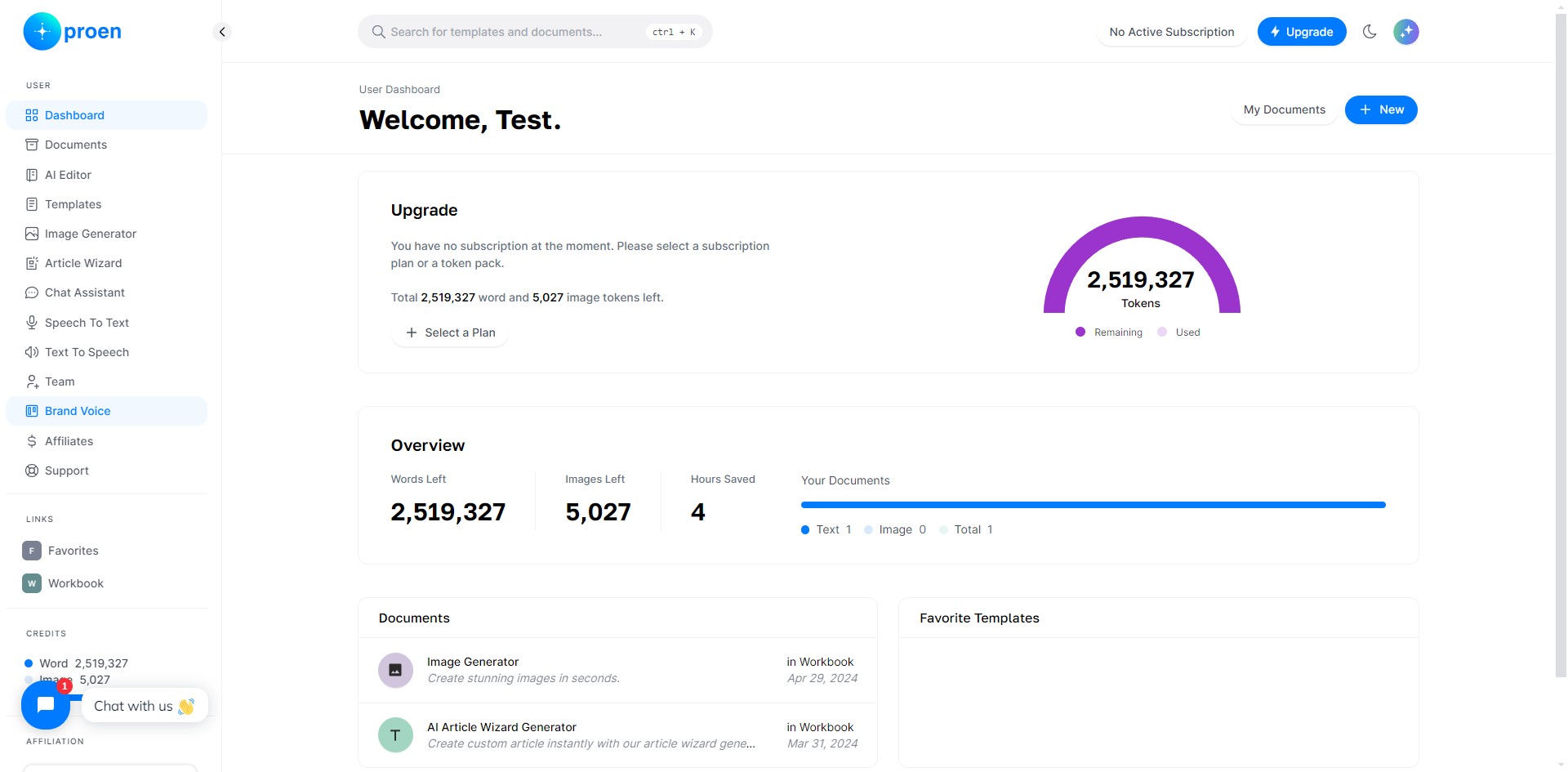
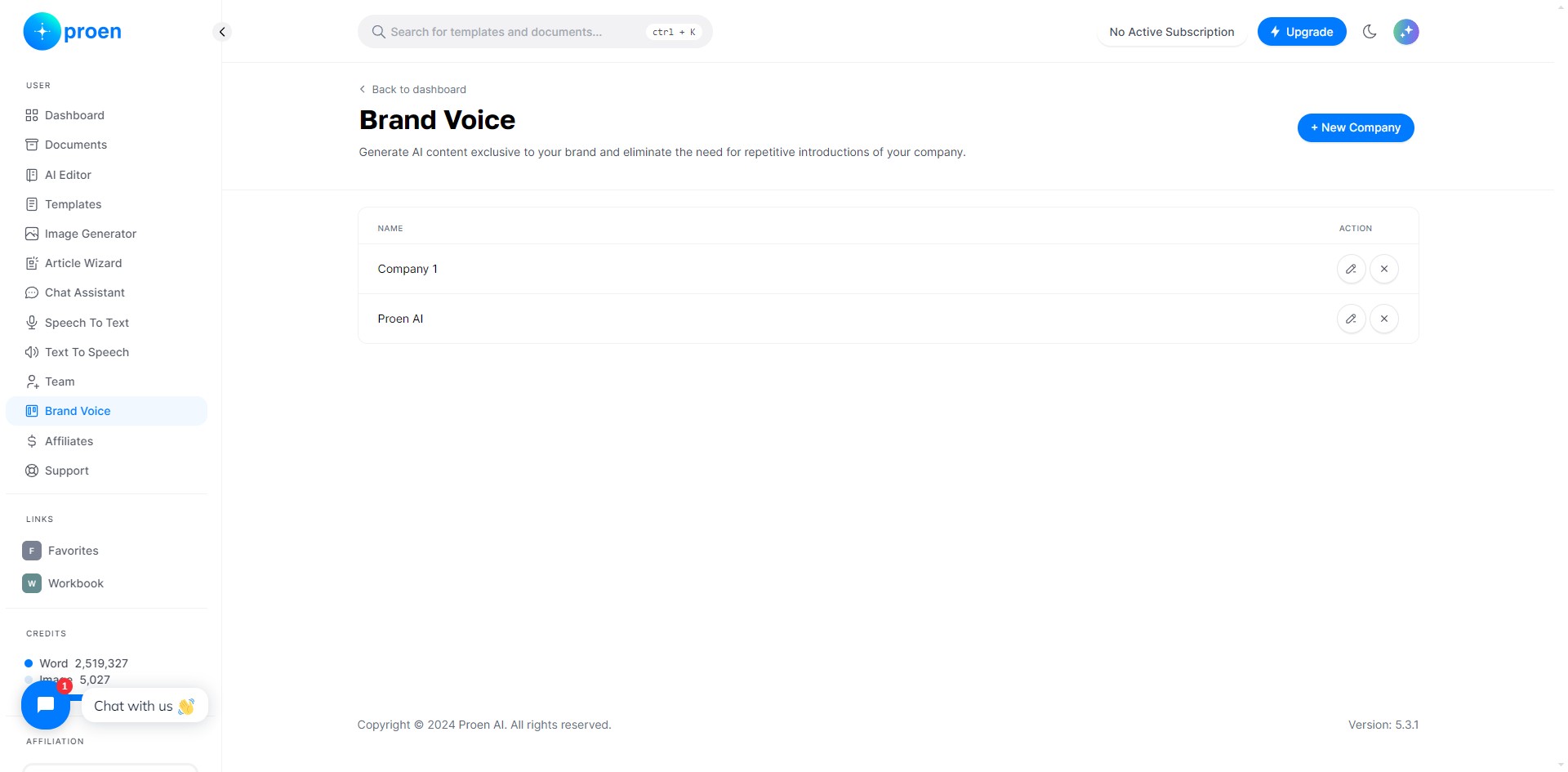
Click on "Brand Voice"
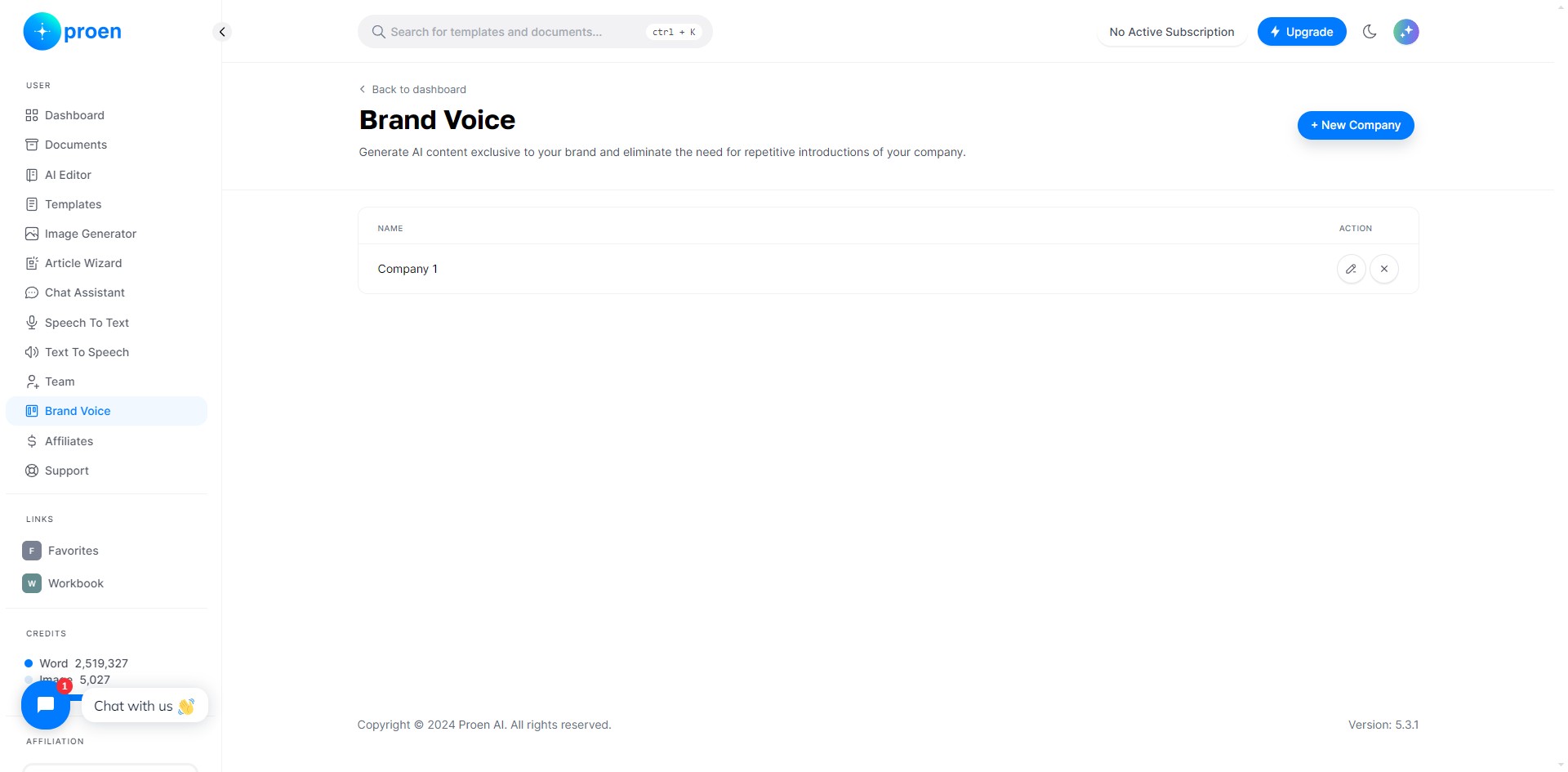
Create a Brand Voice for Your Company
Click on "+ New Company"
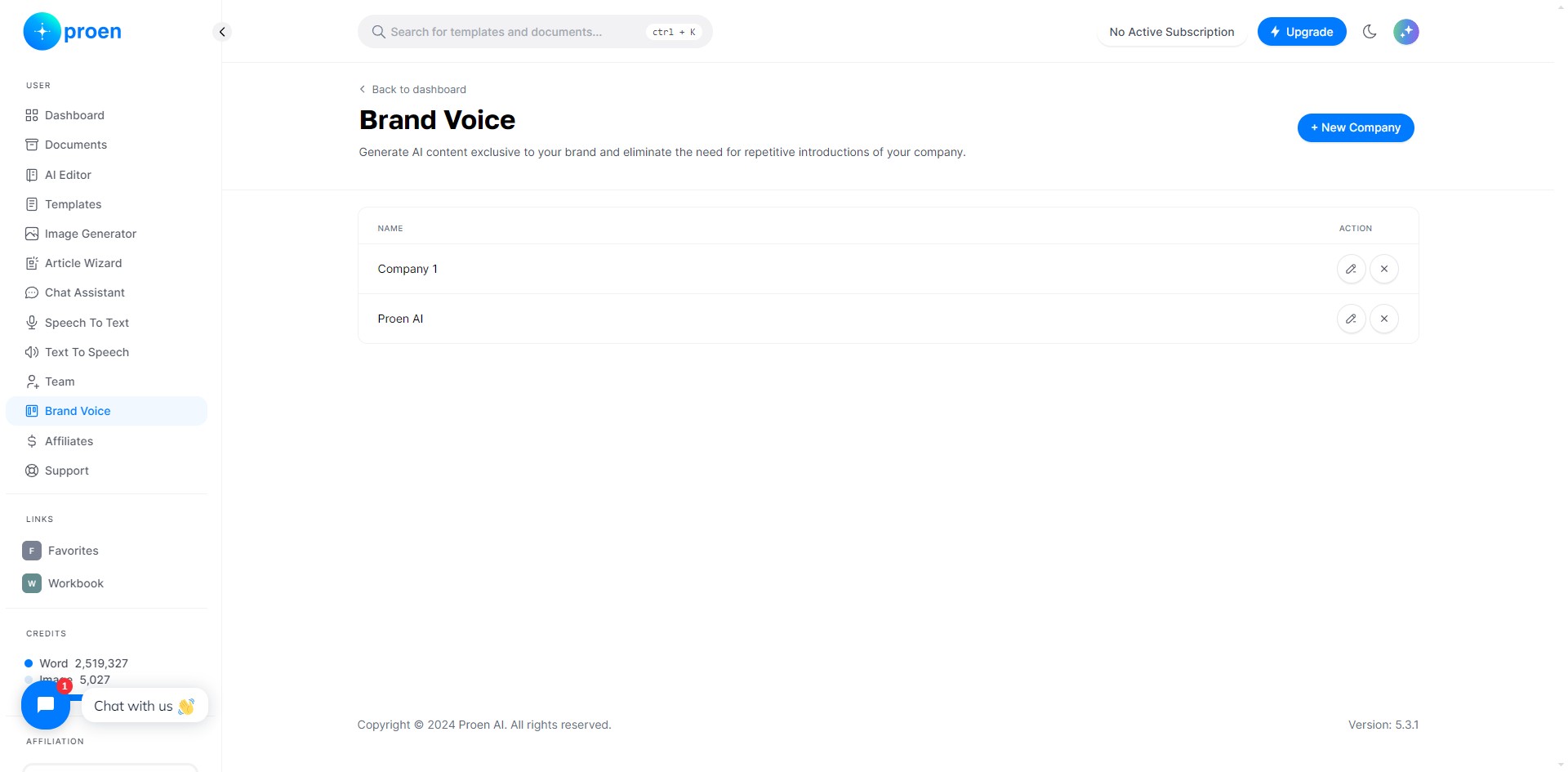
Click on "Manage Voices" at any time if you wish to return to your list of brand voices
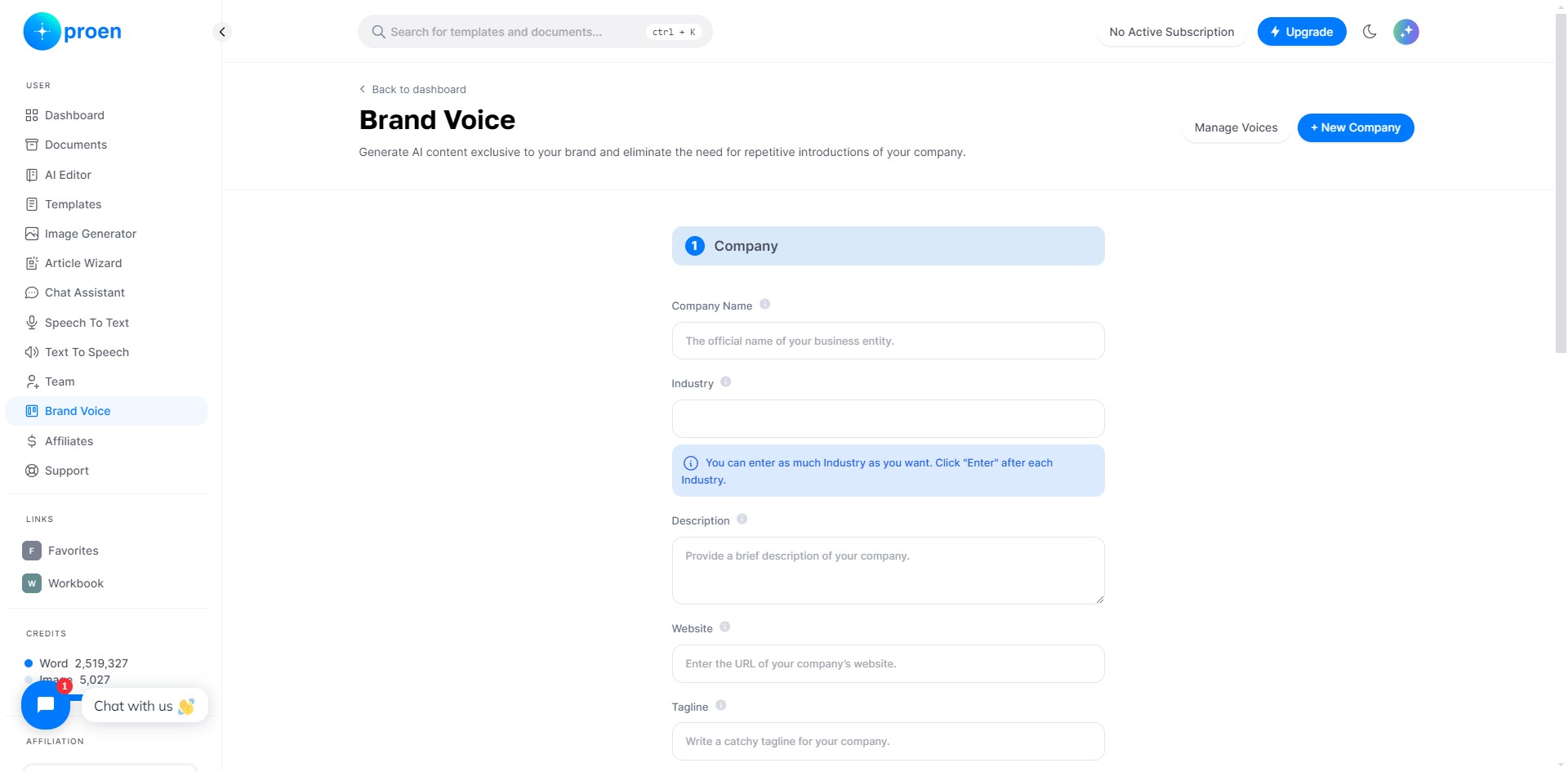
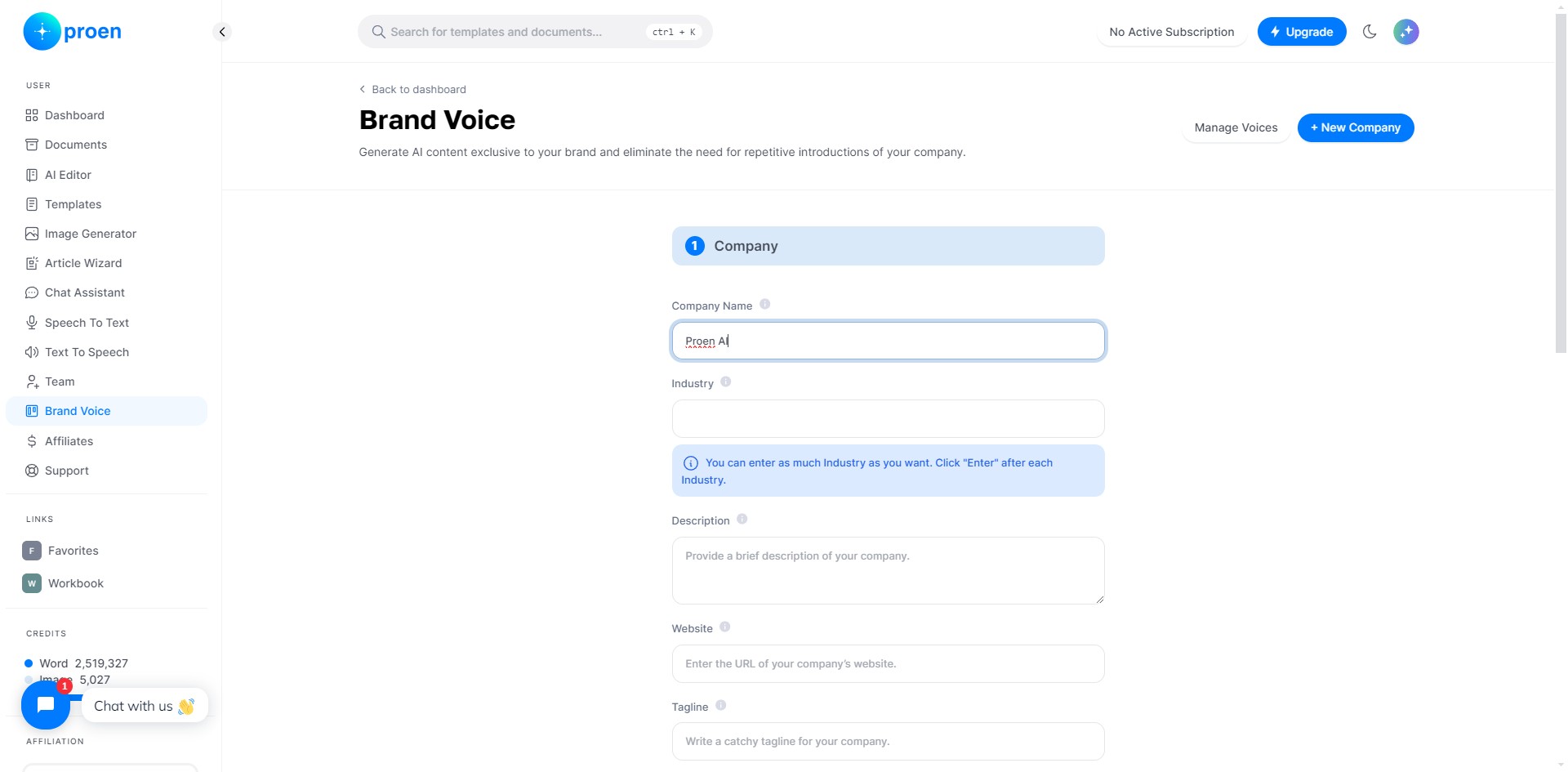
Enter the name of the organization/company you wish to create a brand voice for
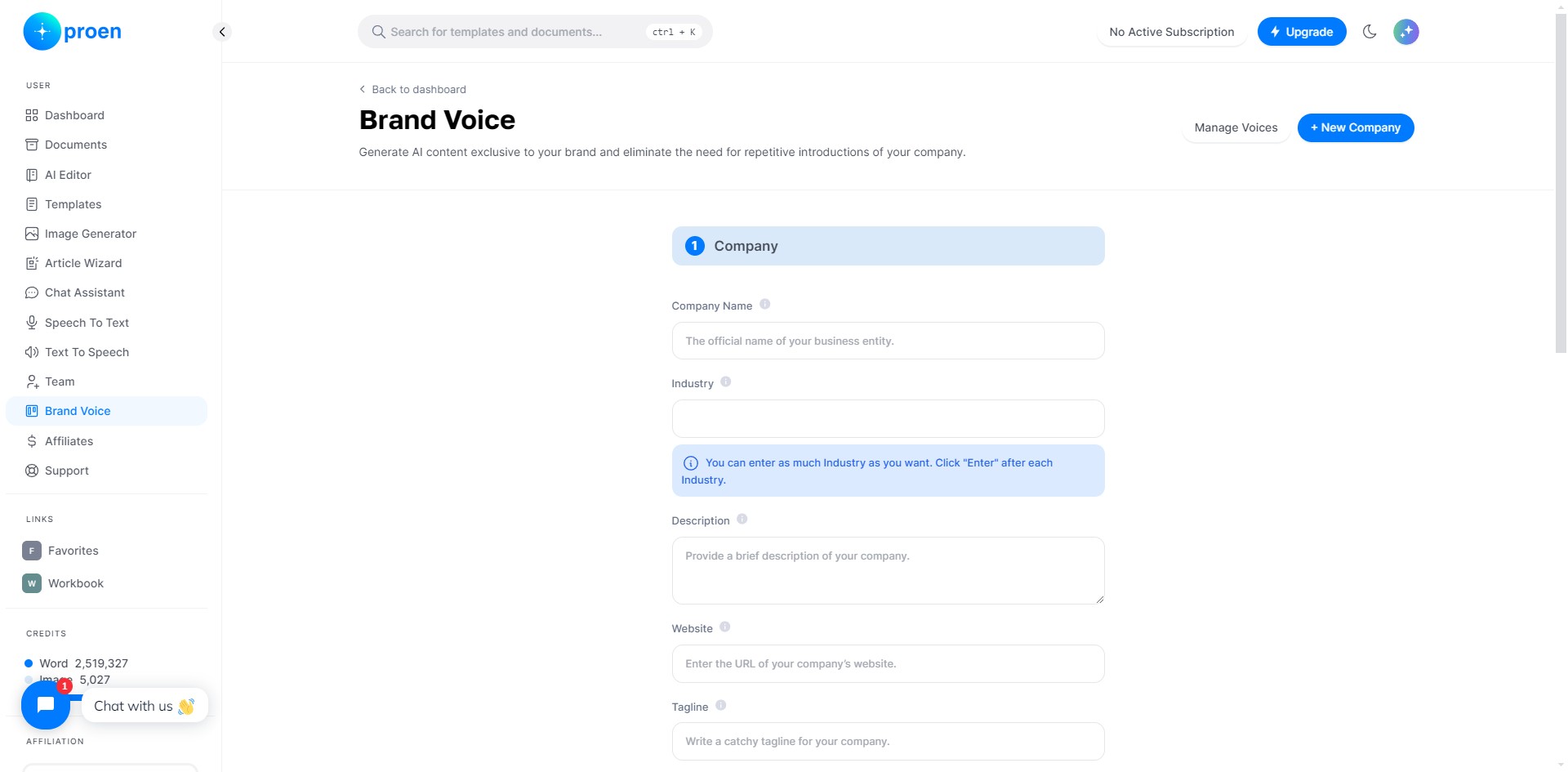
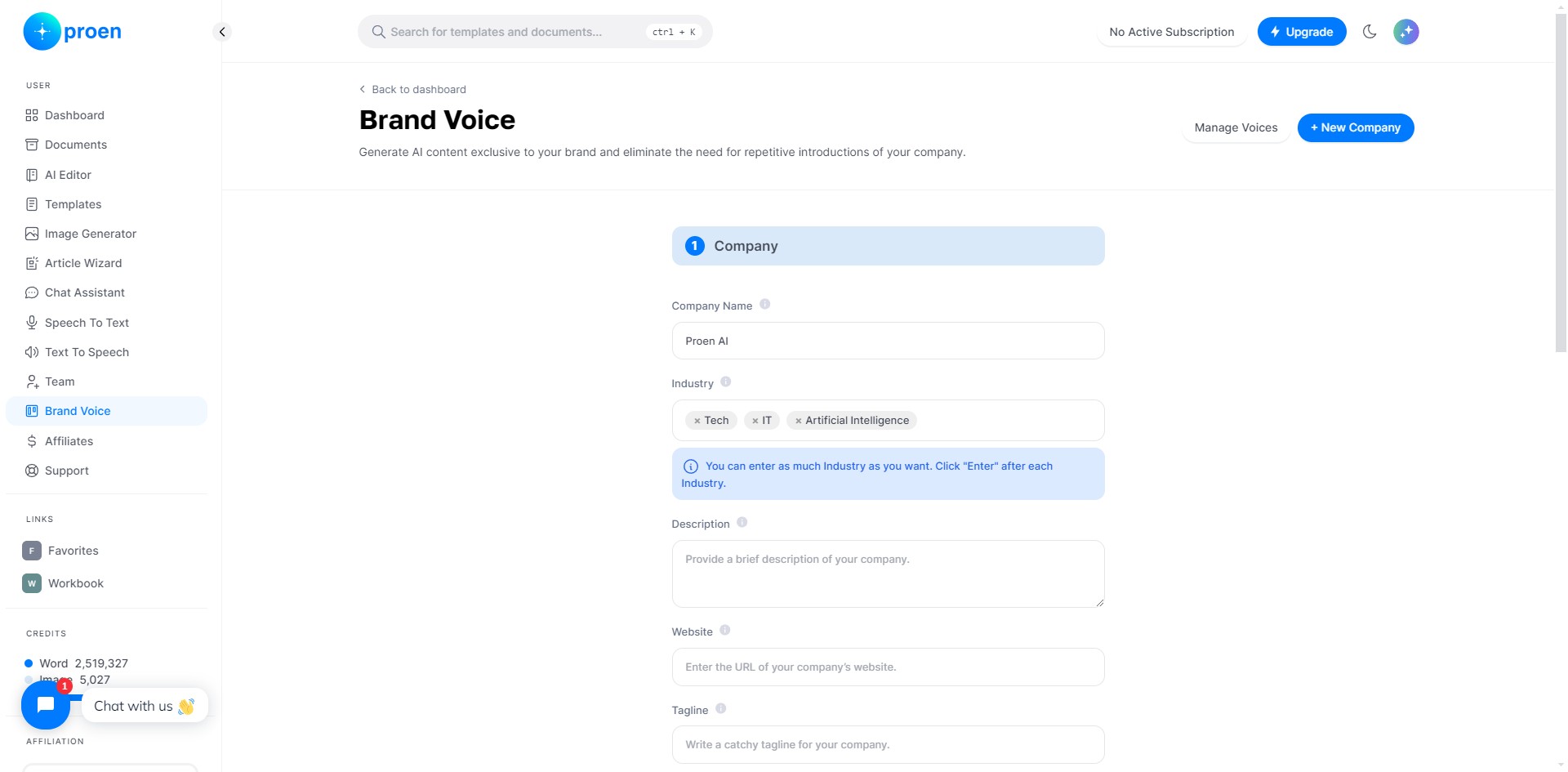
Enter the industry, or industries, the organization belongs in
Enter a short description of your organization
If applicable, enter the website of your organization
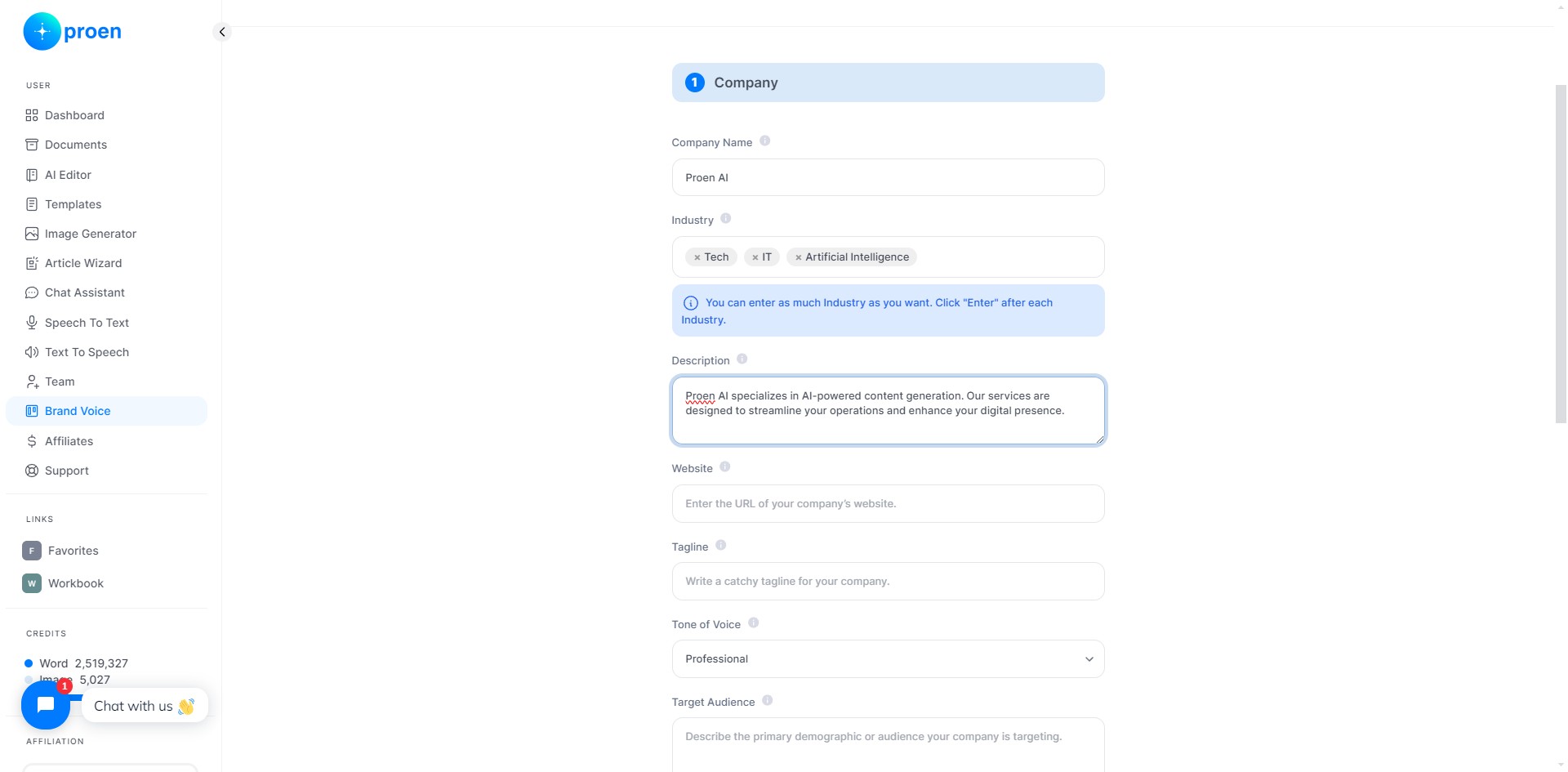
Enter the tagline of your organization
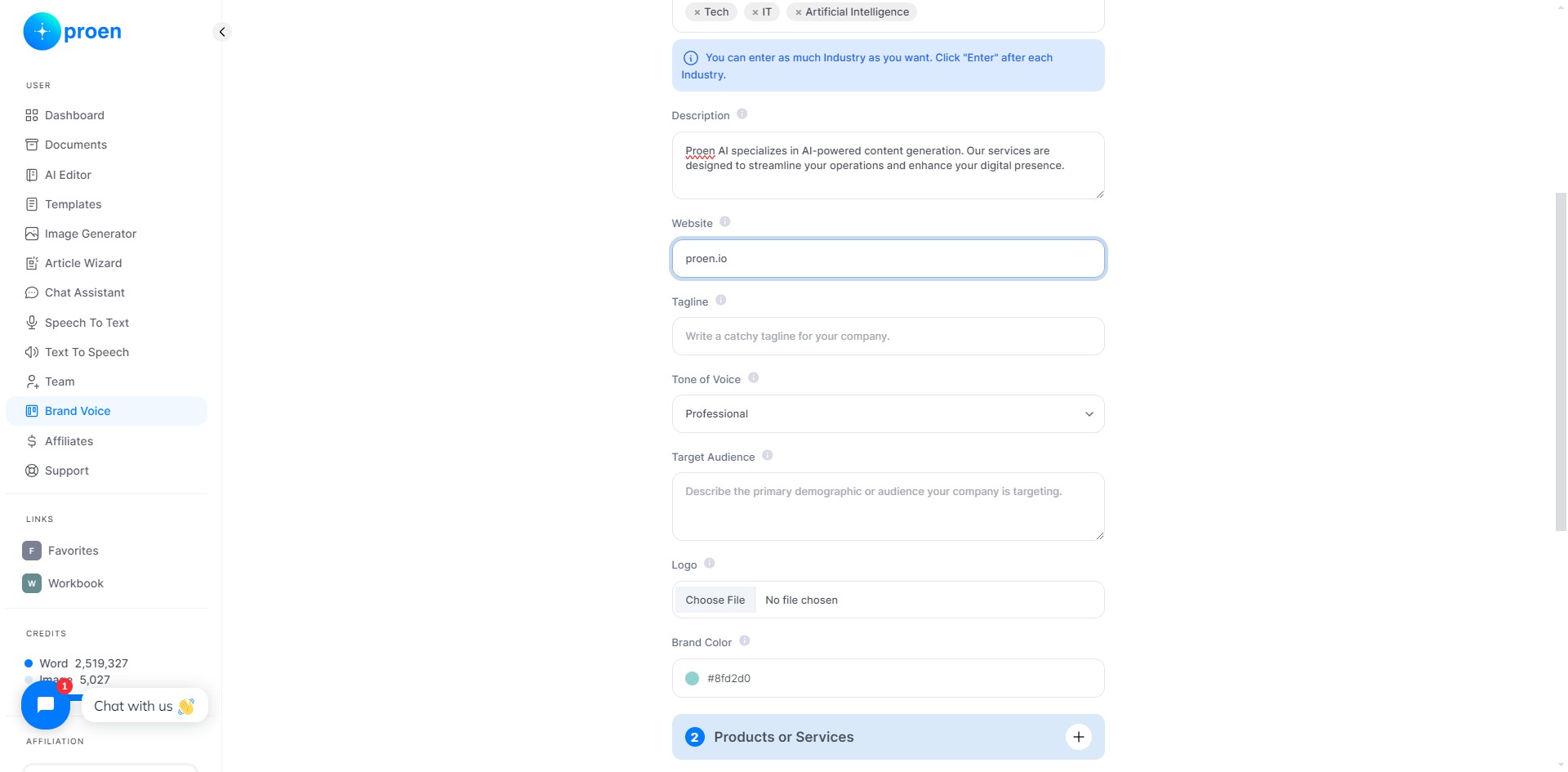
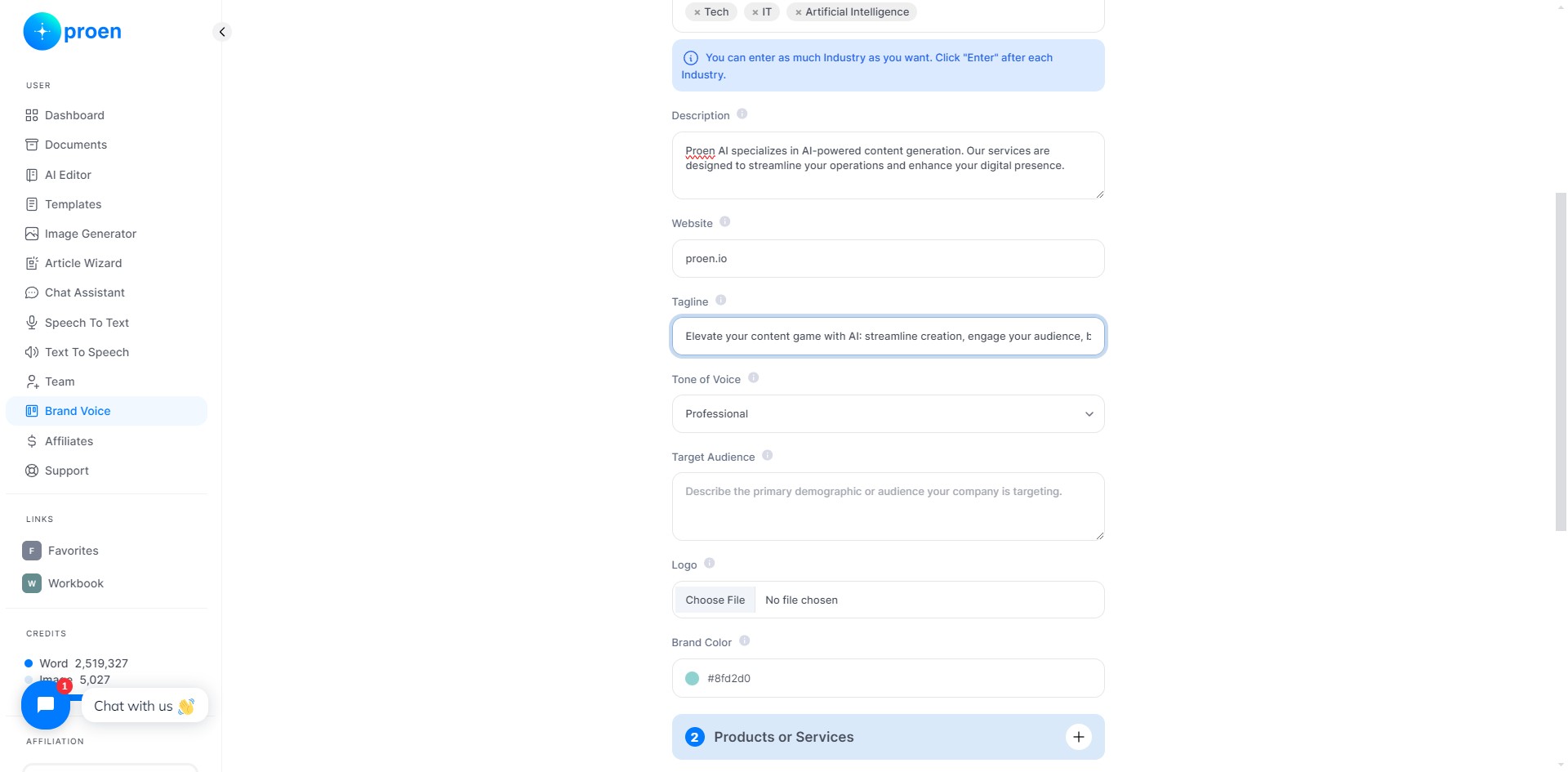
Select the tone of voice you want this brand voice to have
Give a brief description of the target audience of your organization
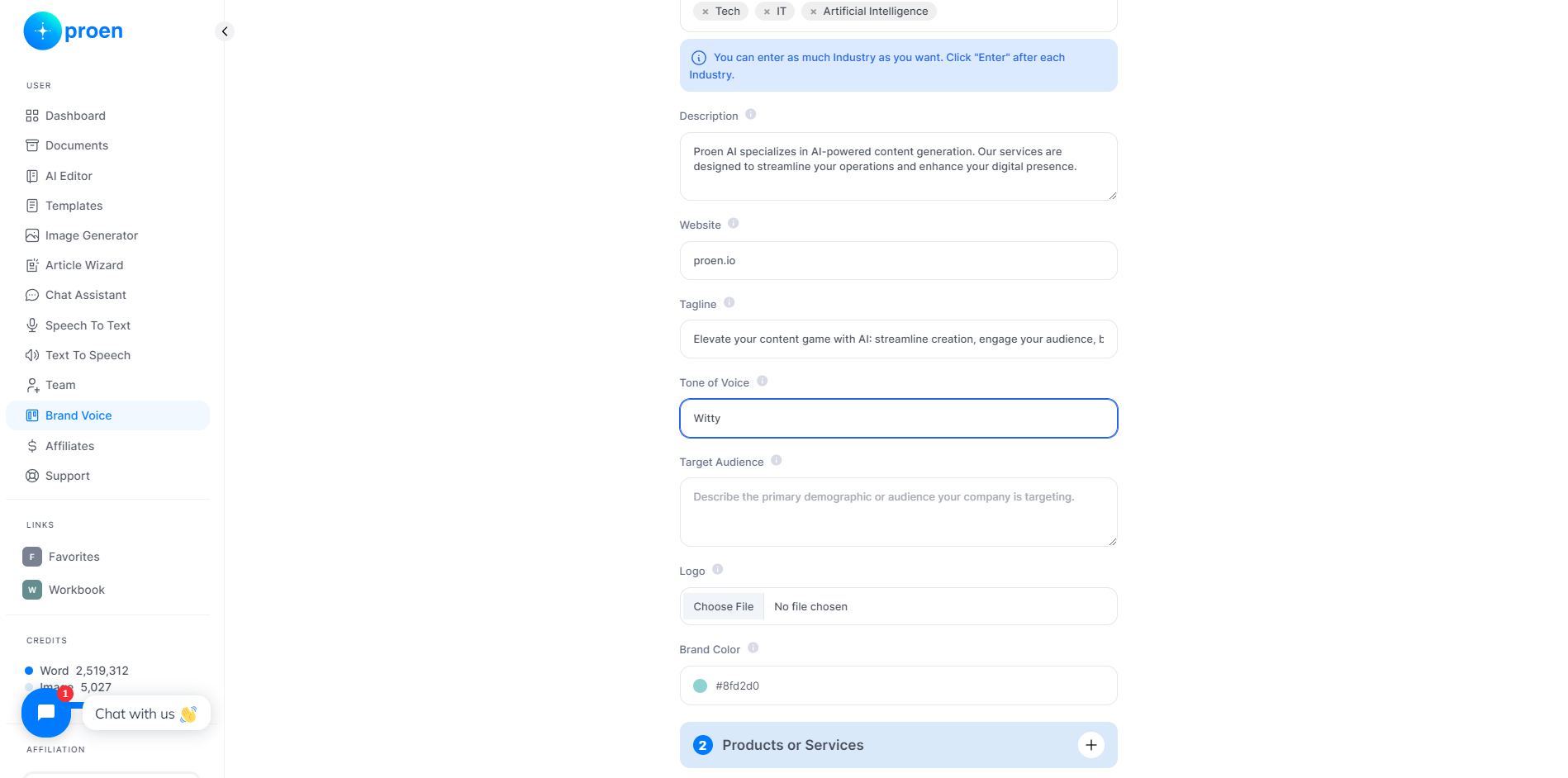
Upload a high-resolution file of your organization's logo in one of the following accepted formats: JPEG, PNG, or SVG
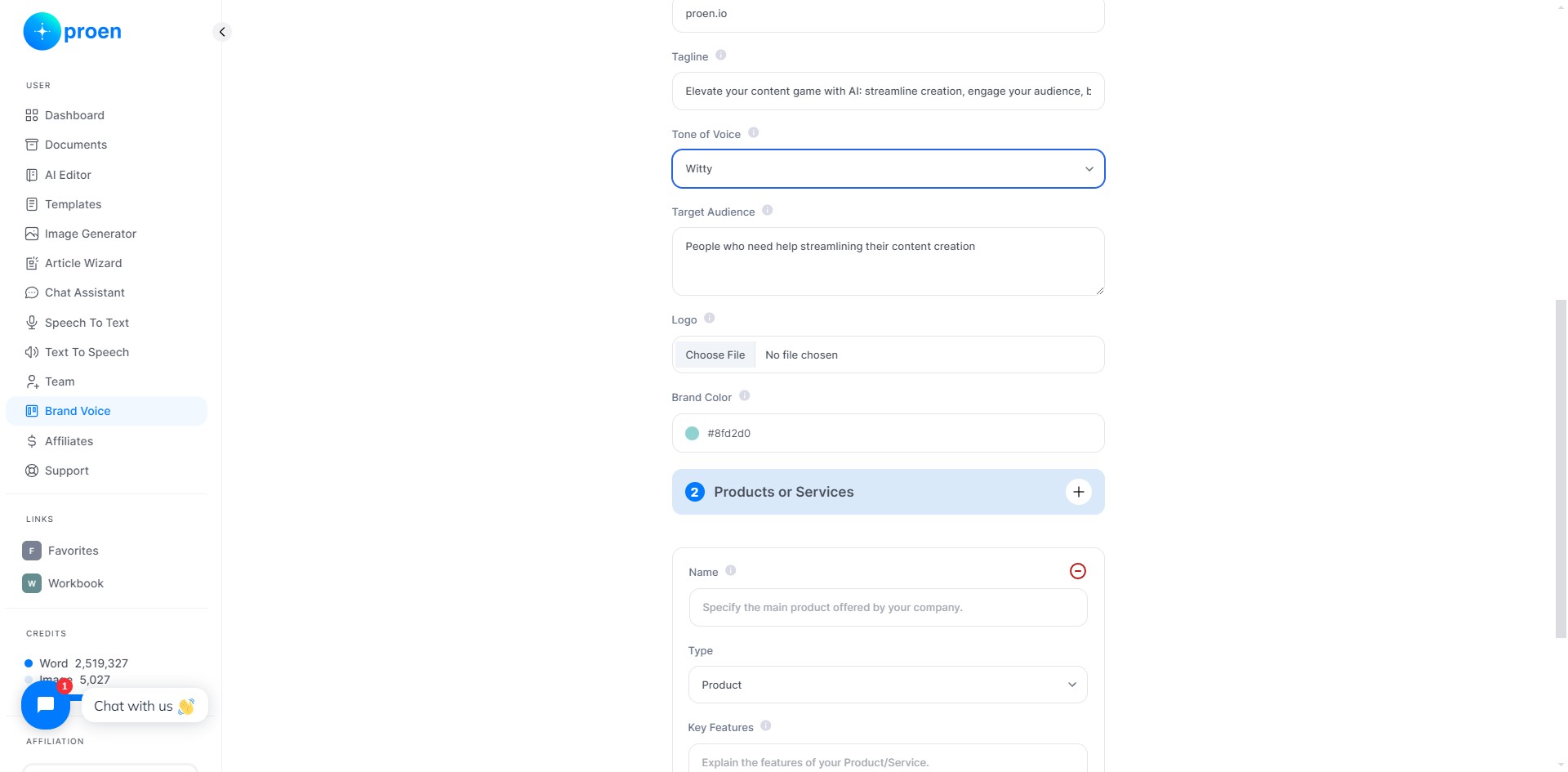
Provide the main brand color of your organization in HEX format
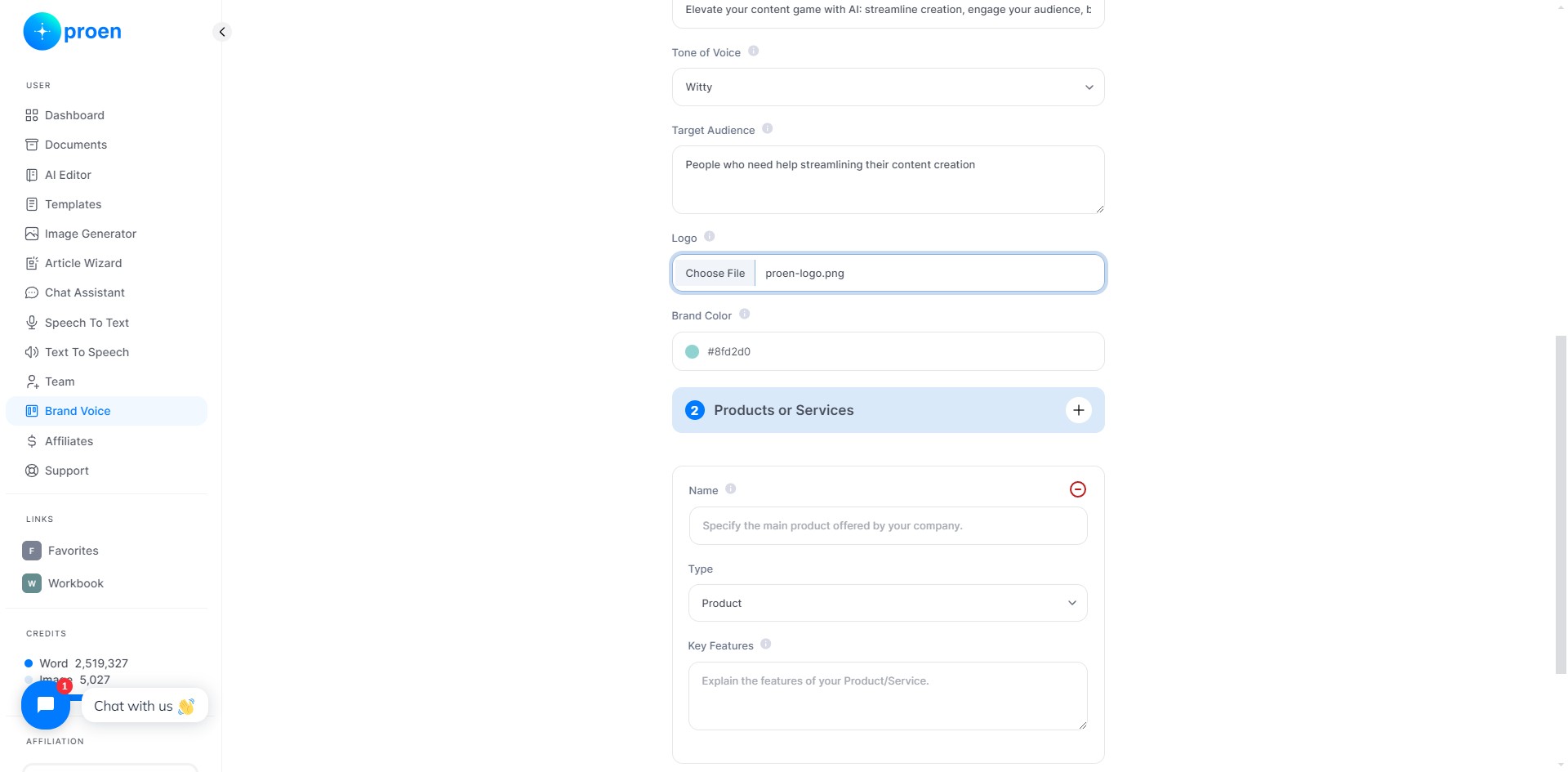
Add a Product/Service to Your Brand
Enter the name of your product or service
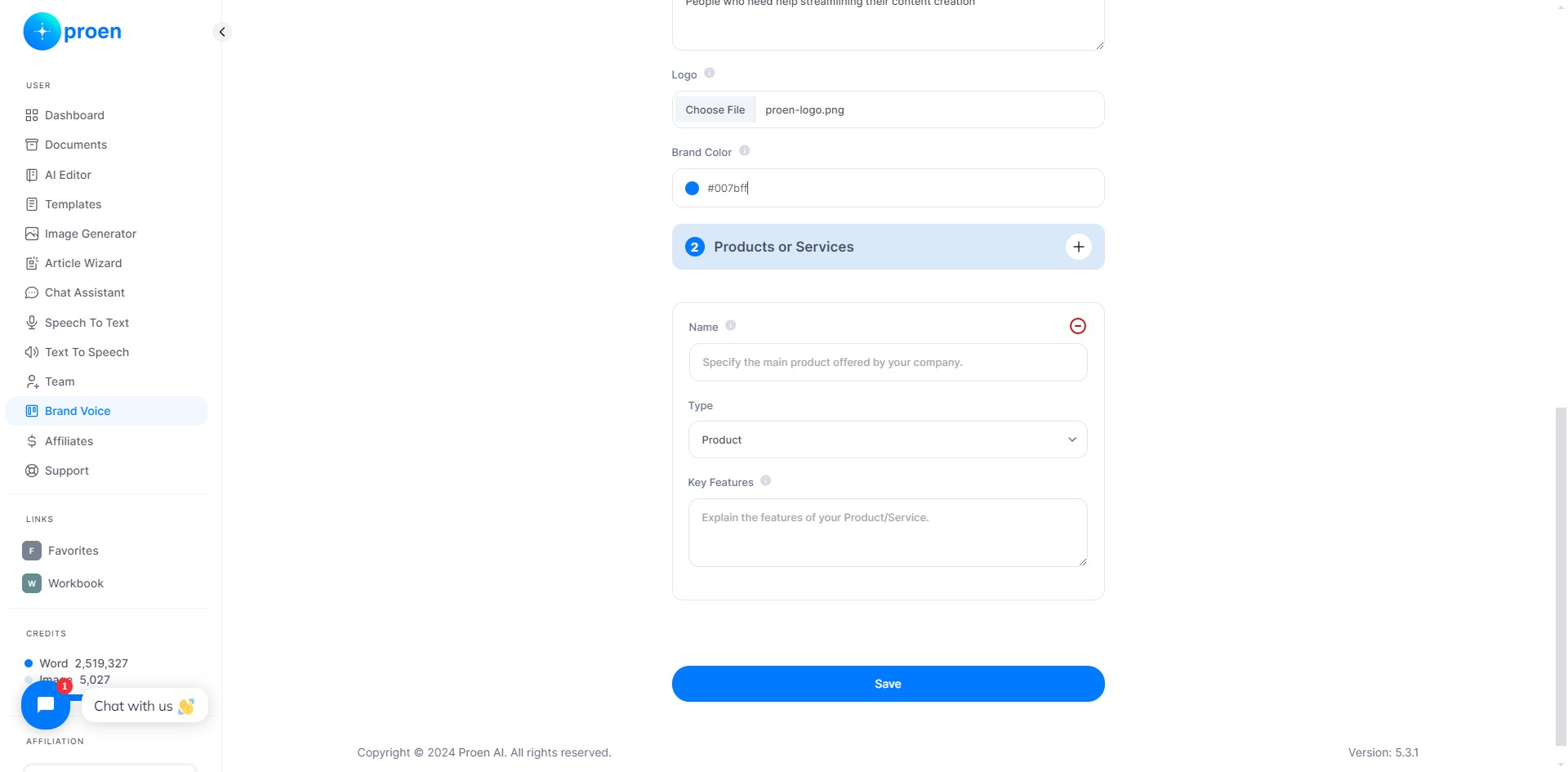
Select whether your product is a 'Product', 'Service', or 'Other'
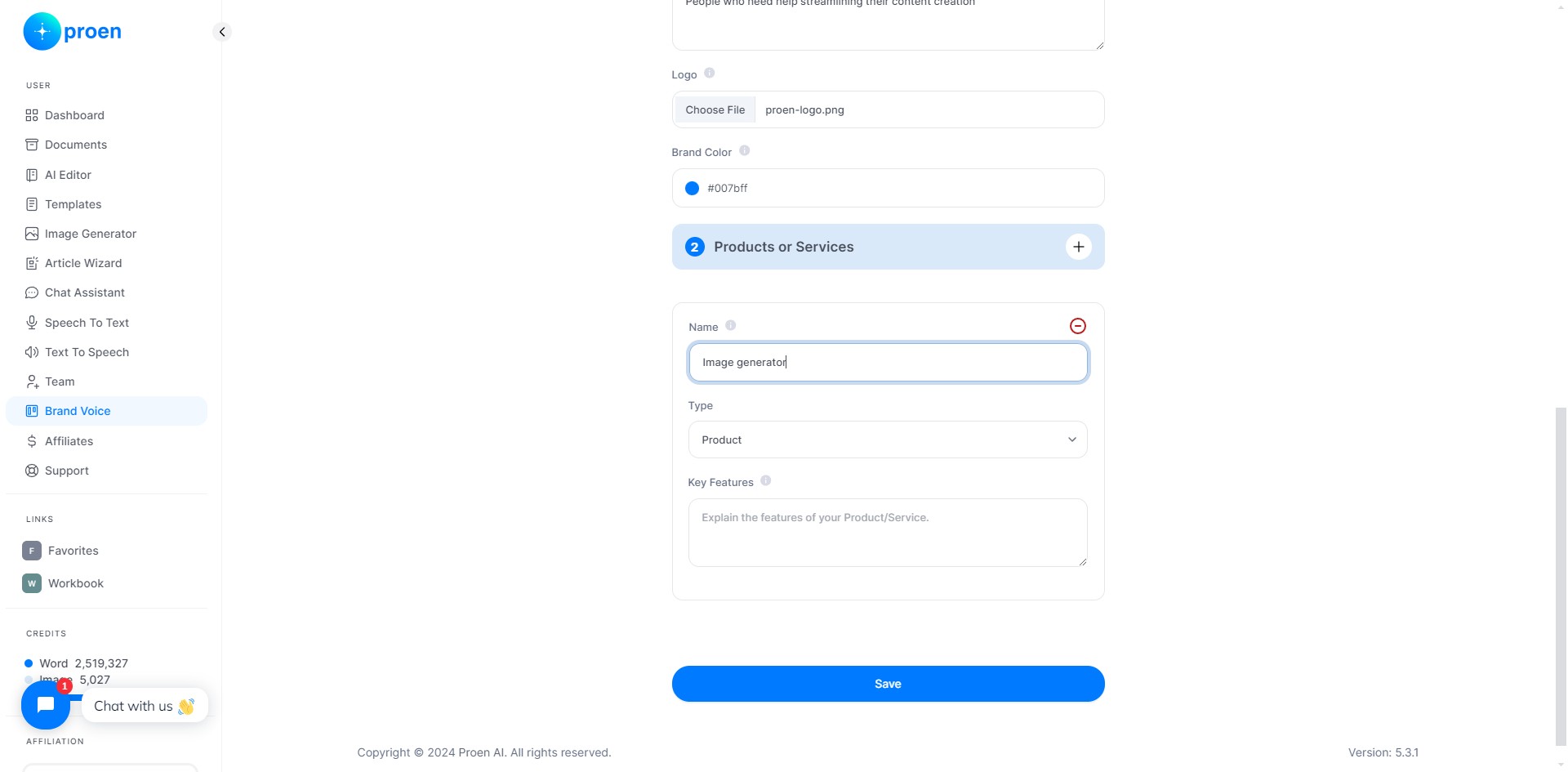
Provide a brief explanation of your product/service
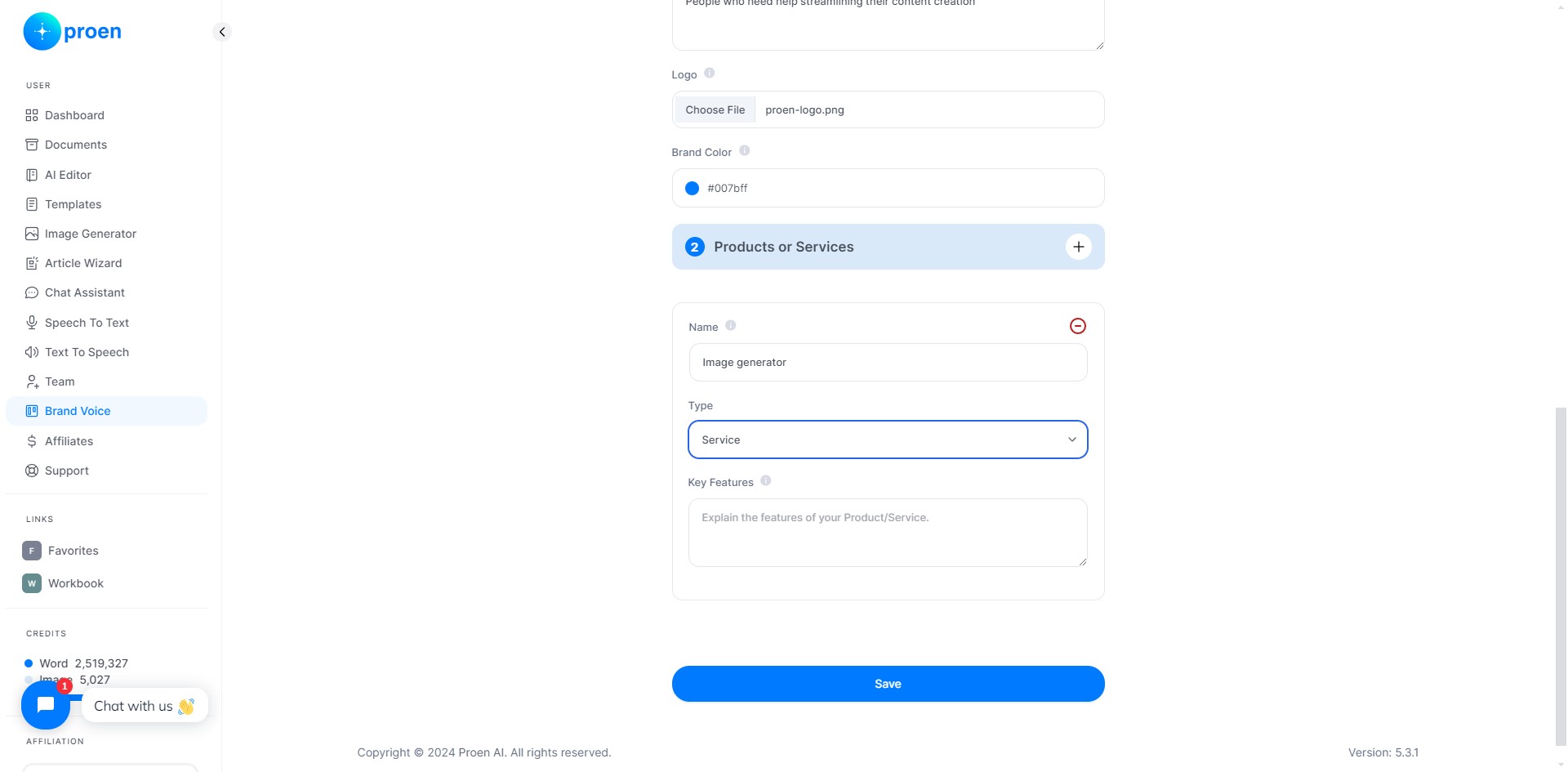
Click "+" to add an another product/service to your brand voice
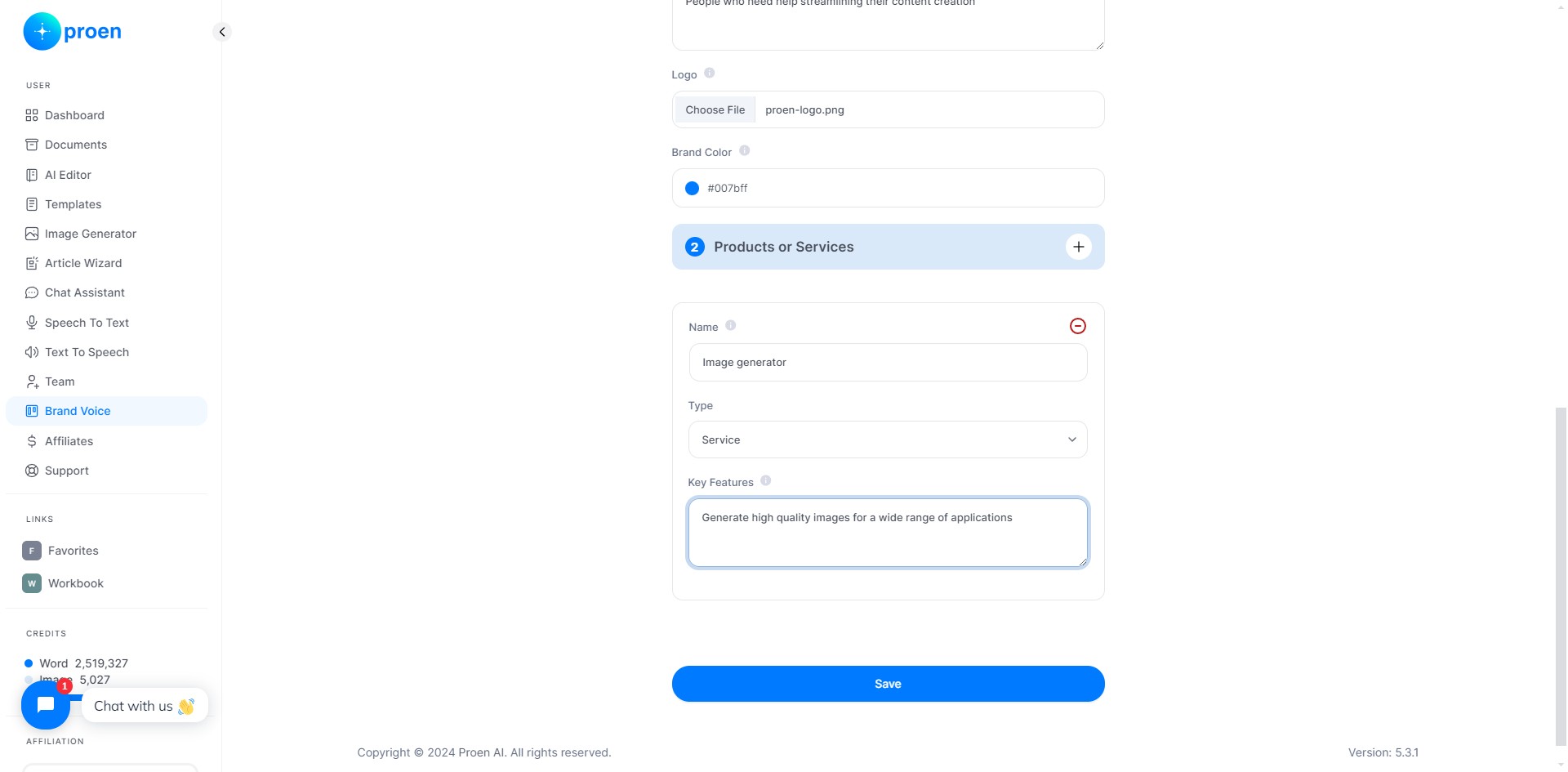
Click on "Save"
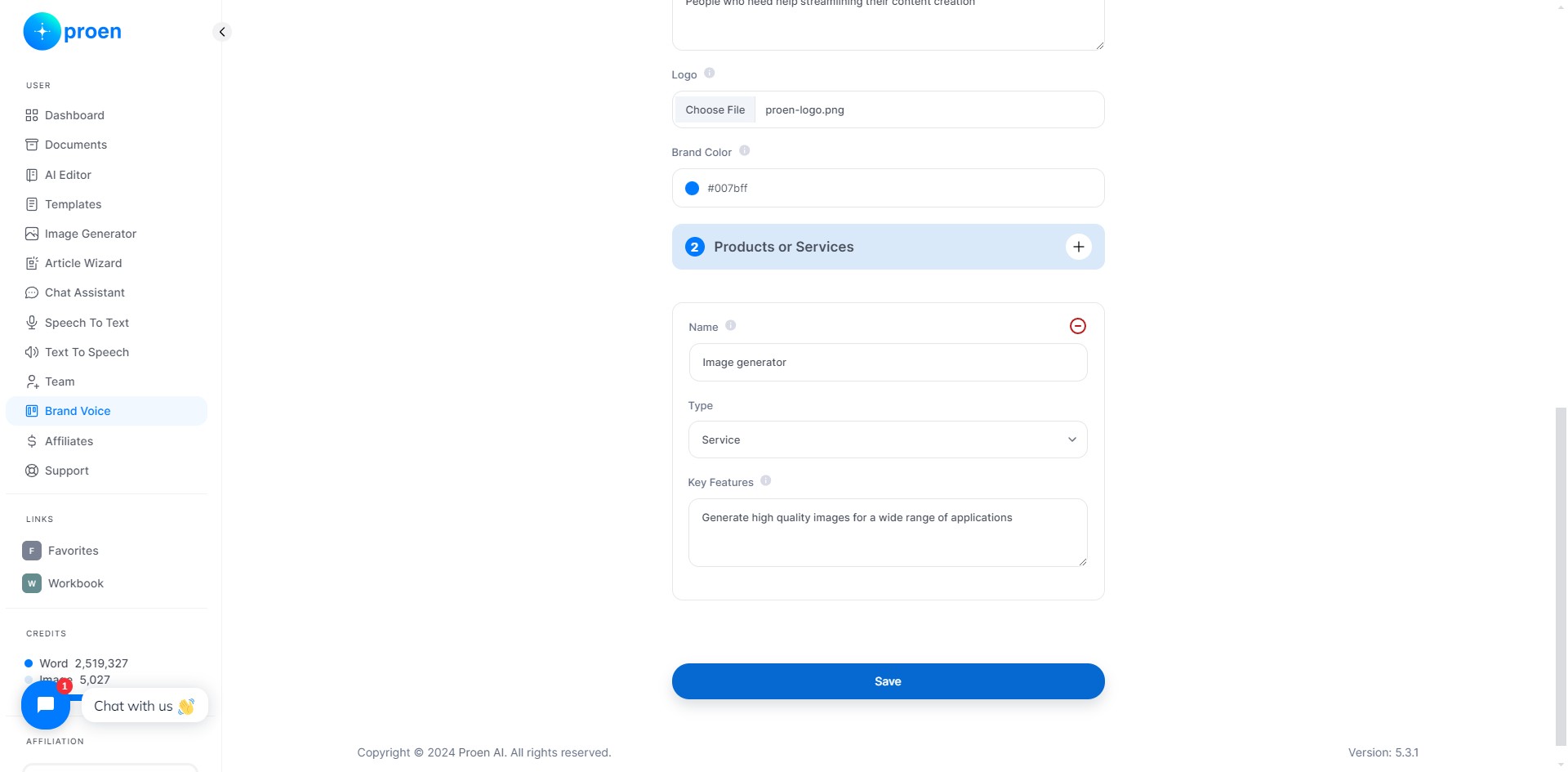
Edit/Delete a Brand Voice
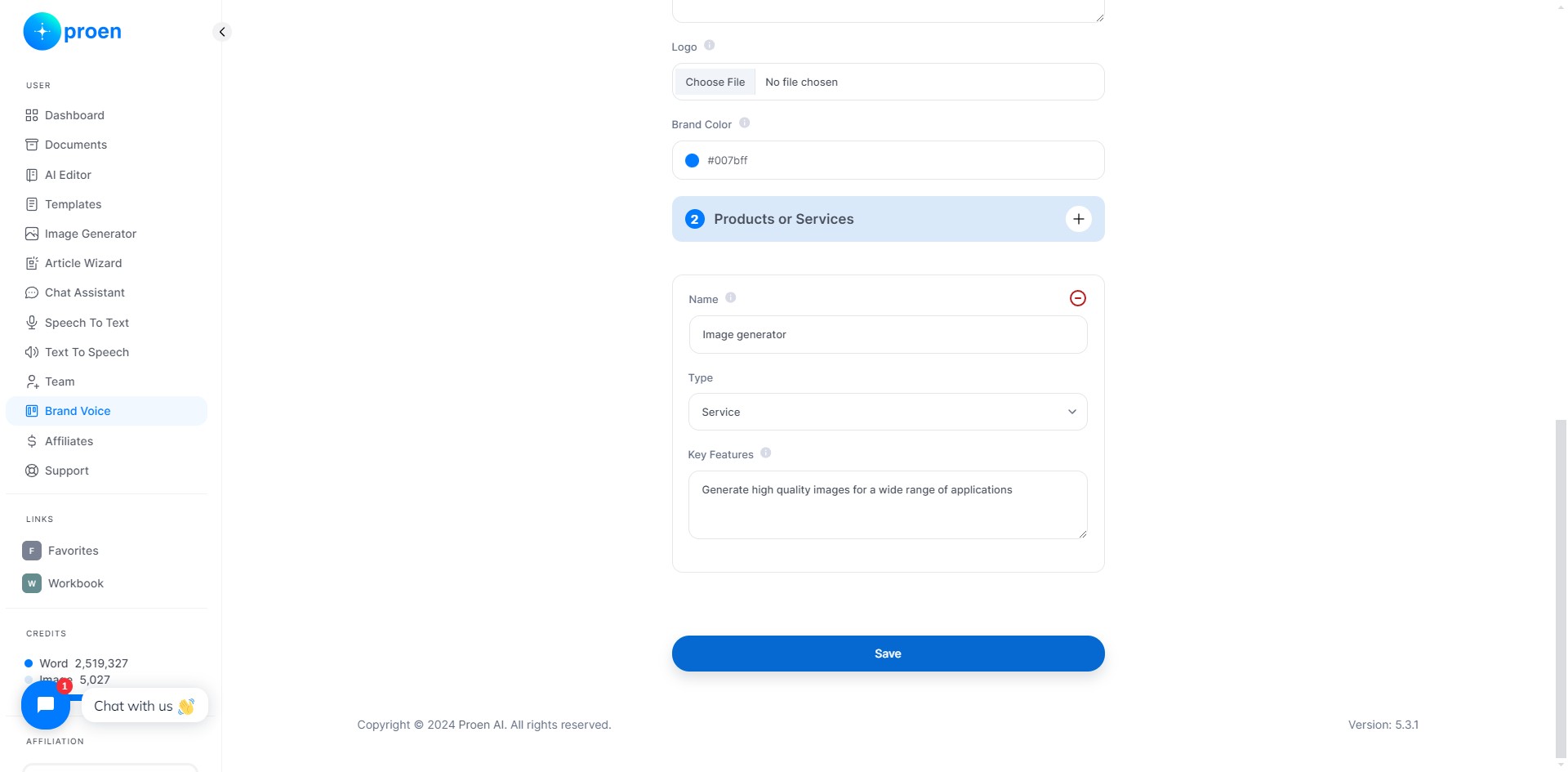
Click the edit icon to edit an existing brand voice
Don't forget to save your changes!
Click on the delete icon to delete an existing brand voice. You will be prompted to confirm before it is permanently deleted.
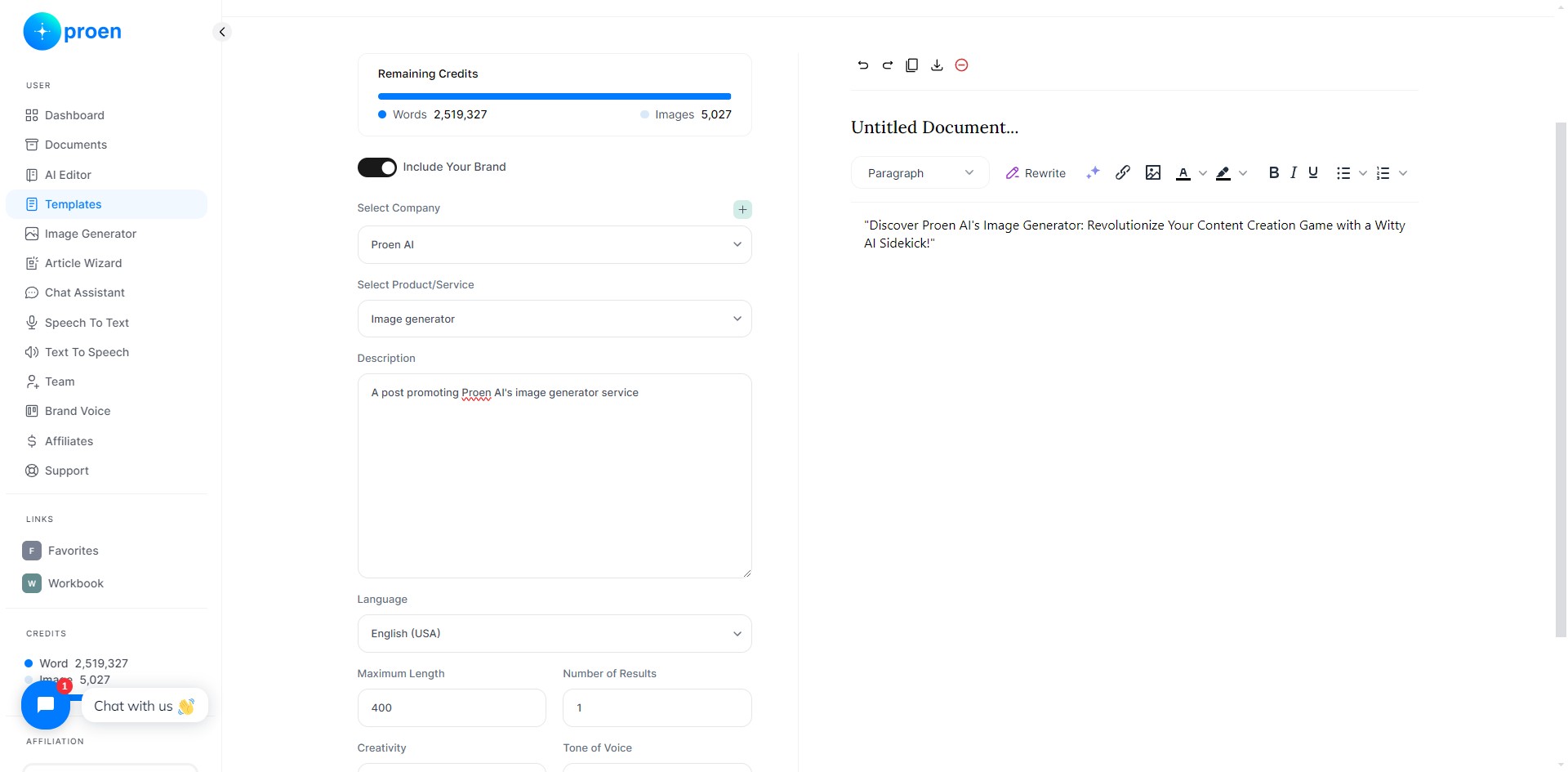
Example of Using a Brand Voice
Here is an example of generating content that includes your brand voice:
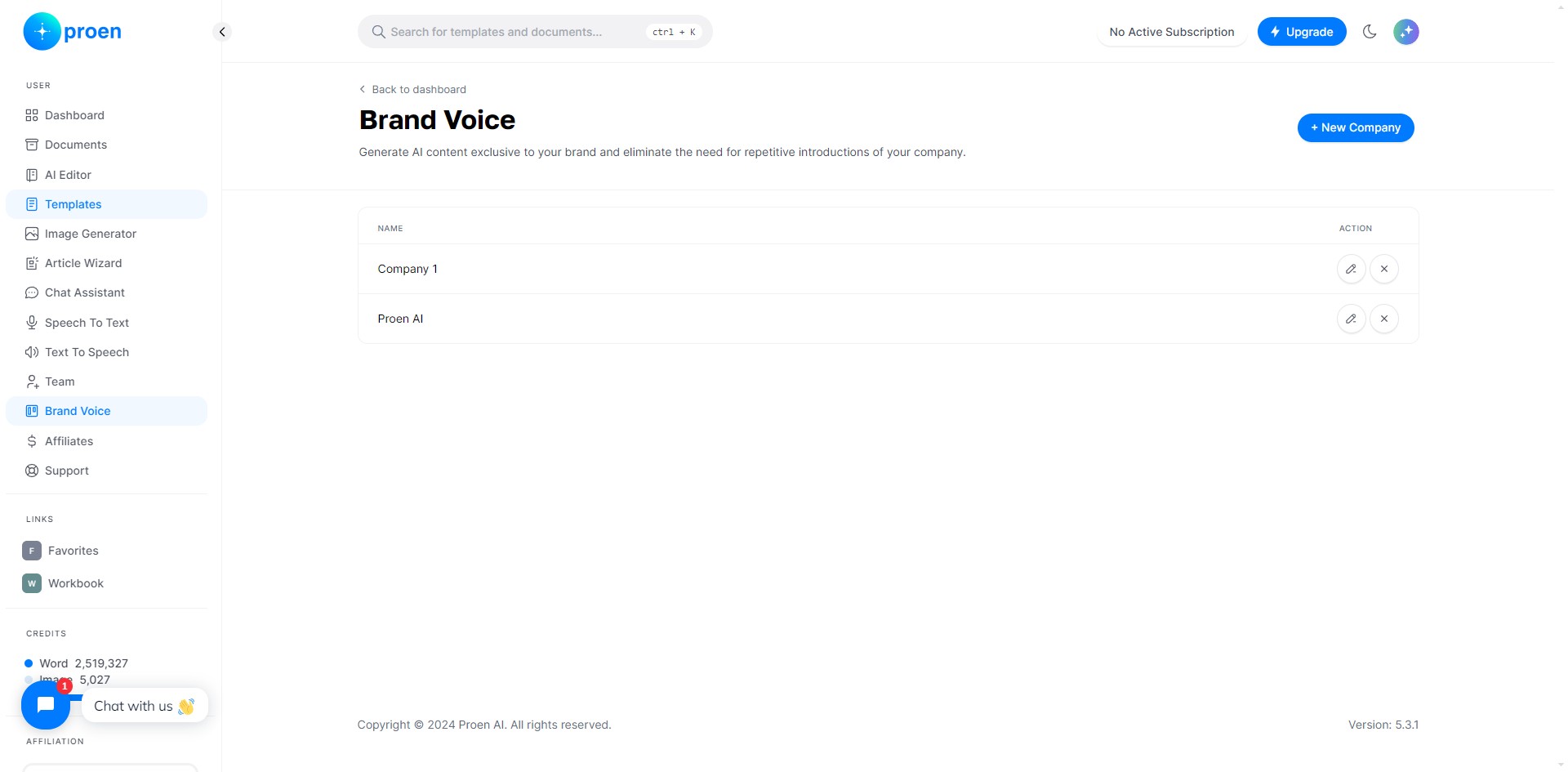
Click on "Templates"
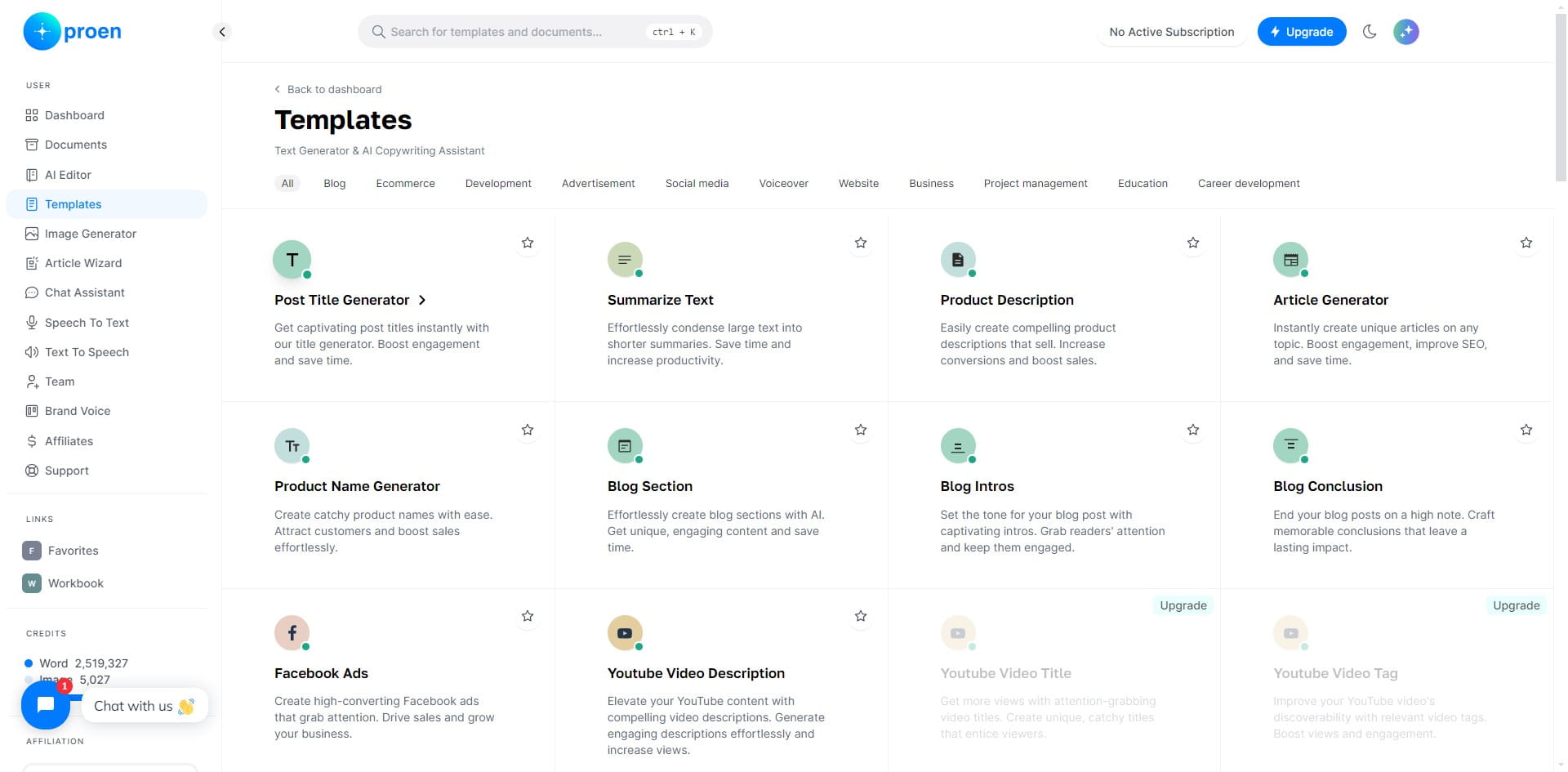
We select "Post Title Generator"
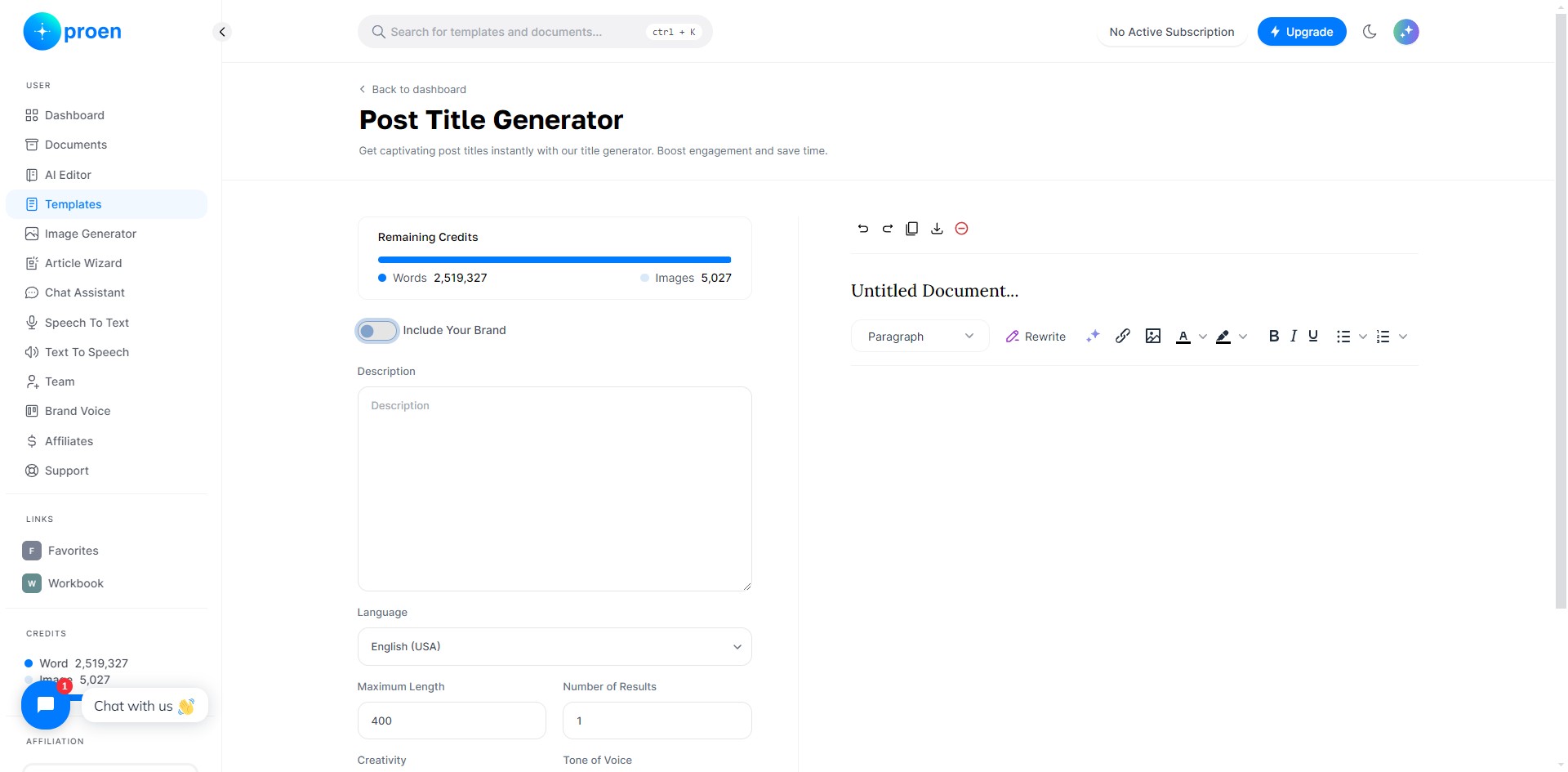
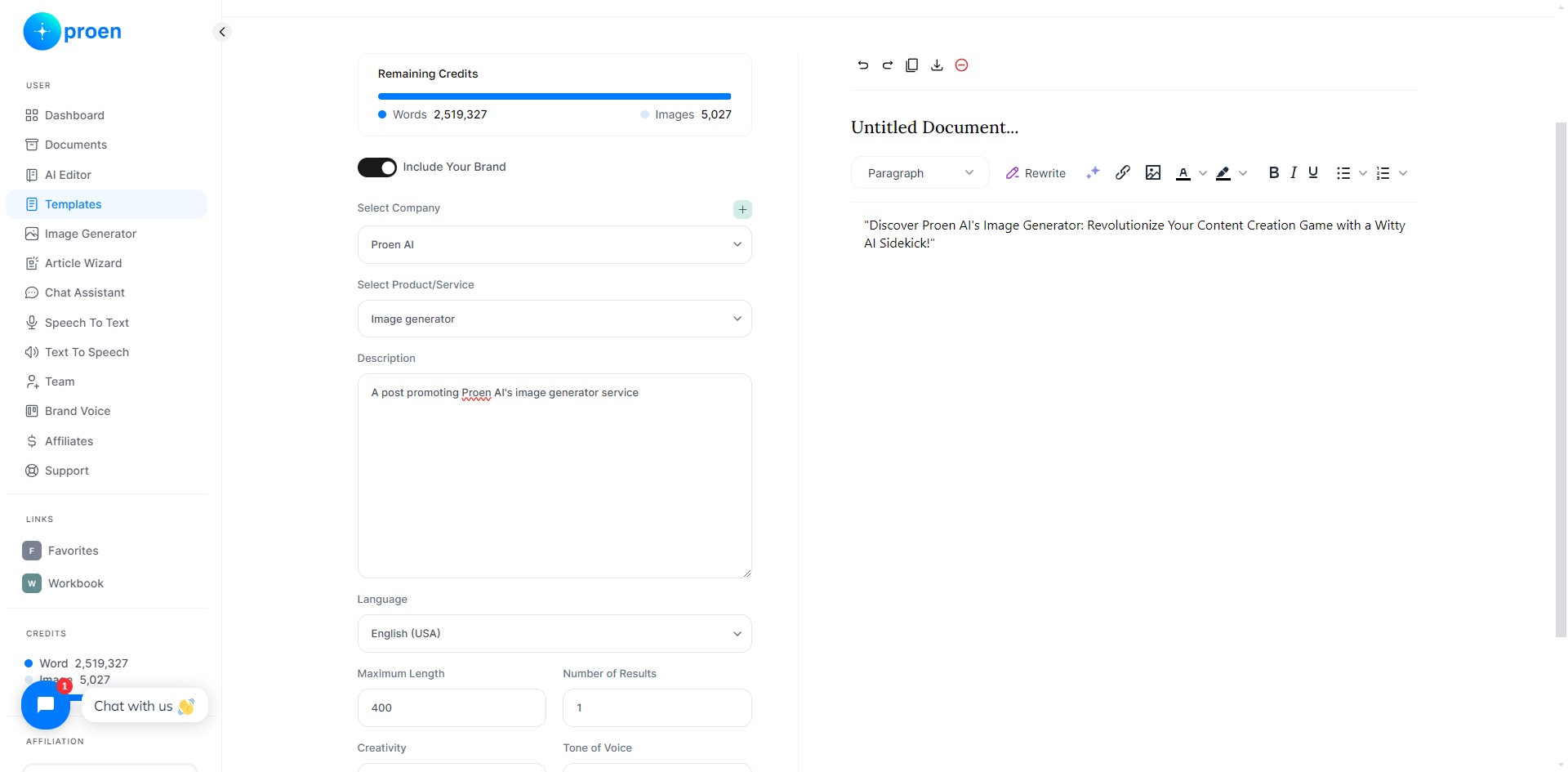
Toggle ON "Include Your Brand" to use your brand voice
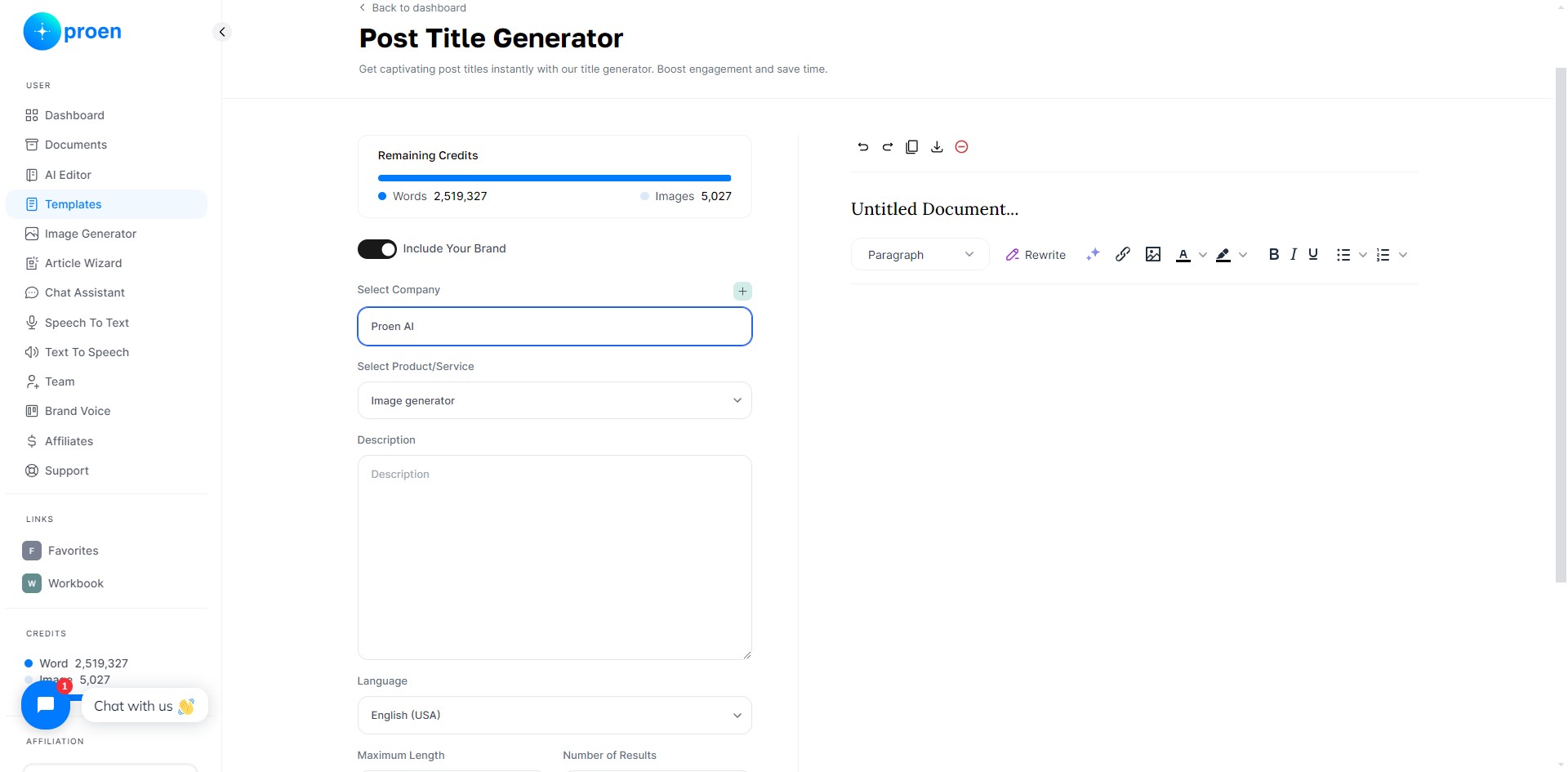
Select the organization/brand voice you wish to use
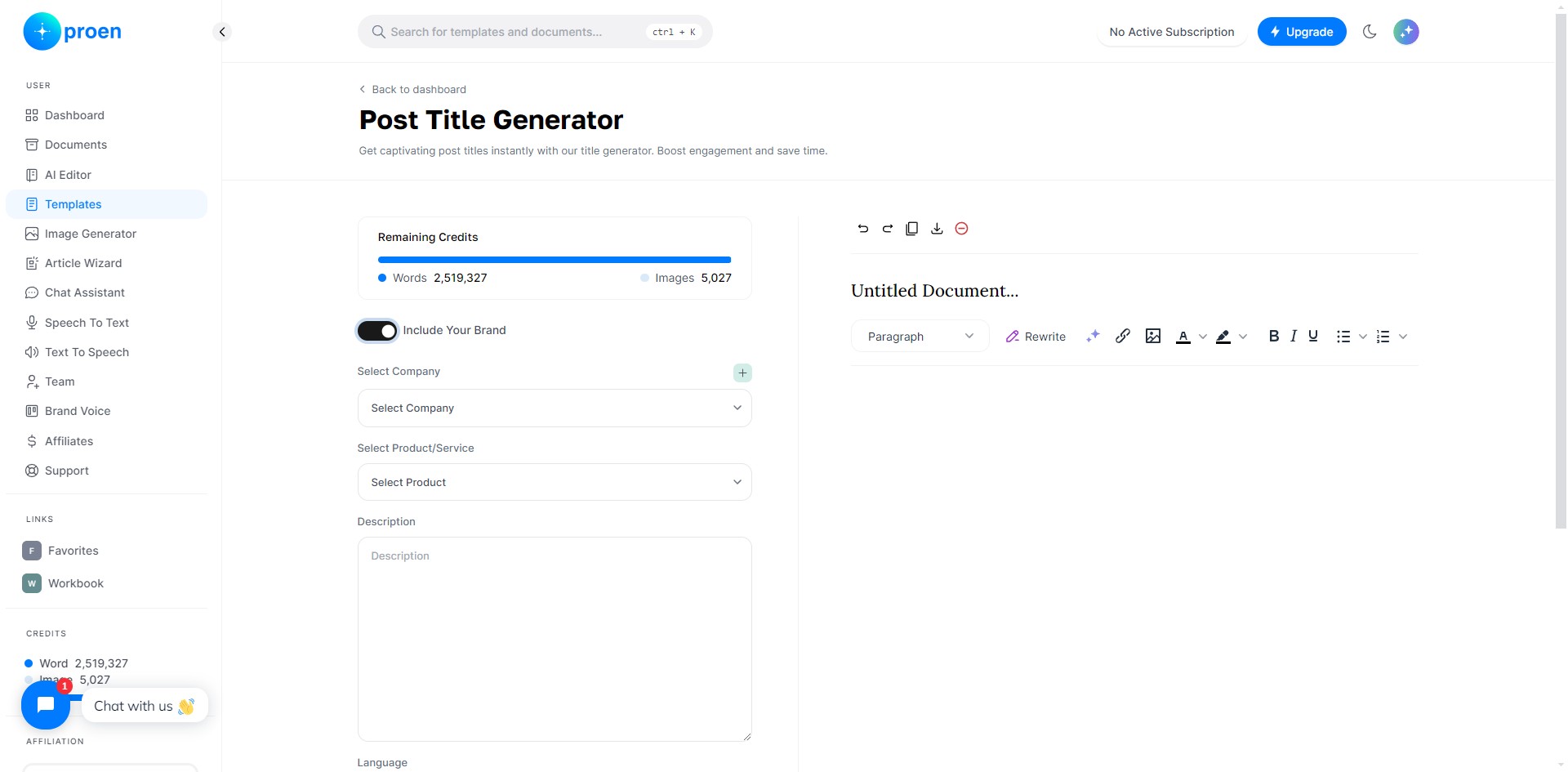
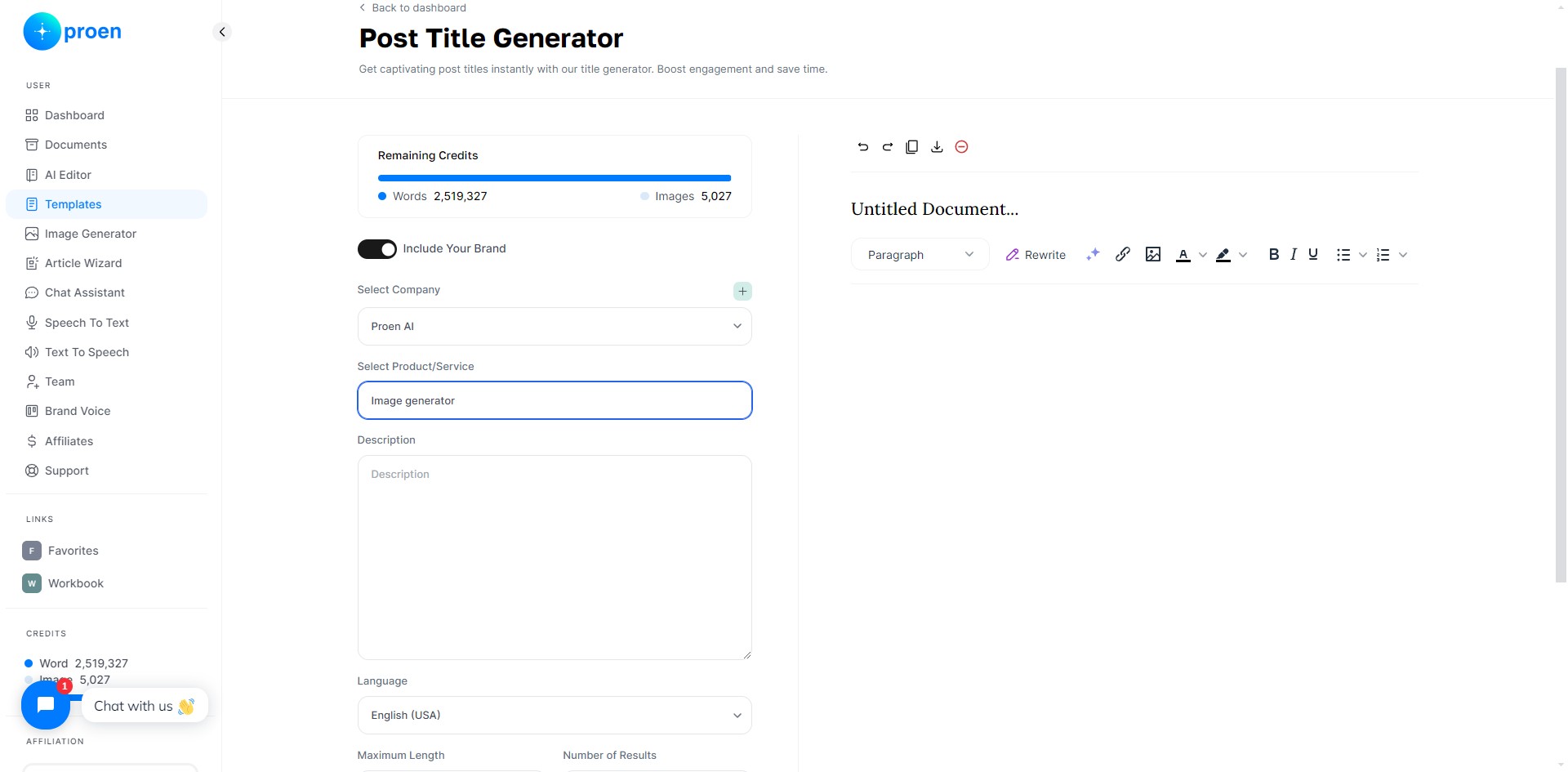
Select the product you wish to include
Follow the rest of the prompts from the template. For us, we provide a description of the post we wish to generate a title for
Click on "Generate"
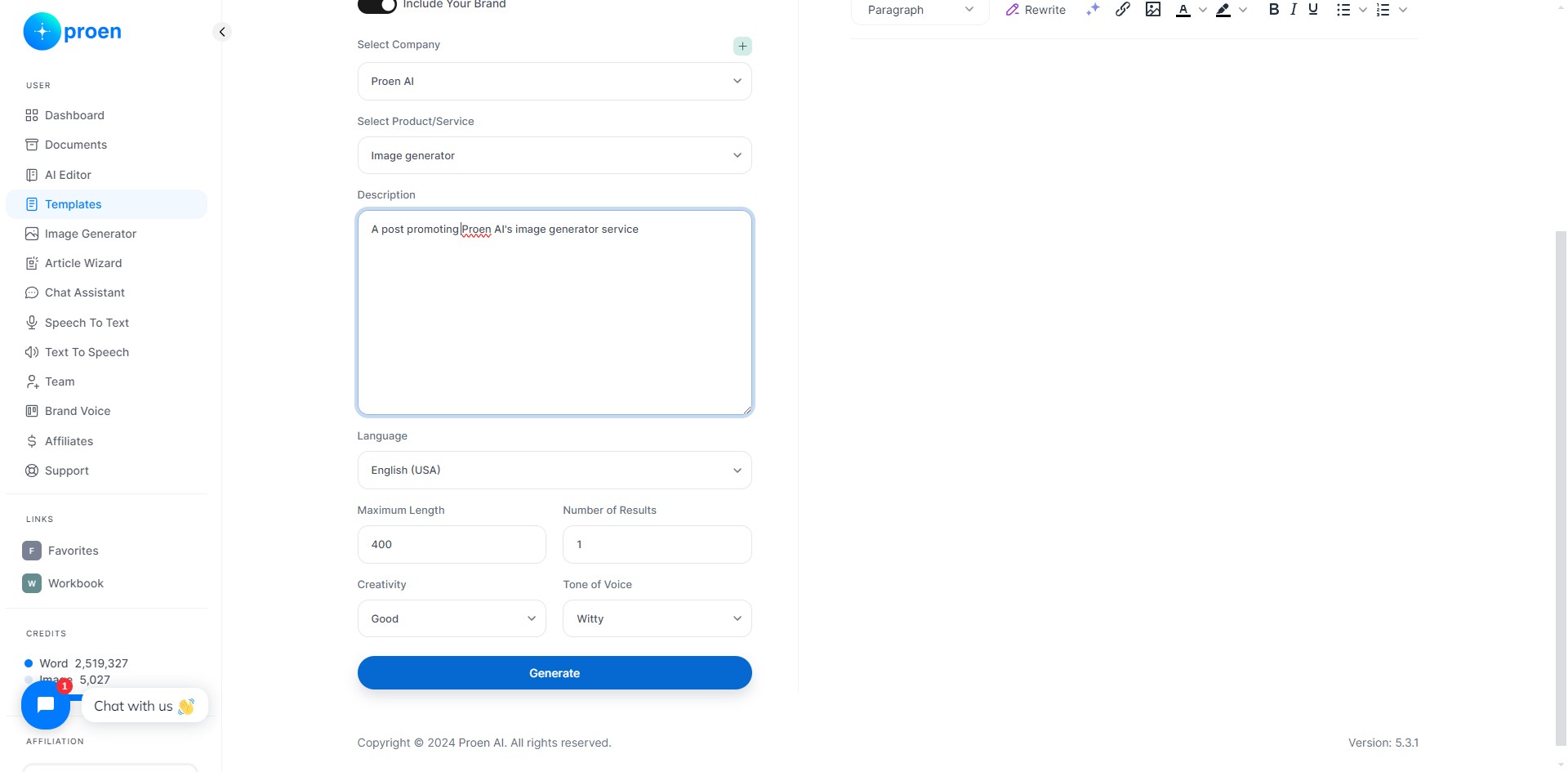
Here is our generated post title! We can see that the generated content has a witty tone of voice, thanks to the example brand voice we selected.
The information you provide for your brand voice helps Proen AI generate content specific to your brand and products!
Done 🚀