Proen AI | A Basic Guide to Templates
A guide and explanation for the main features available on most of Proen AI’s templates
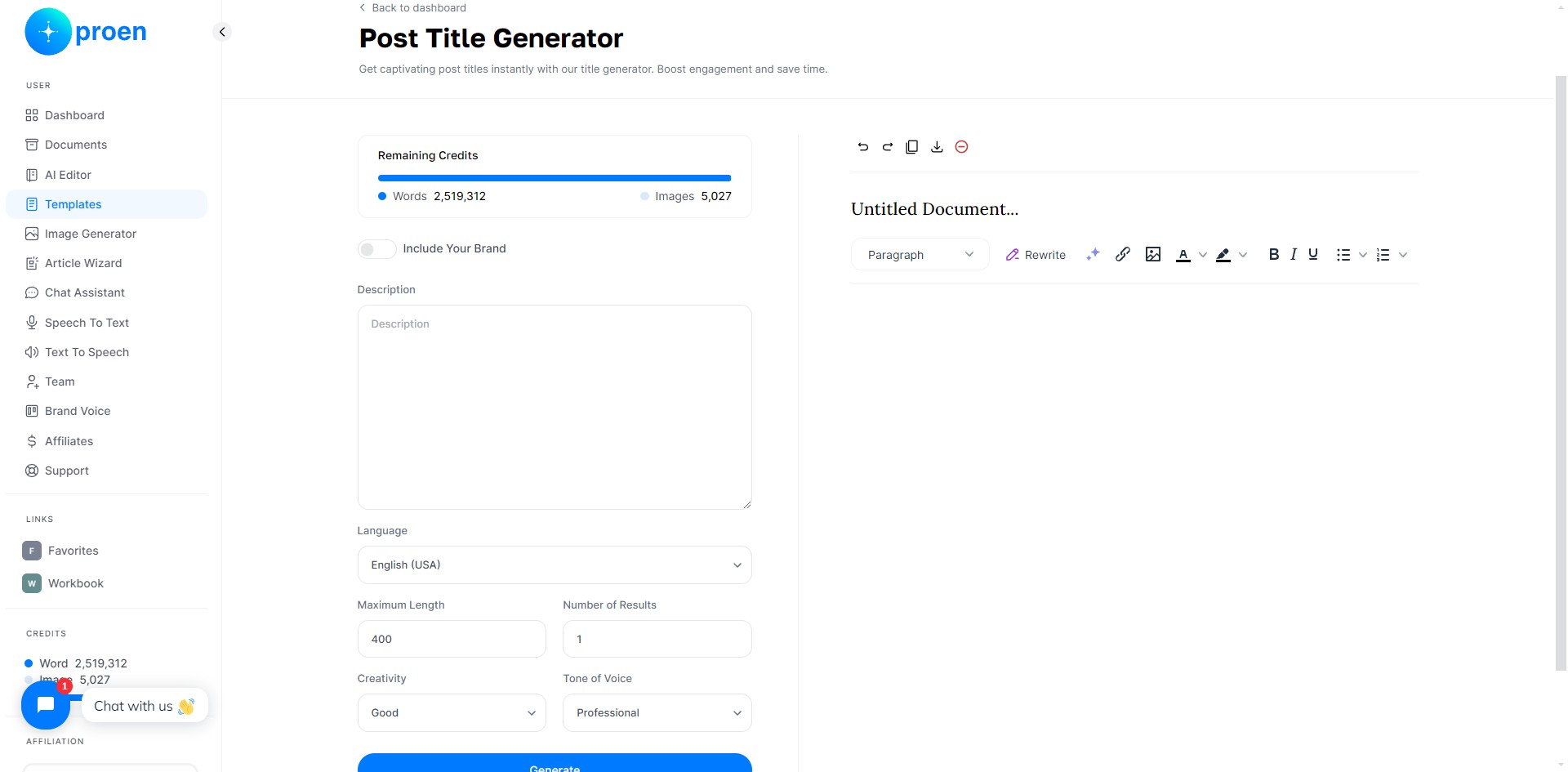
Remaining Credits
Remaining credits: the amount of word tokens (the number of words remaining that can be generated) and image tokens (the number of images remaining that can be generated) left to use.
General Prompts
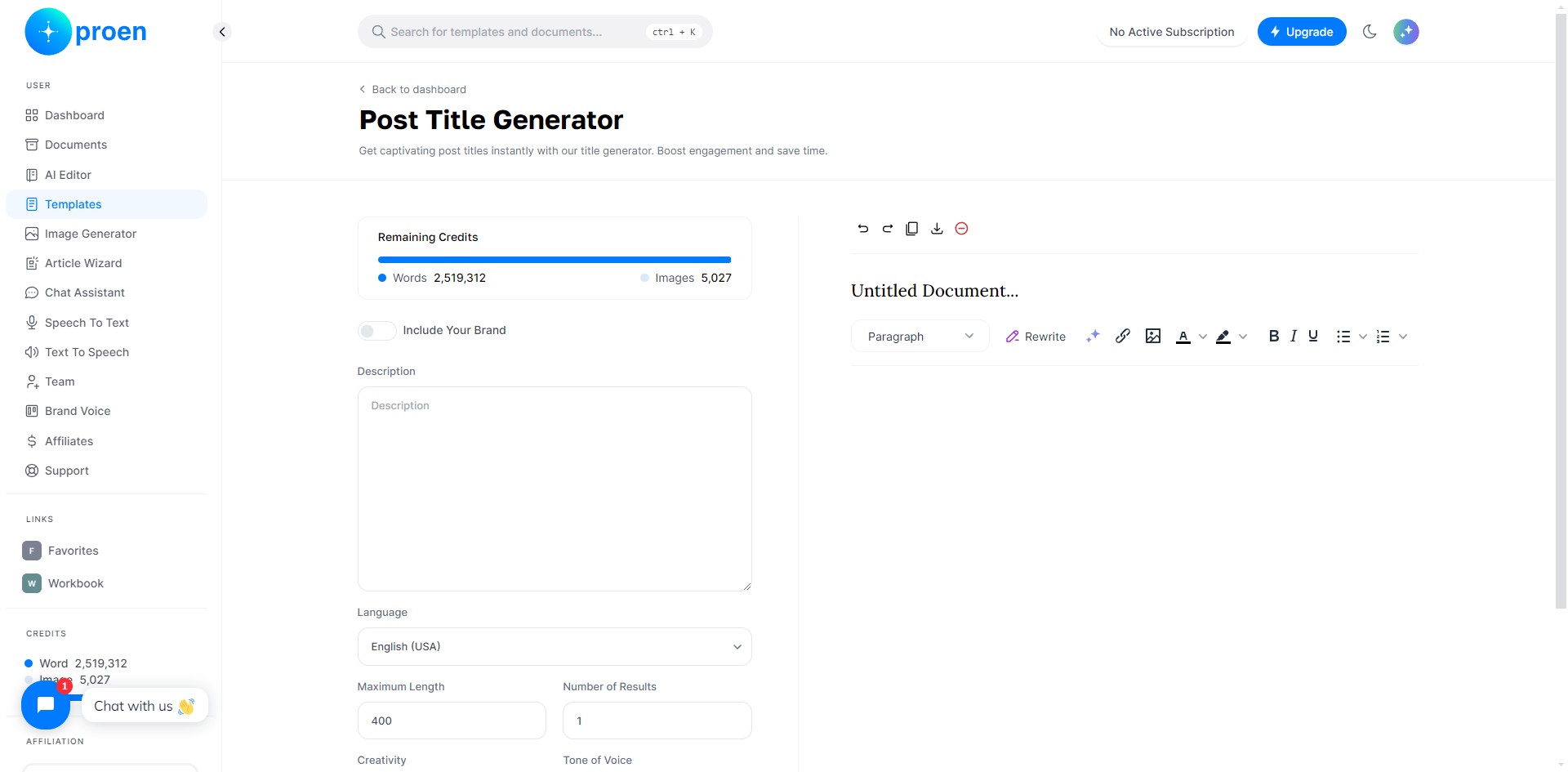
Include Your Brand: you can toggle this on if you wish to use on of your brand voices to curate the content that Proen AIwill generate based on of your brand's products/services
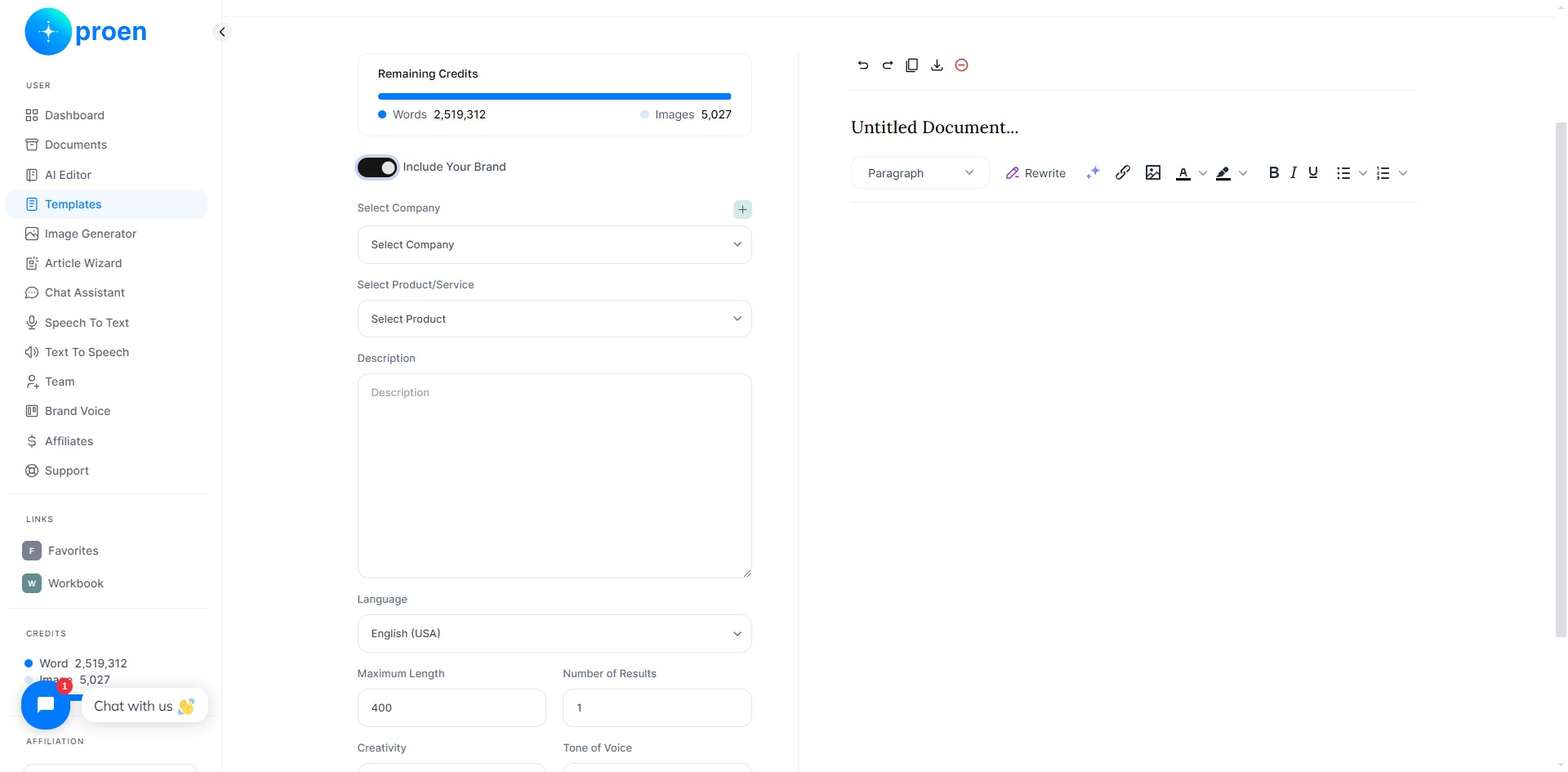
Language: the language you wish Proen AI to generate the content in
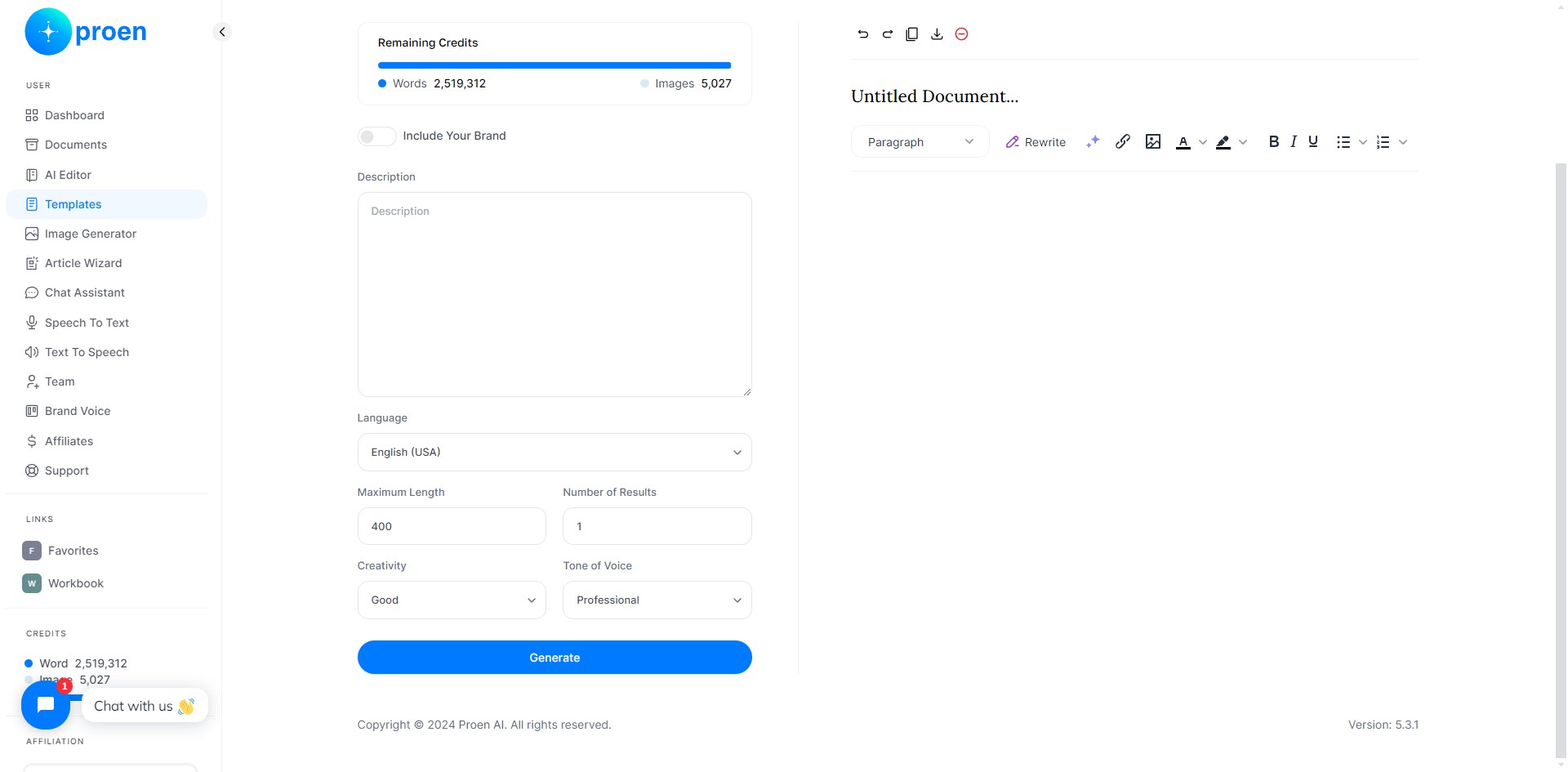
Maximum Length: the maximum character length of the text to be generated
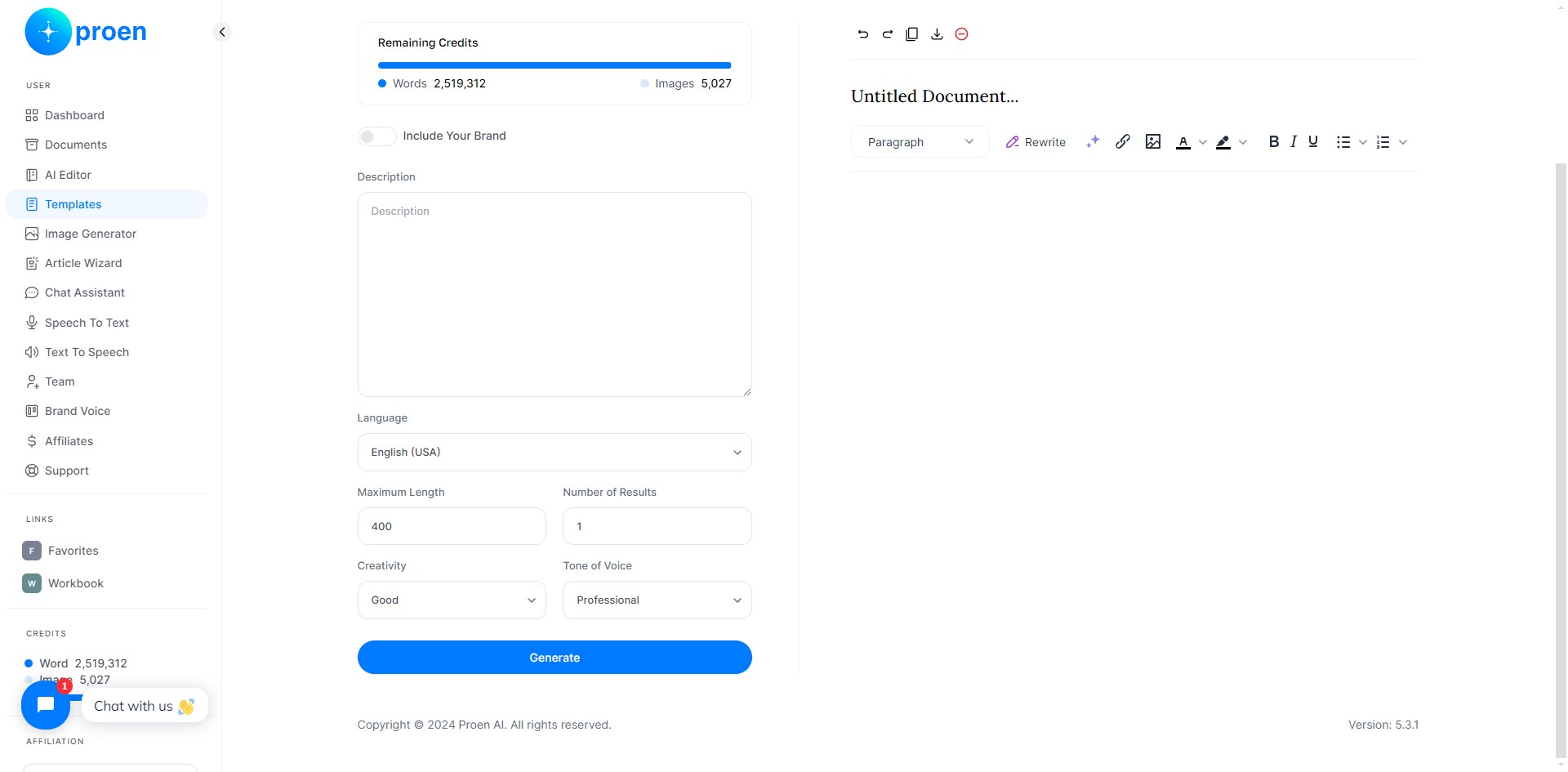
Number of Results: the number of results you wish to generate
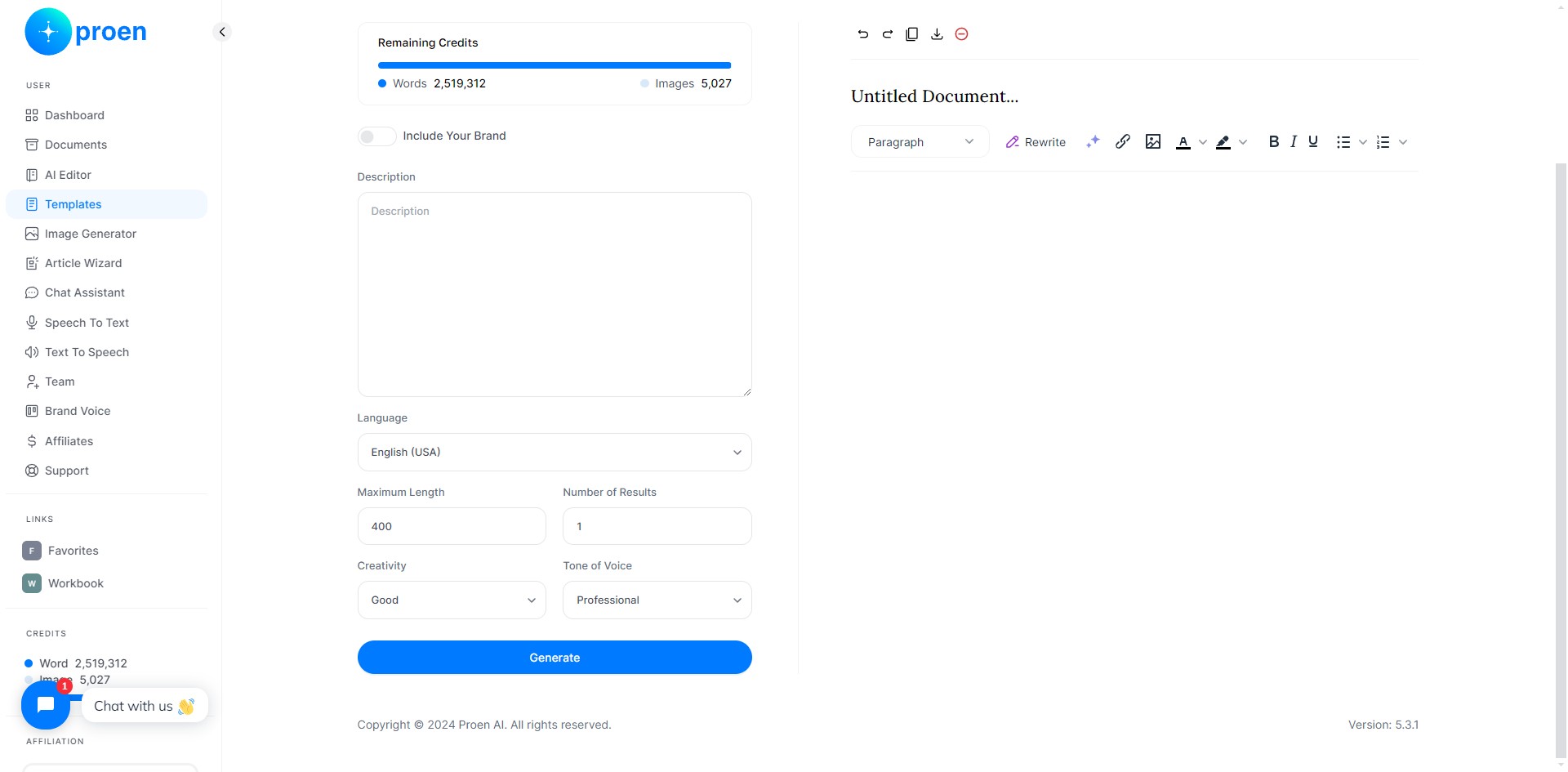
Creativity: how creative you wish the content to be. You can select from: "Economic", "Average", "Good", and "Premium"
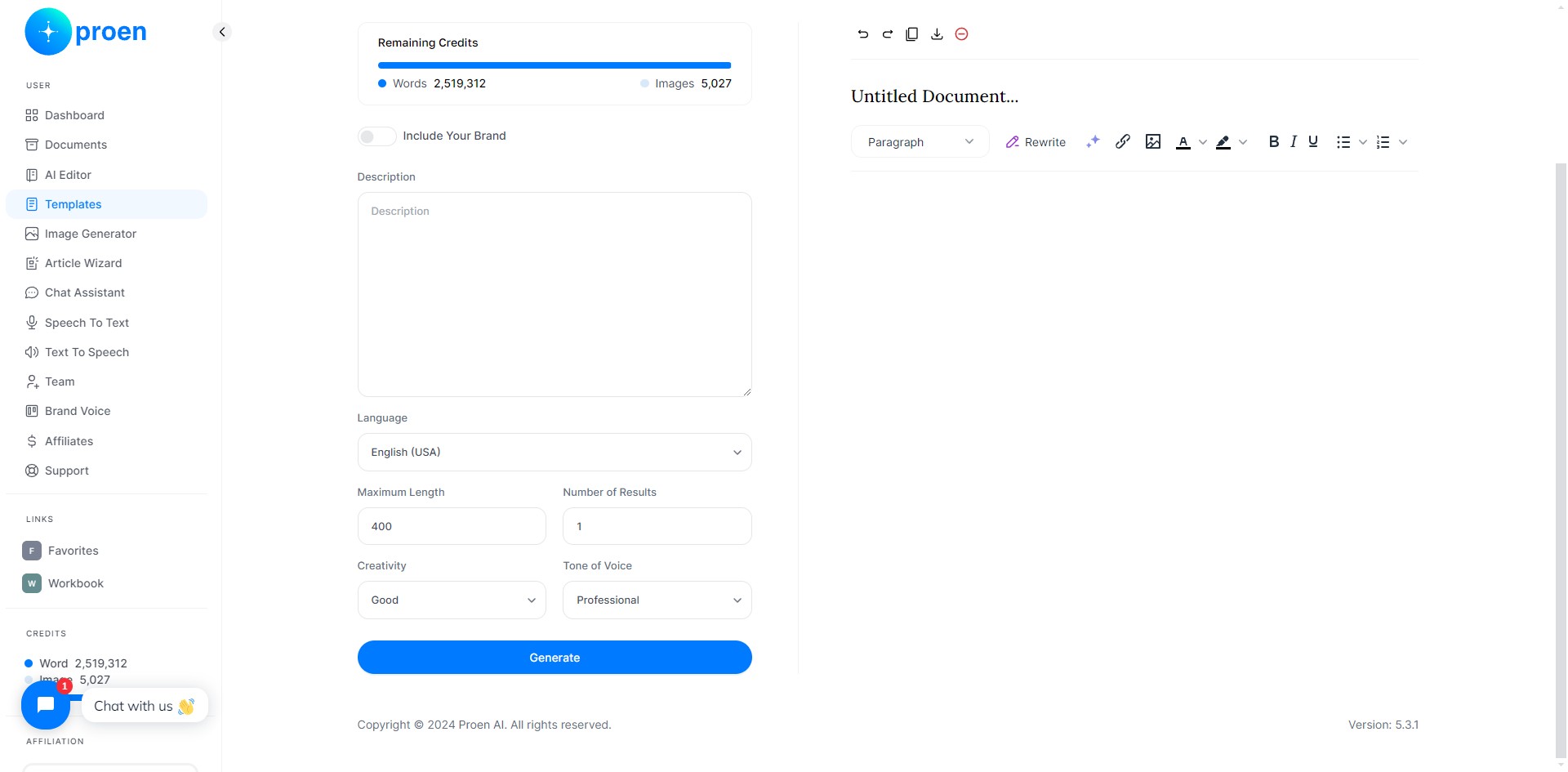
Tone of Voice: the tone of voice you wish the generated content to use
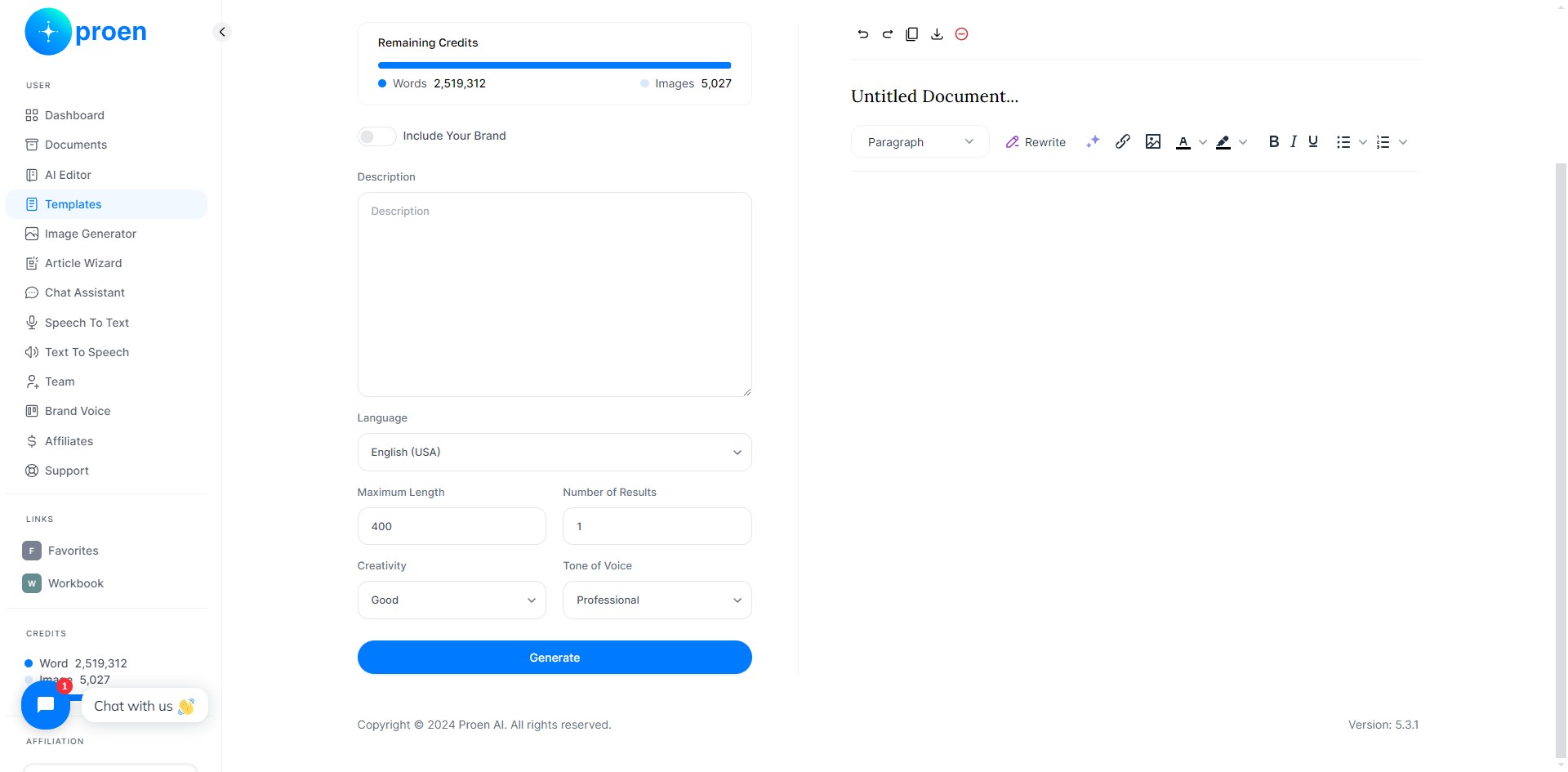
Generated Content: Top-Row
Undo a change
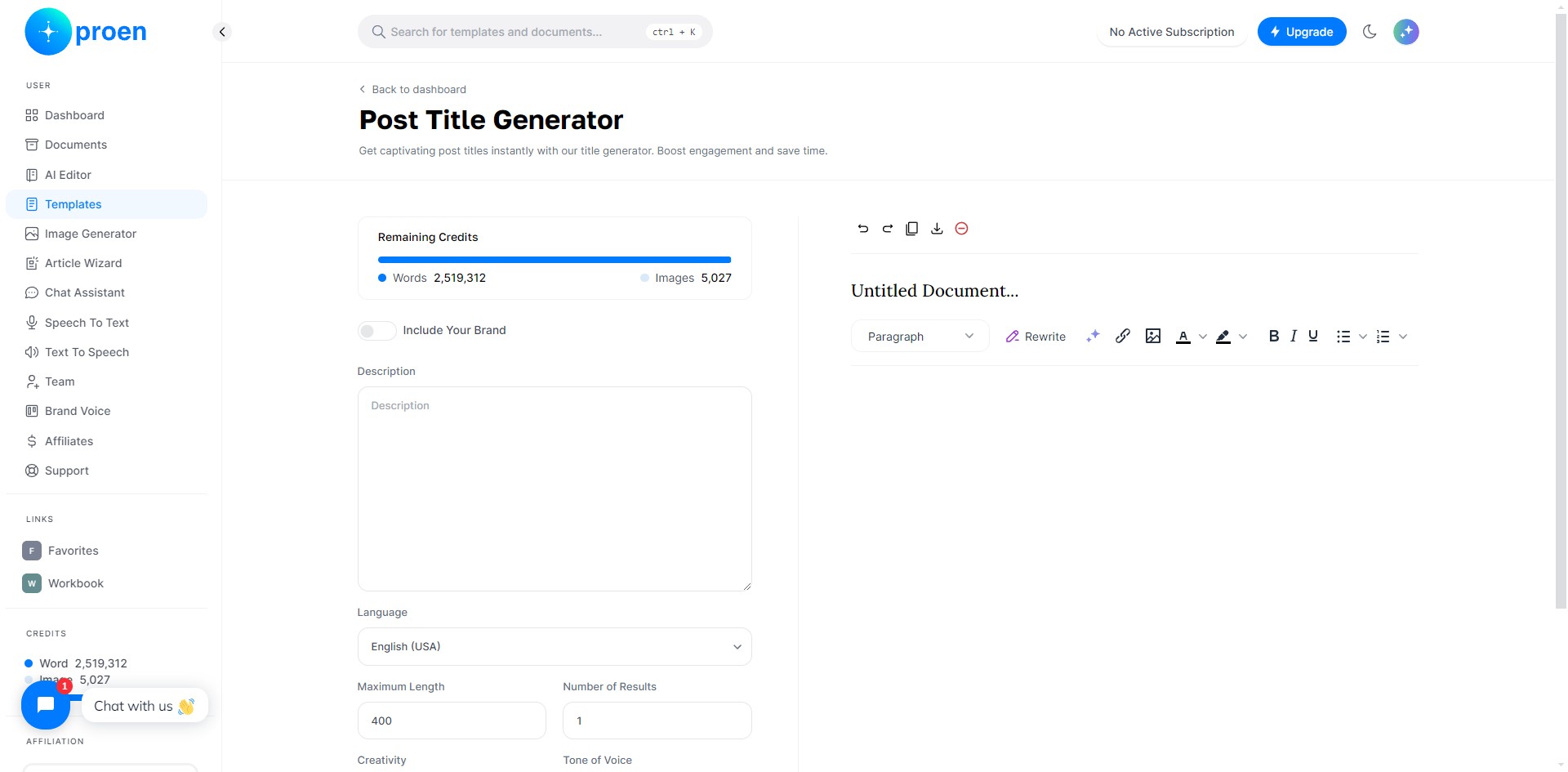
Redo a change
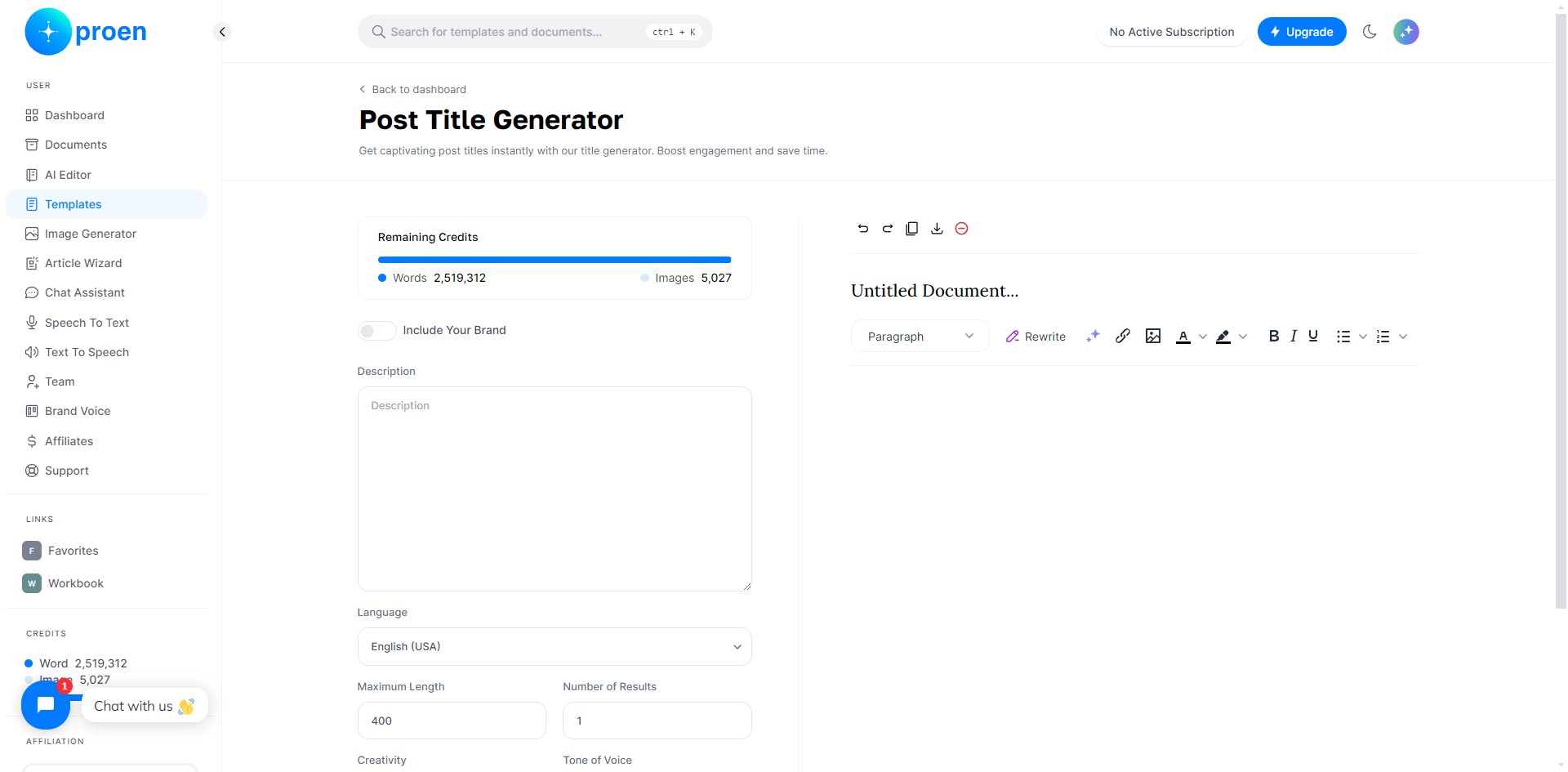
Copy the generated content
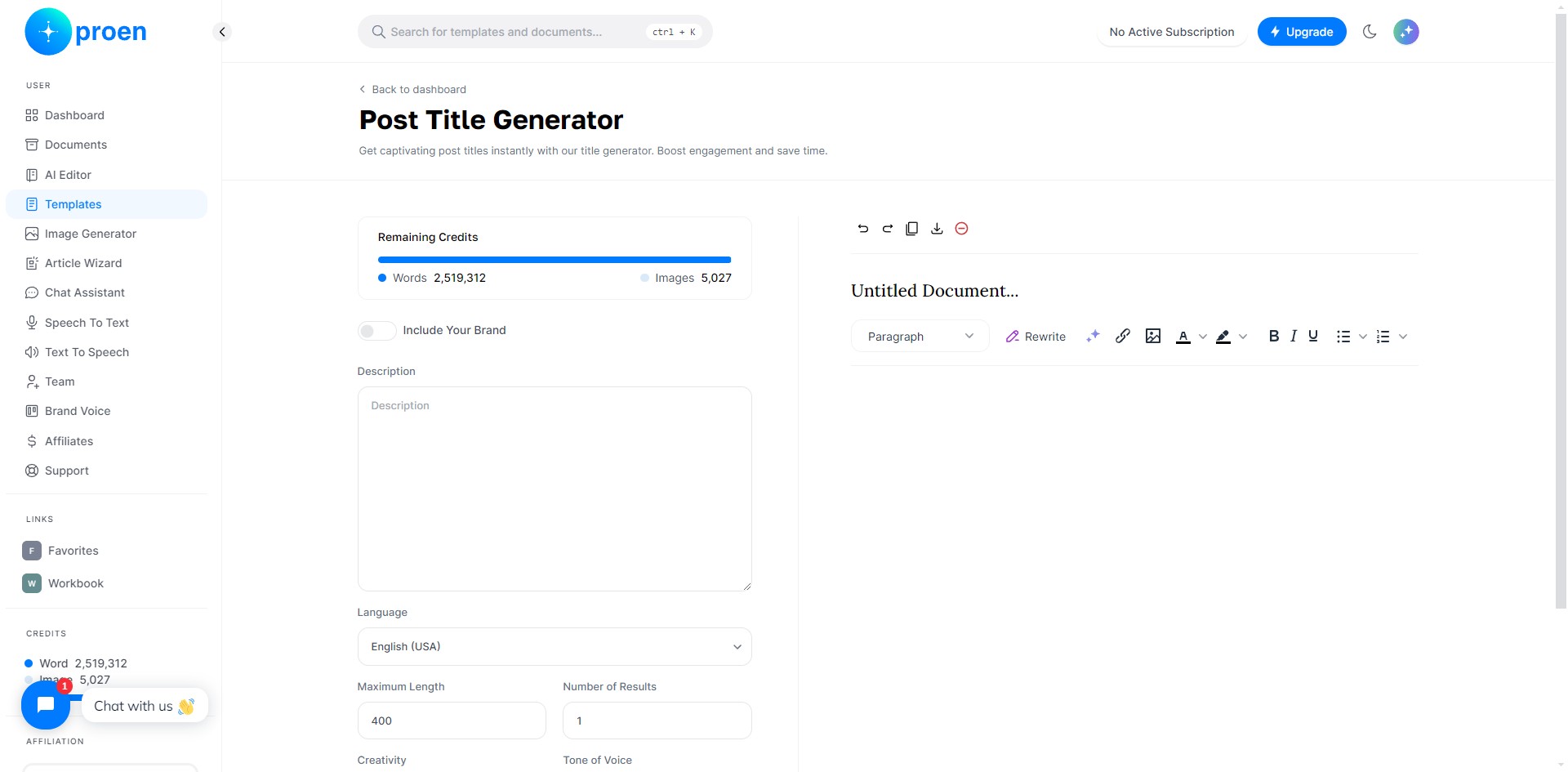
Download the generated content as a MS Word document or HTML document
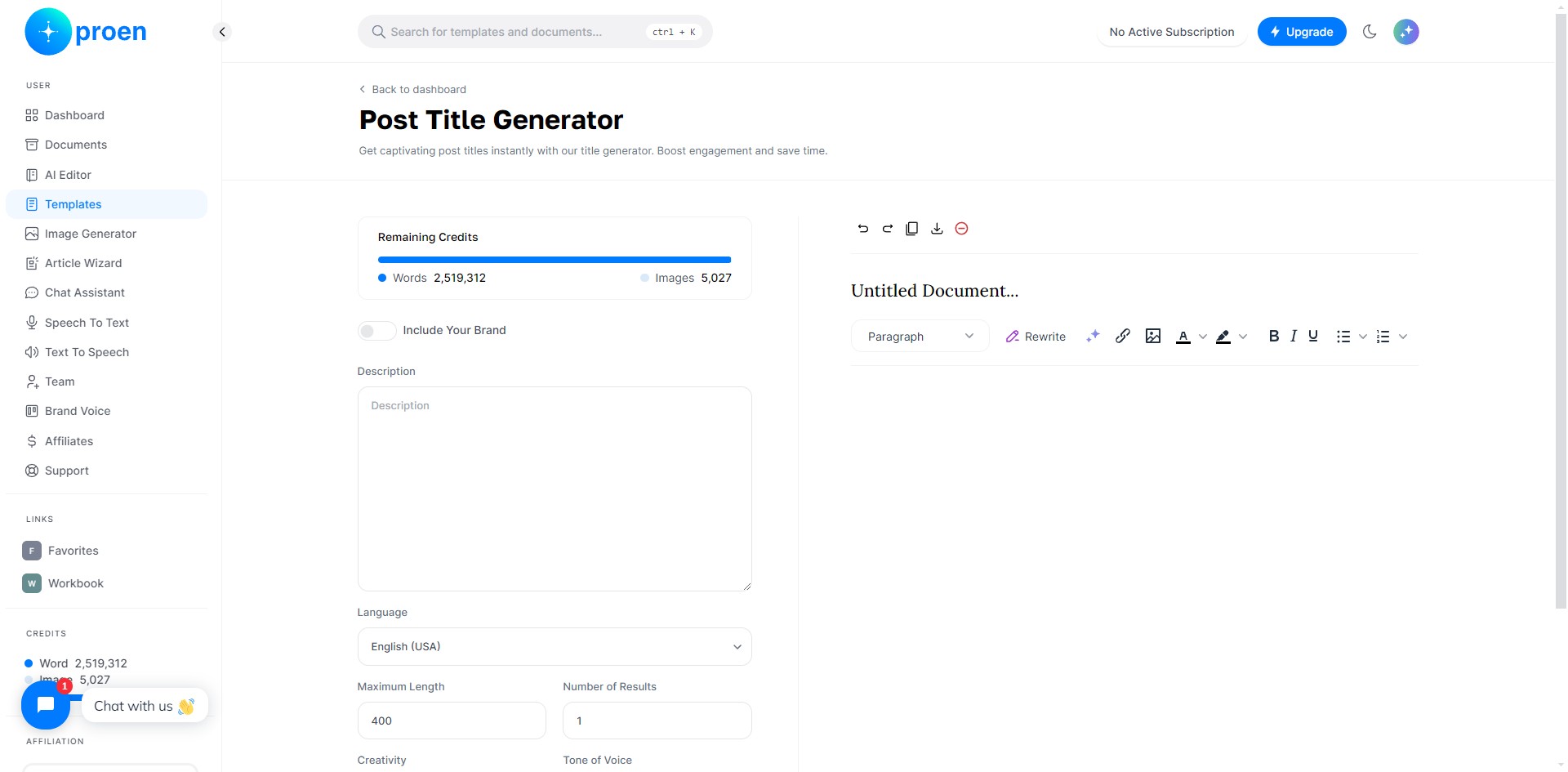
Delete the generated content
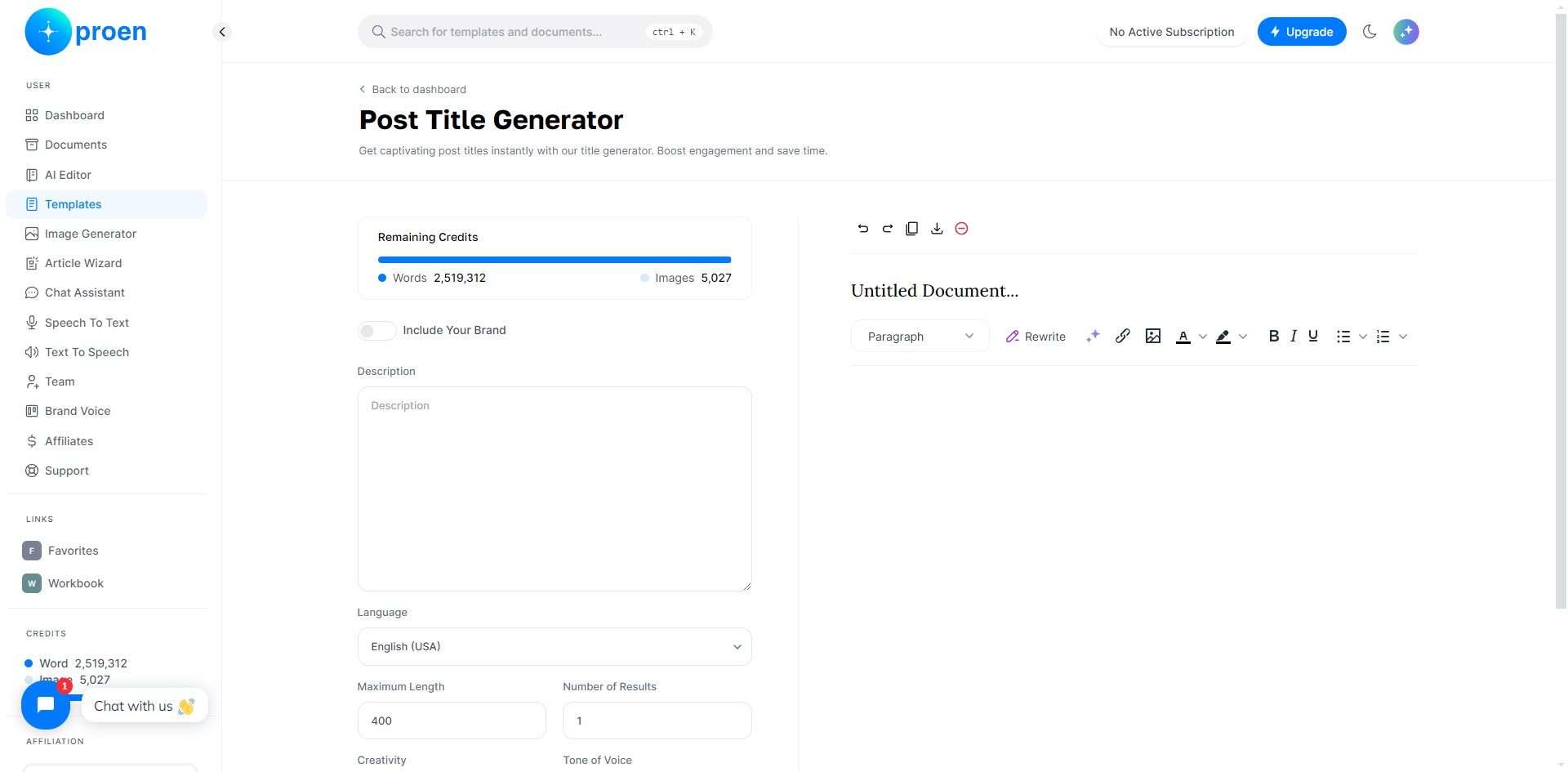
Generated Content
Title: this is where you can give a name/title to the generated content
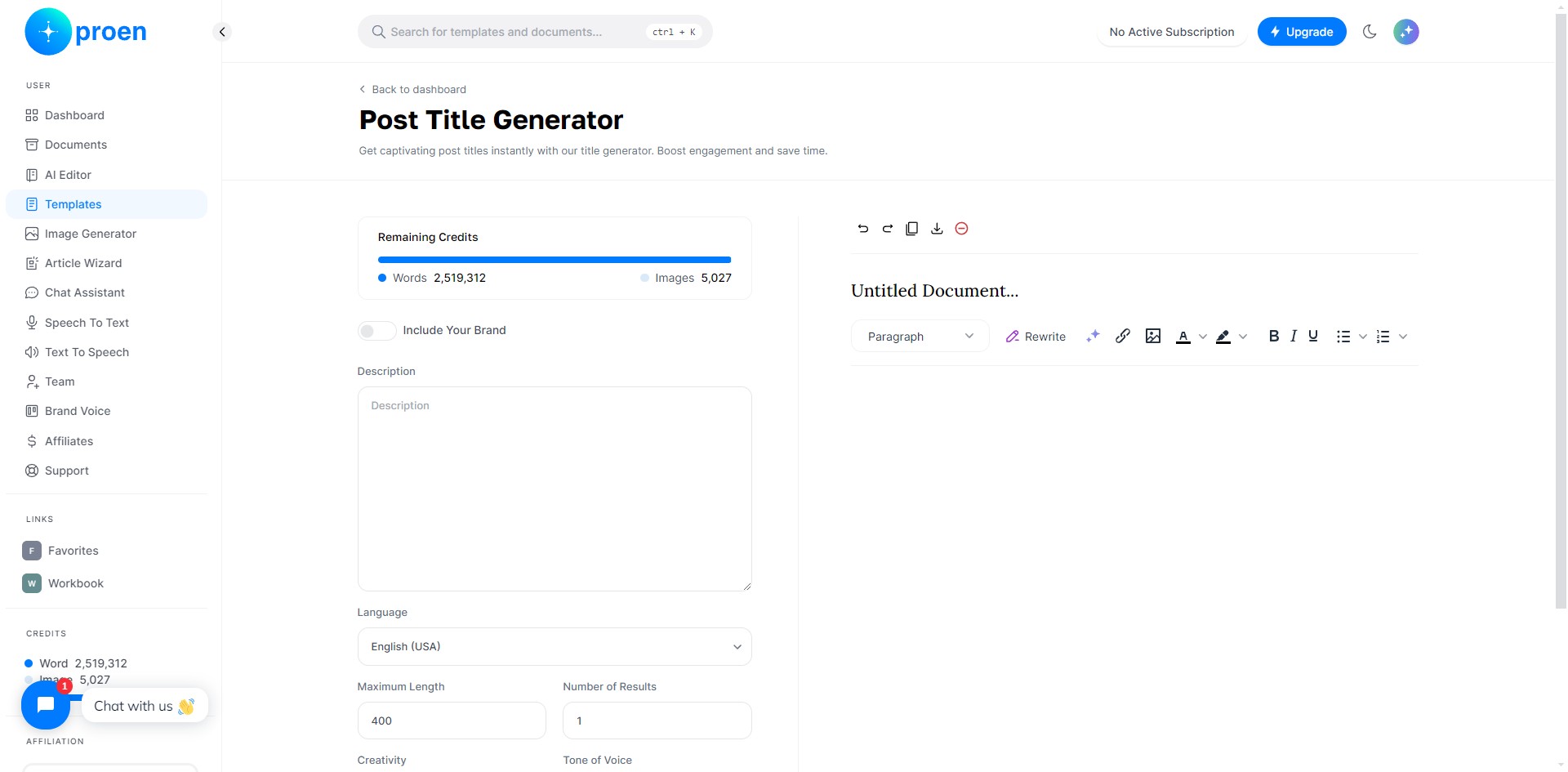
Generated content: this is where the generated content will appear. You can edit the generated content here as well.
Generated Content: Bottom-Row
Paragraph: turn selected text into headings of various sizes, make inline changes, add blocks of texts, and adjust text alignment.
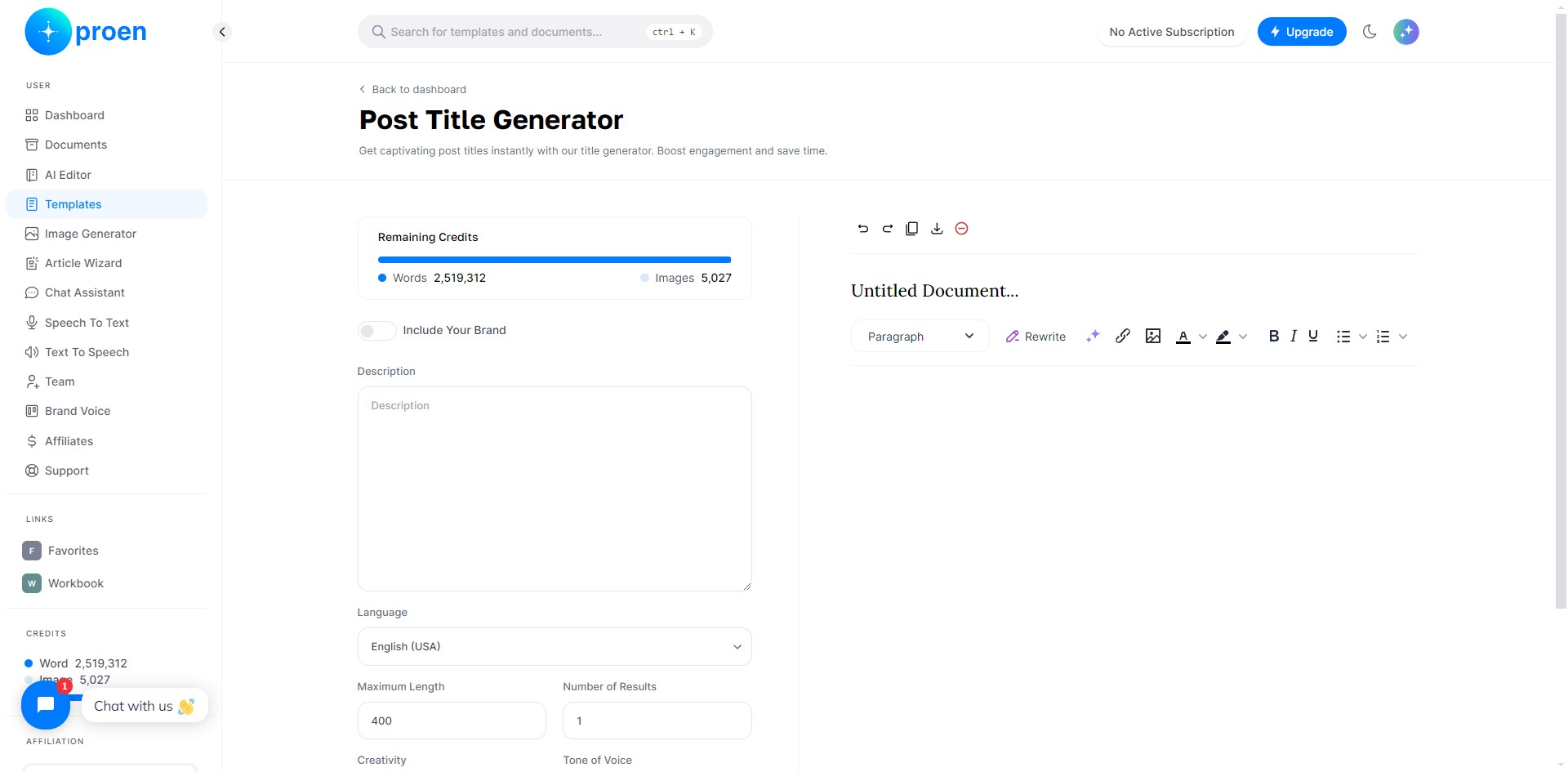
Rewrite: rewrite the selected text
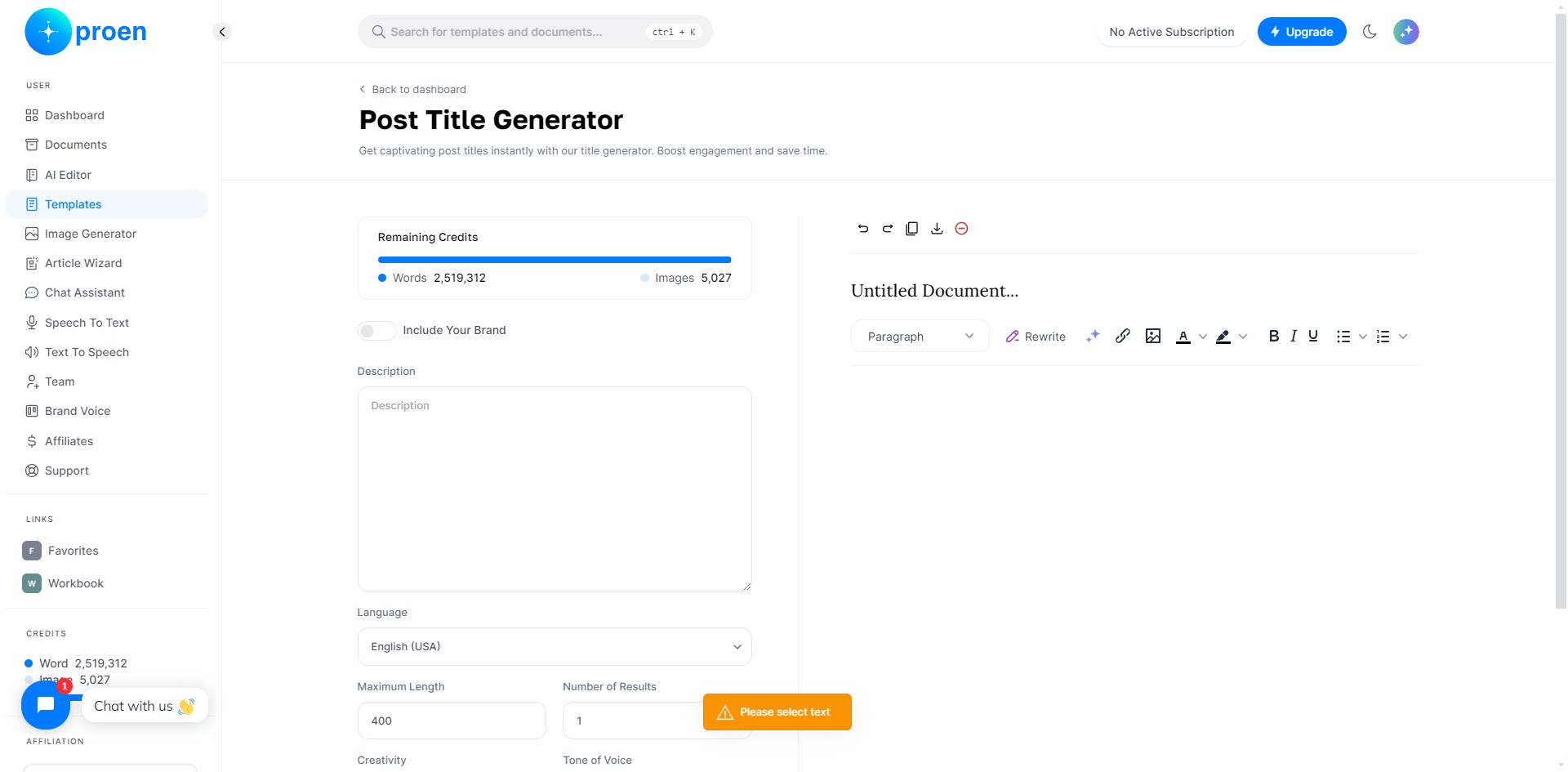
Twinkle: when you select this icon, you have several options available to you to improve/transform the selected text, such as "Rewrite", "Summarize", "Make it Longer", "Make it Shorter", "Improve Writing", "Translate to Spanish", "Fix grammatical mistakes"
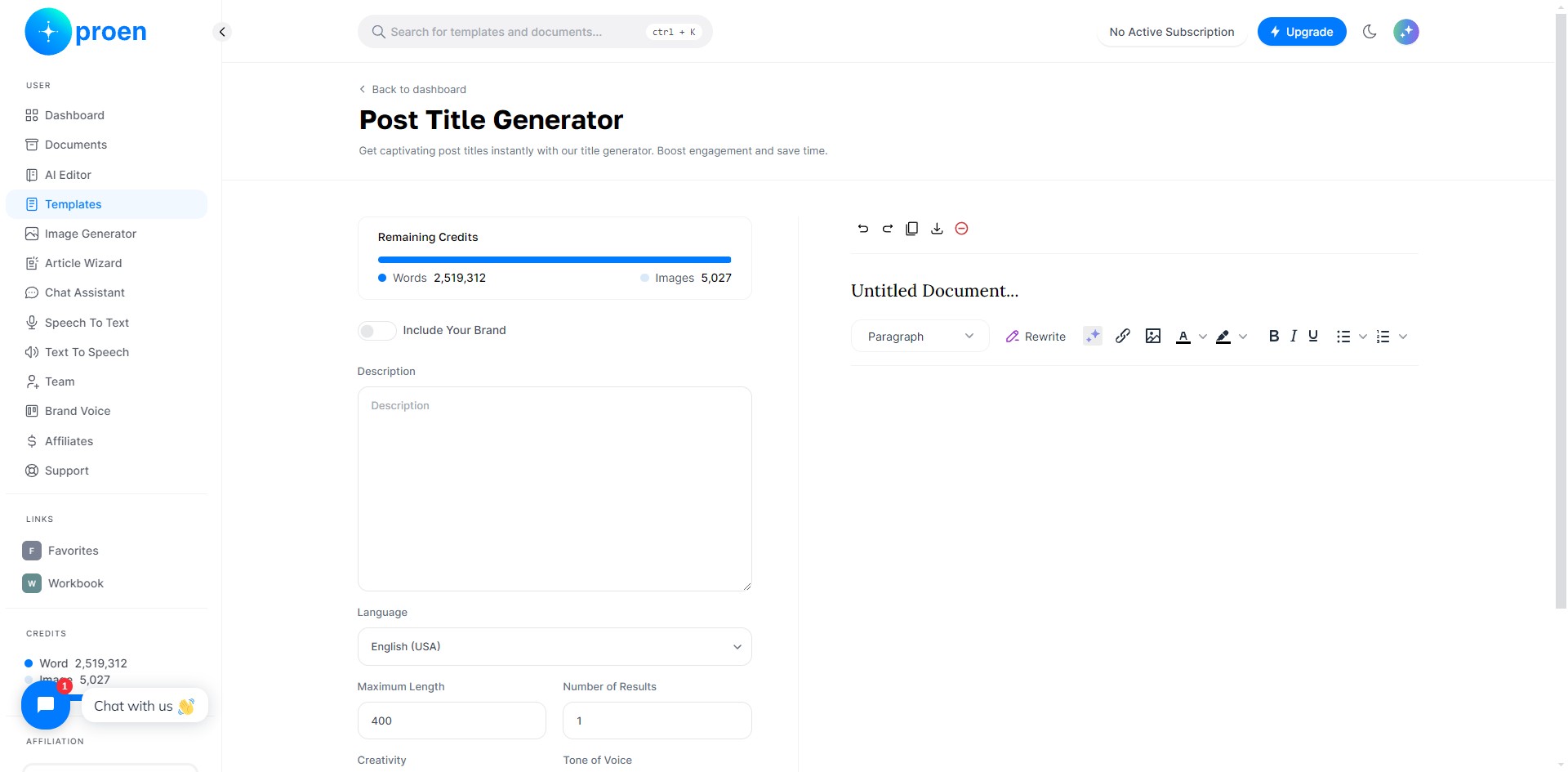
Insert/edit link
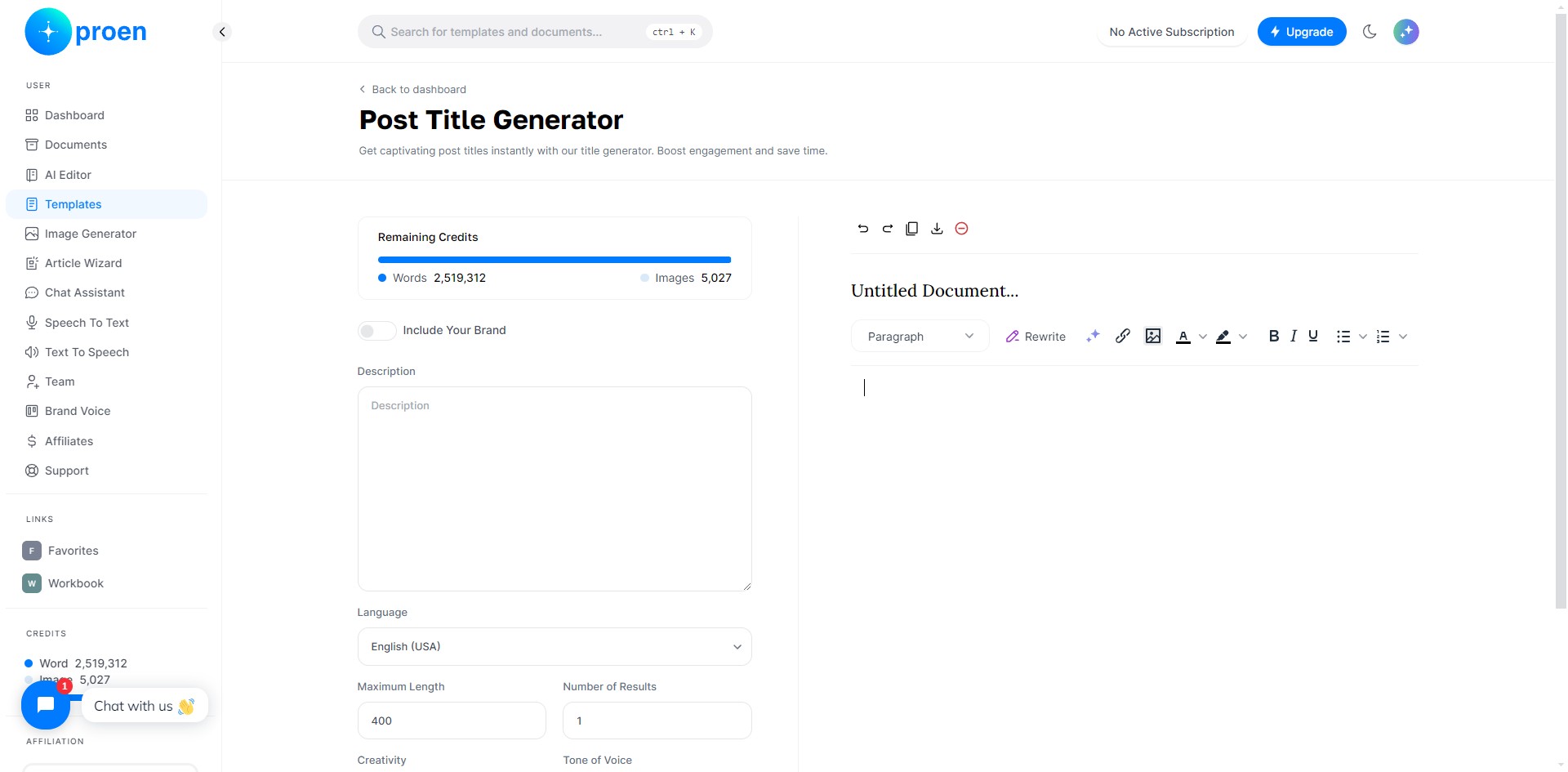
Insert/edit image
Text Color: change the color of the font for the selected text
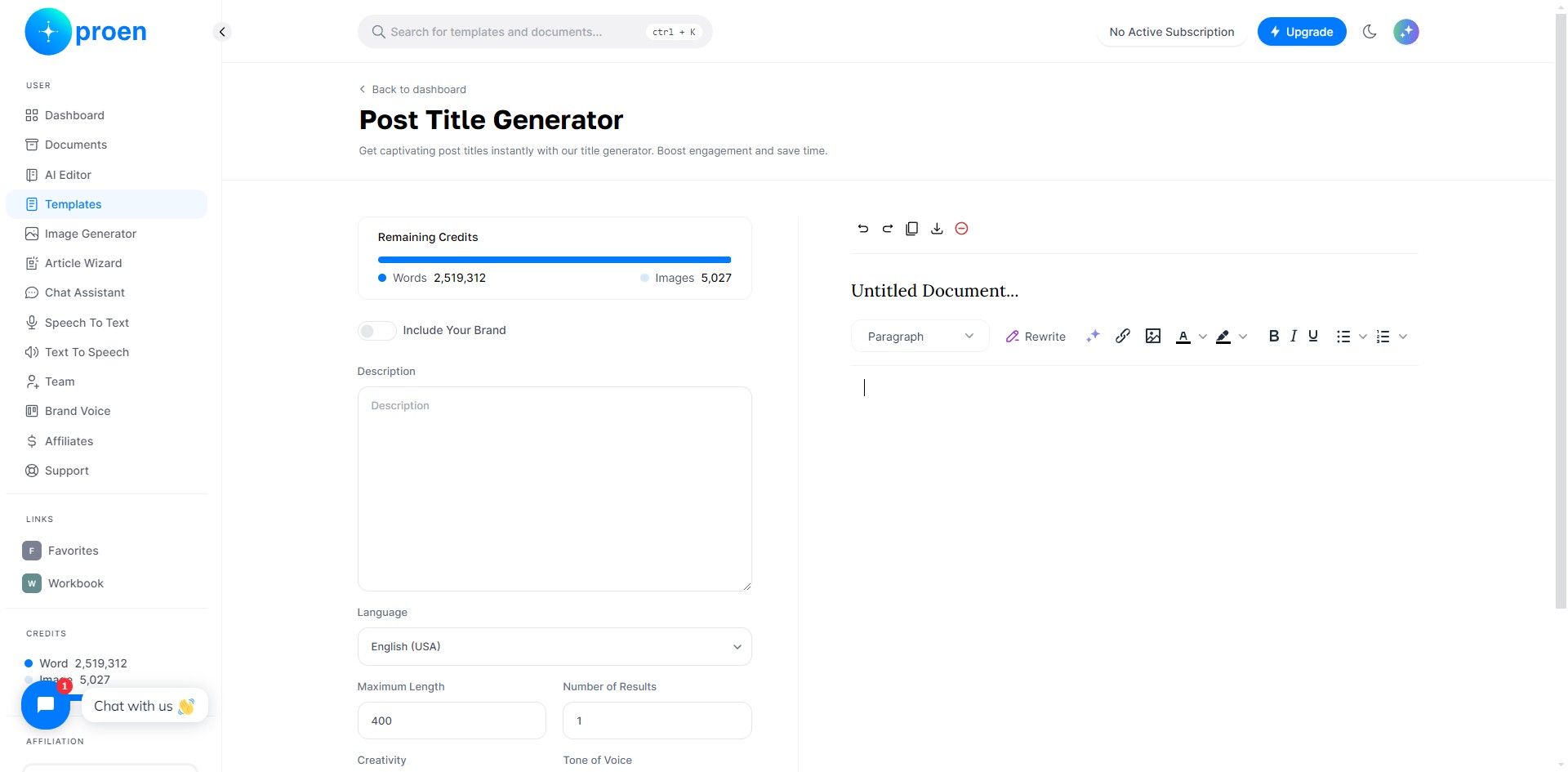
Background color: highlight the selected text
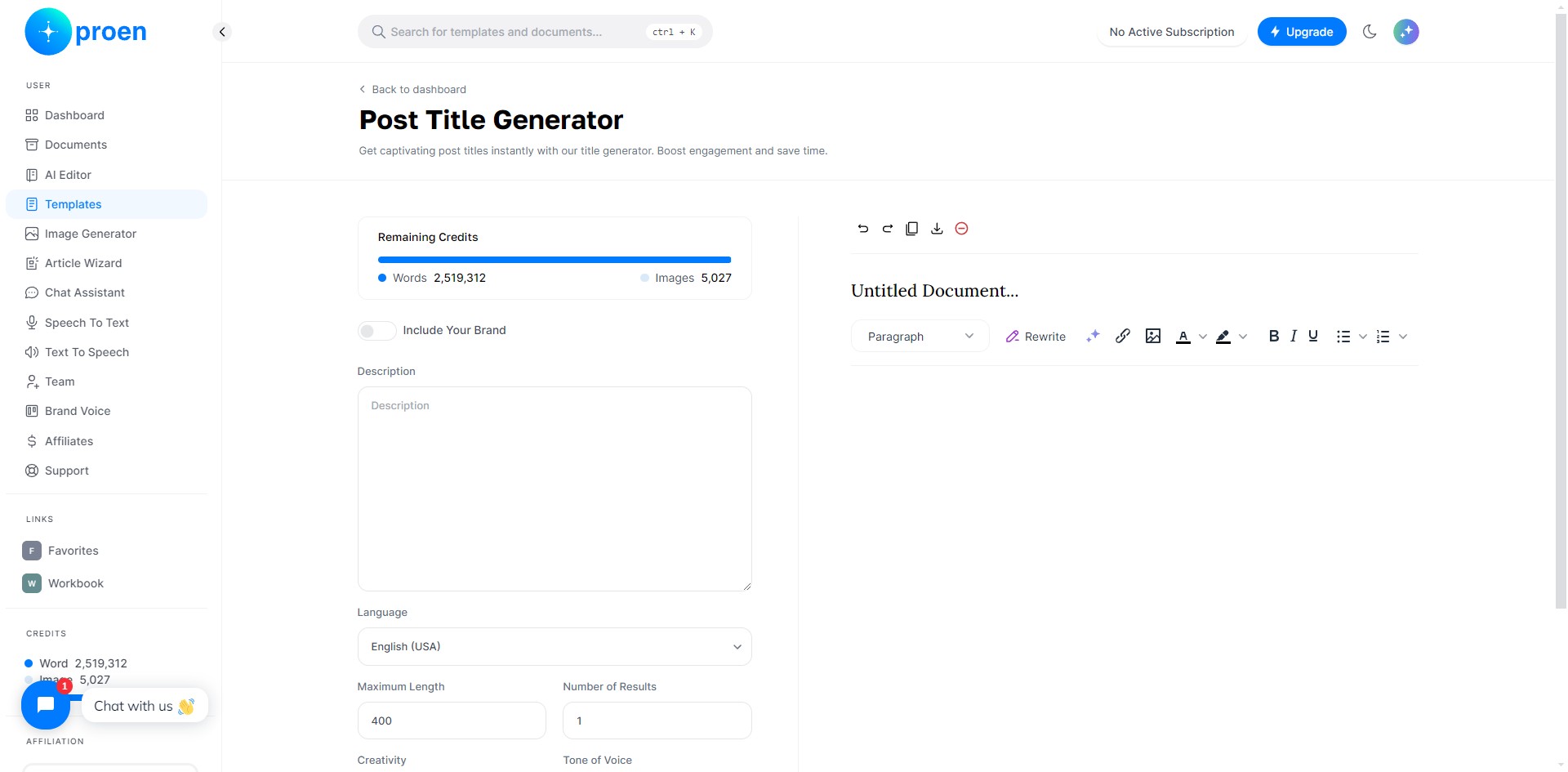
Bold: bold the selected text
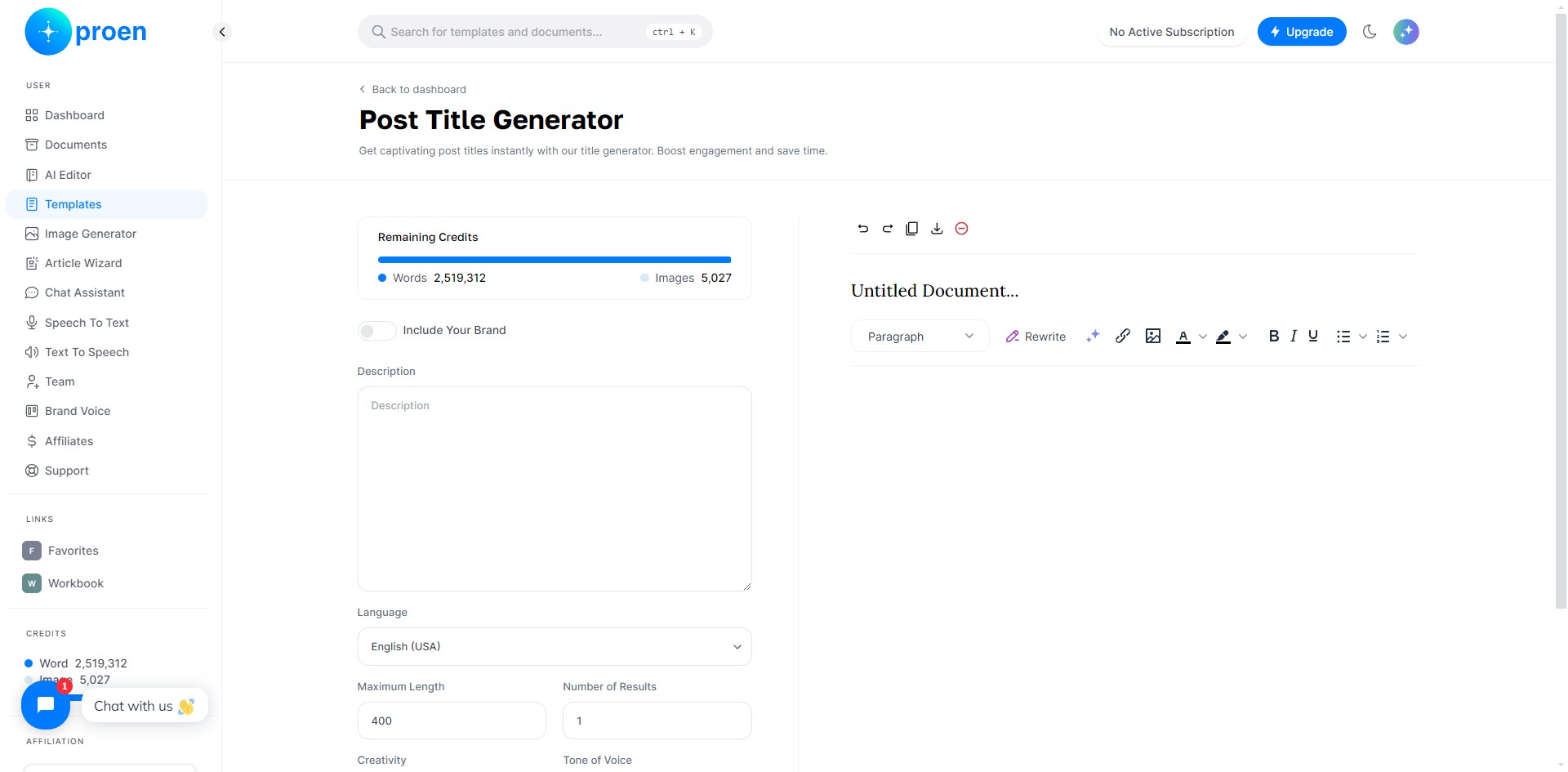
Italicize: italicize the selected content
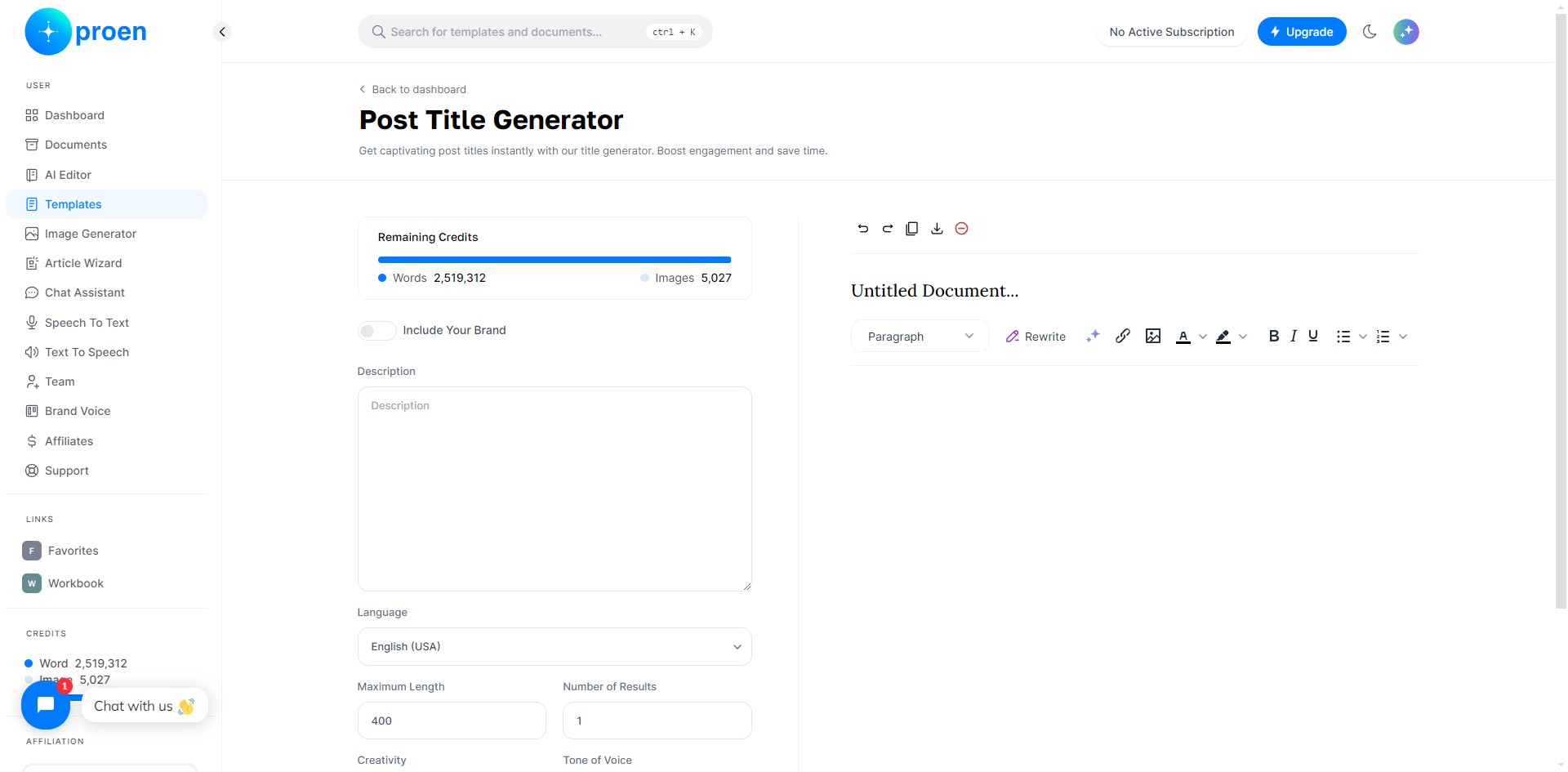
Underline: underline the selected text
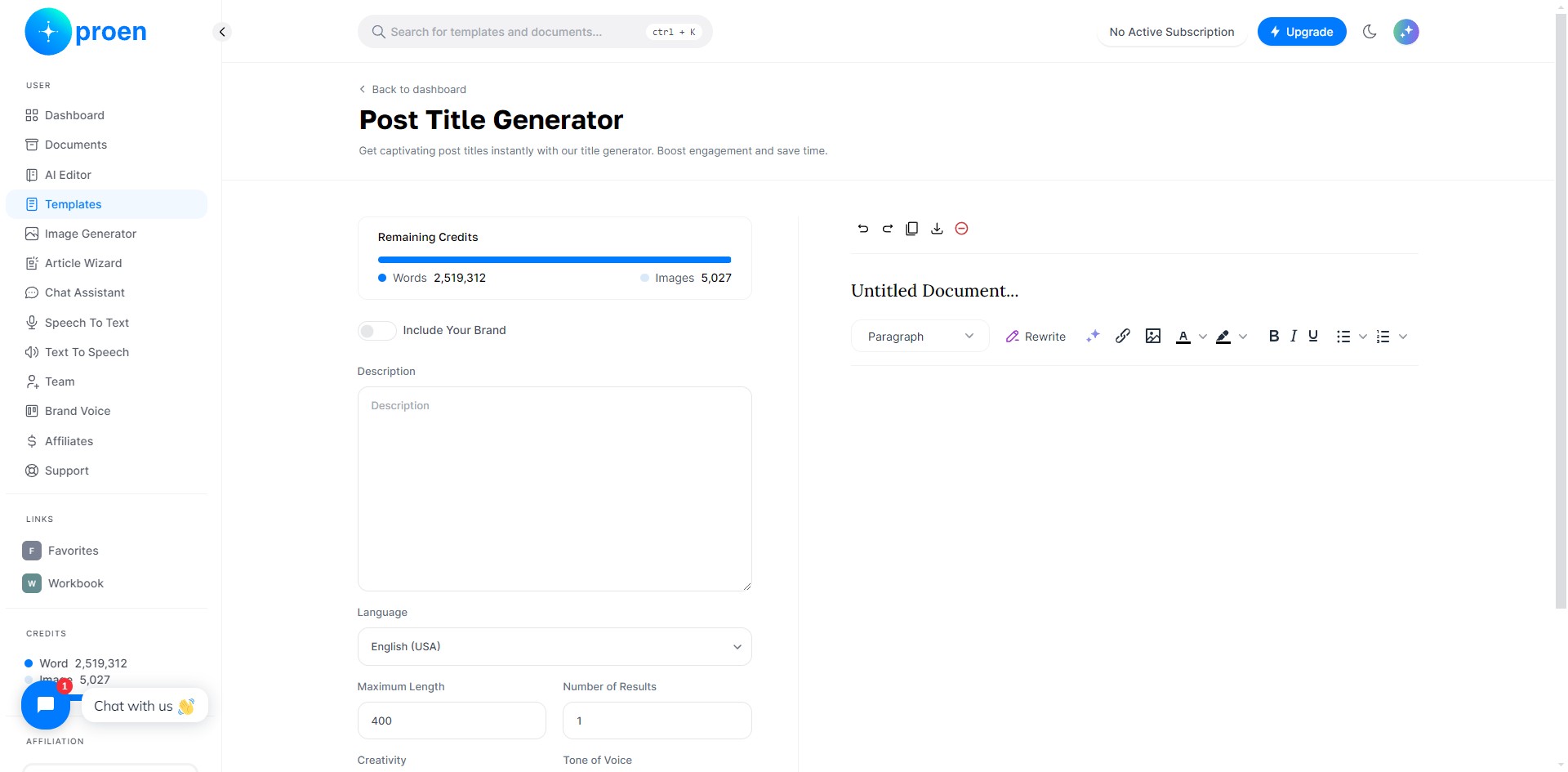
Bullet points: add or convert selected text into bullet points
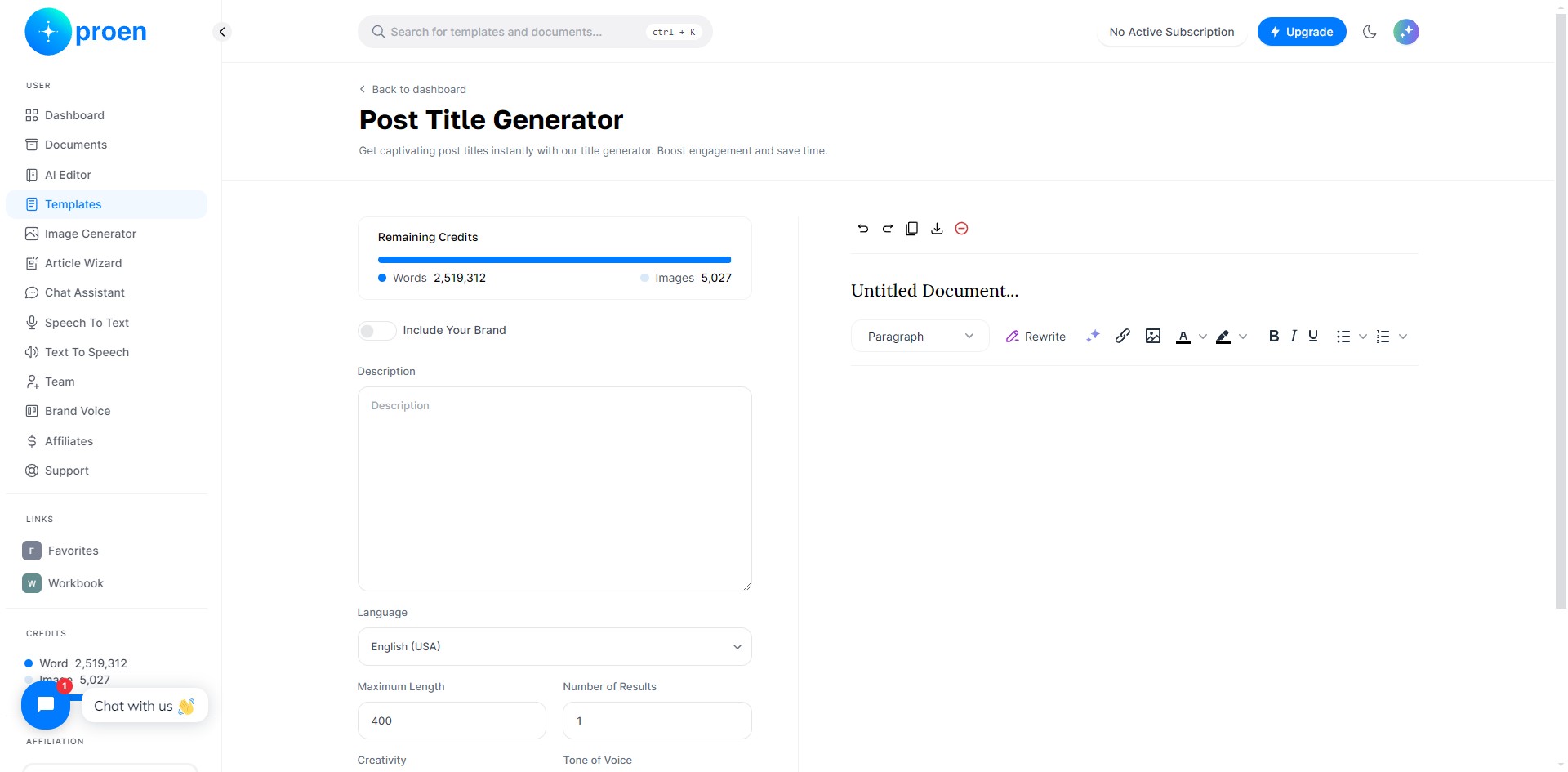
Numbered list: add or convert selected text into a numbered list
Done 🚀