Proen AI | Social Media Calendar
Plan your social media posts with a comprehensive calendar. (*In order to use this feature, you need to be subscribed to our Premium plan)
Apr 29, 2024●
1
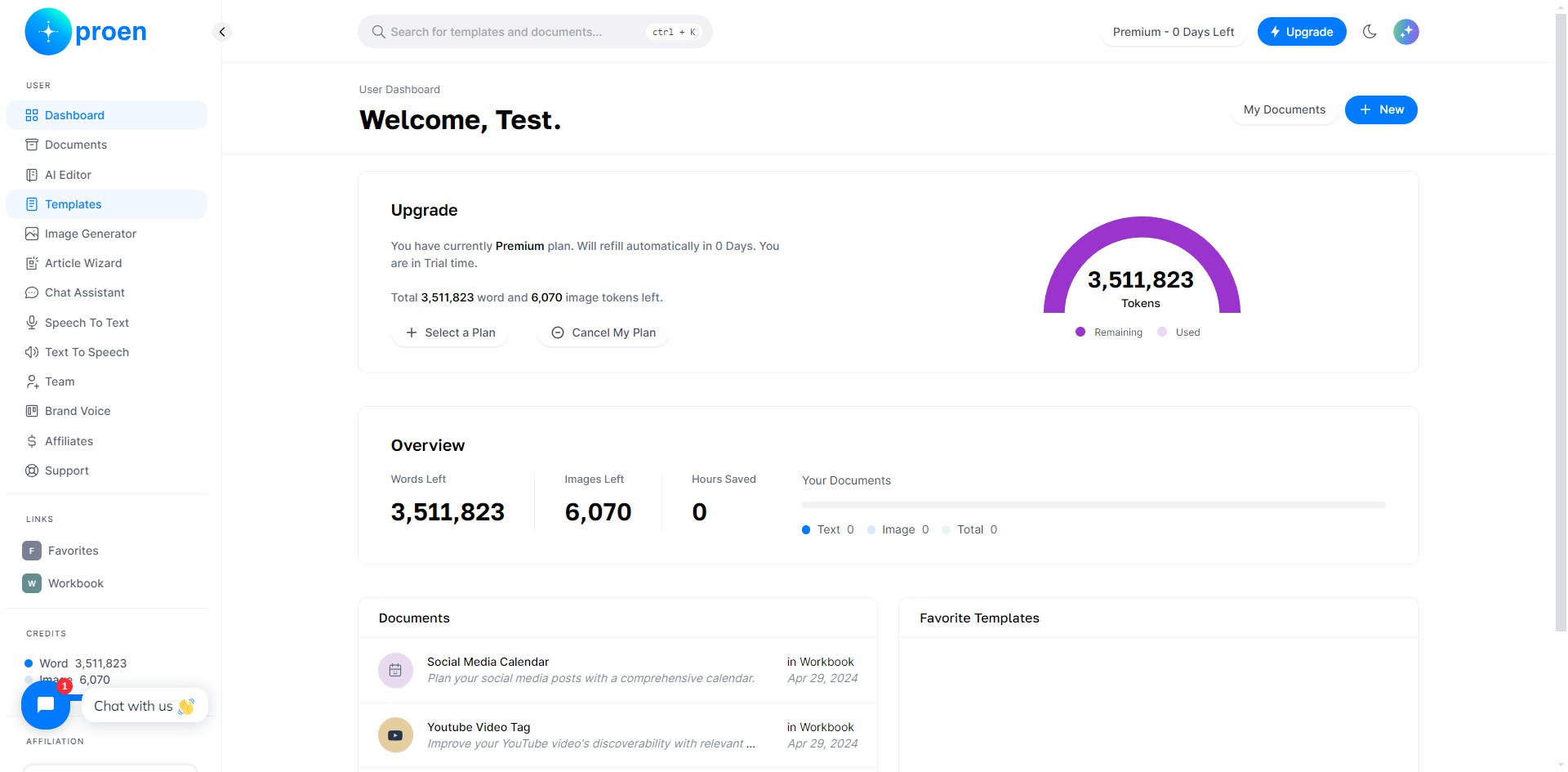
Click on "Templates"
2
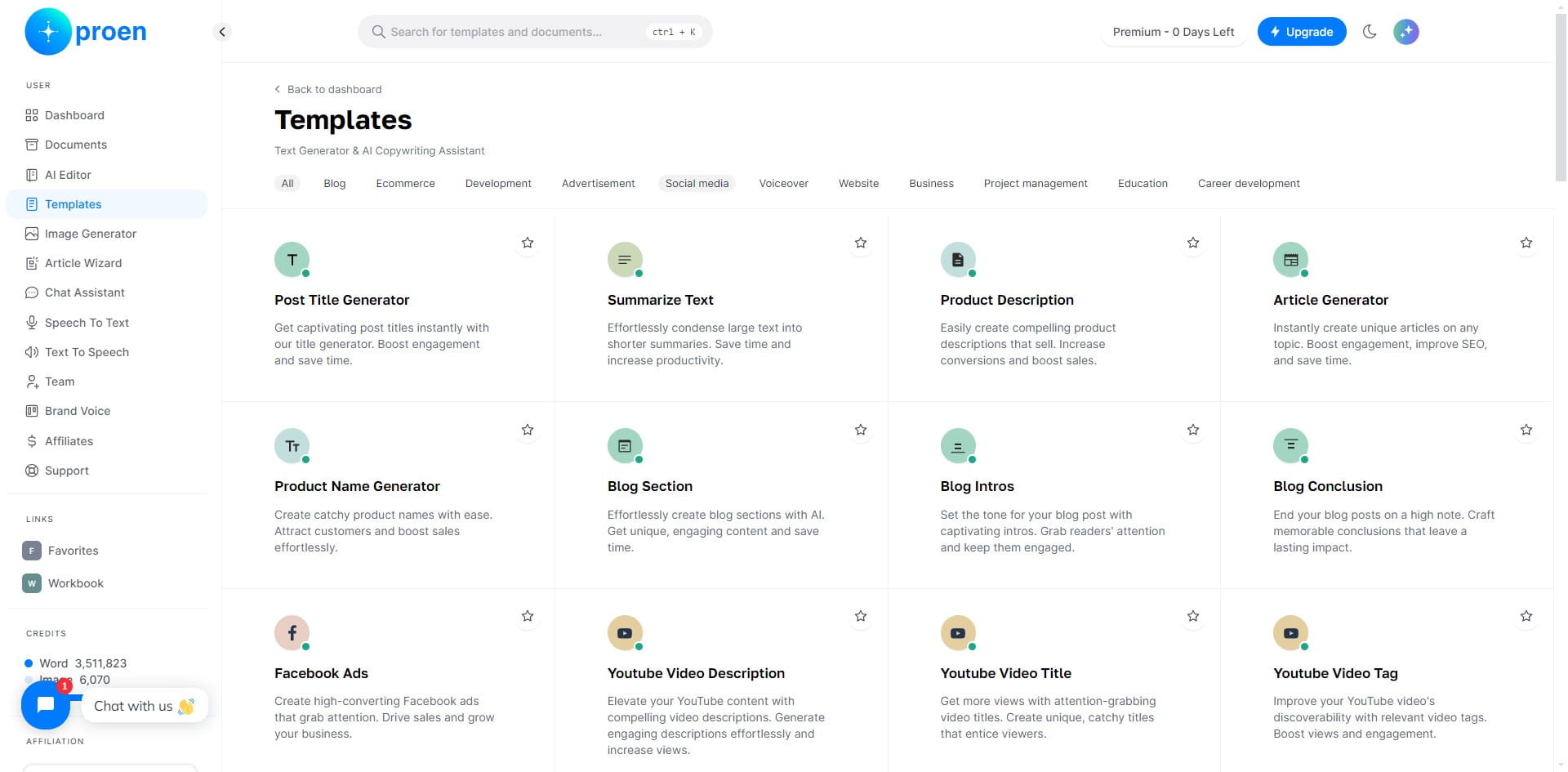
Click on "Social media"
3
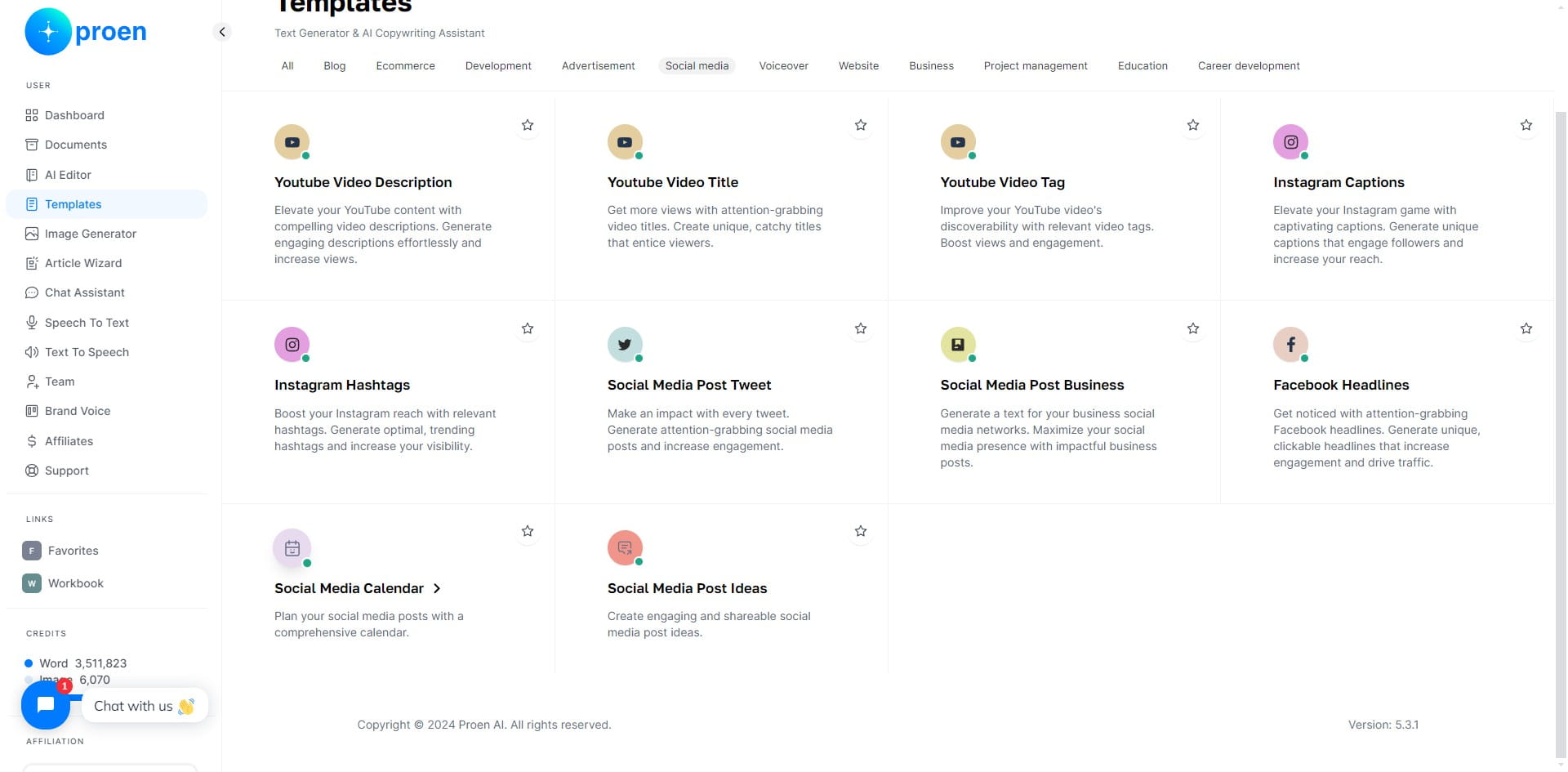
Click on "Social Media Calendar"
4
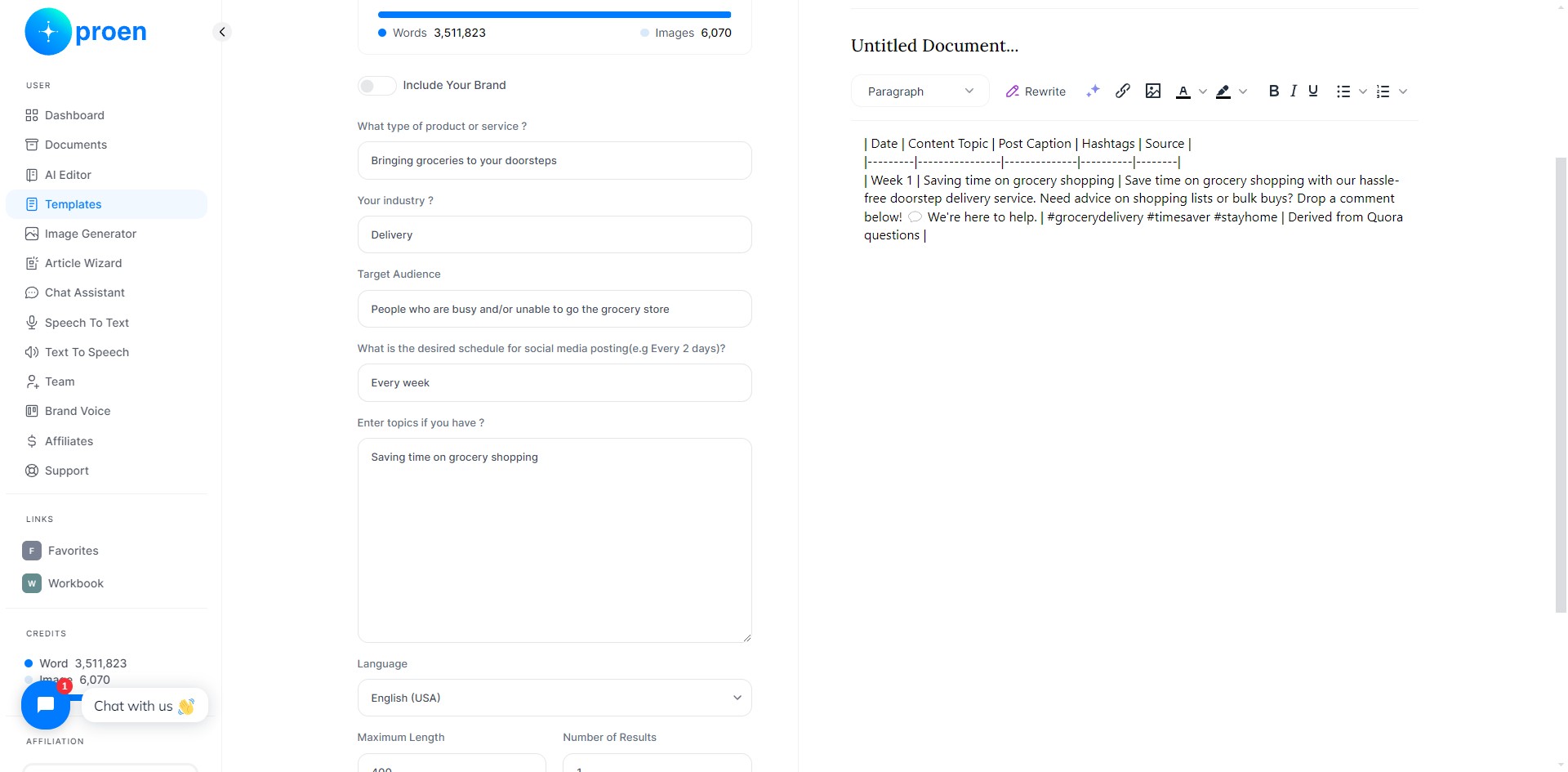
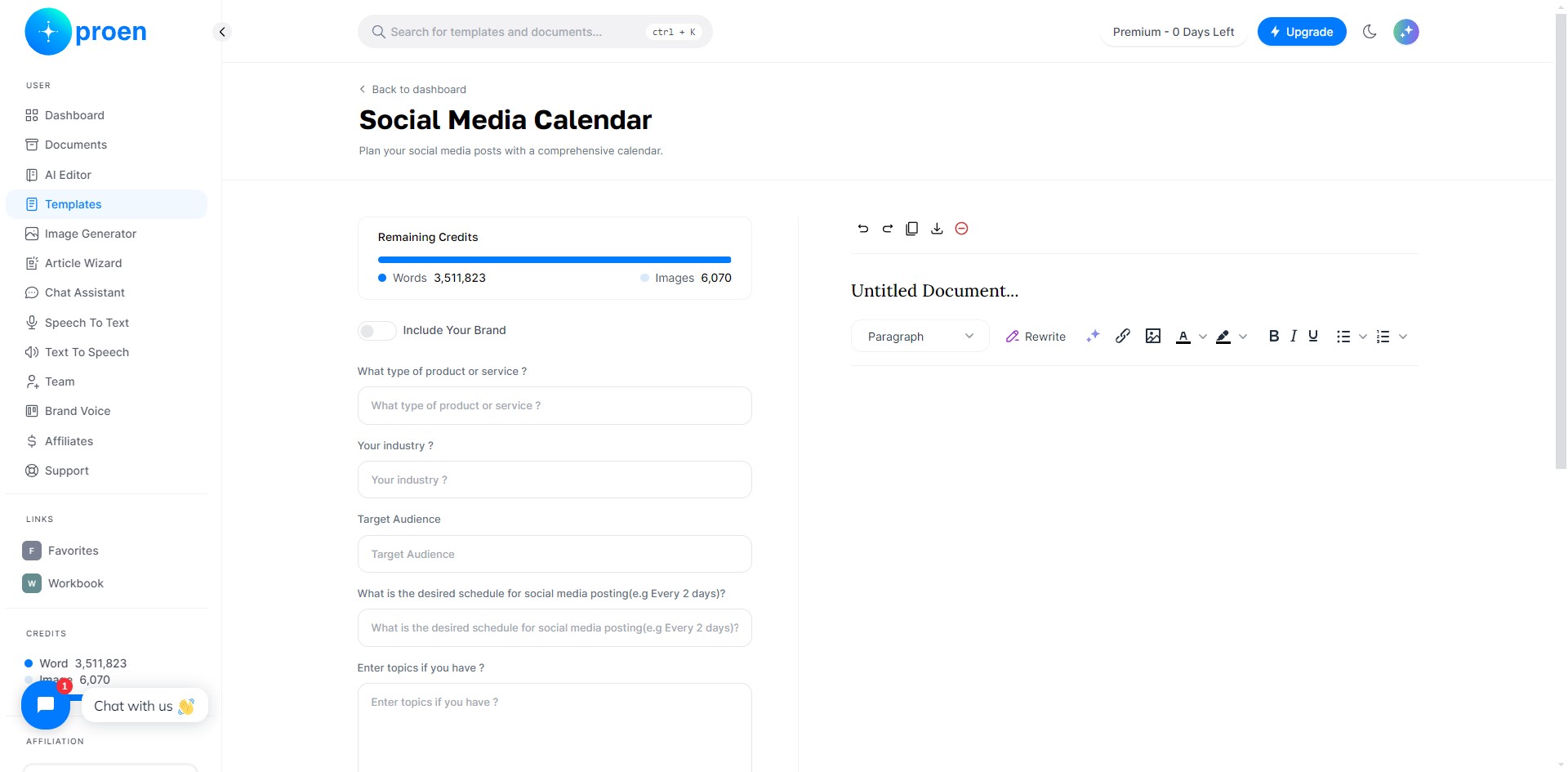
Optional: toggle ON "Include Your Brand"
5
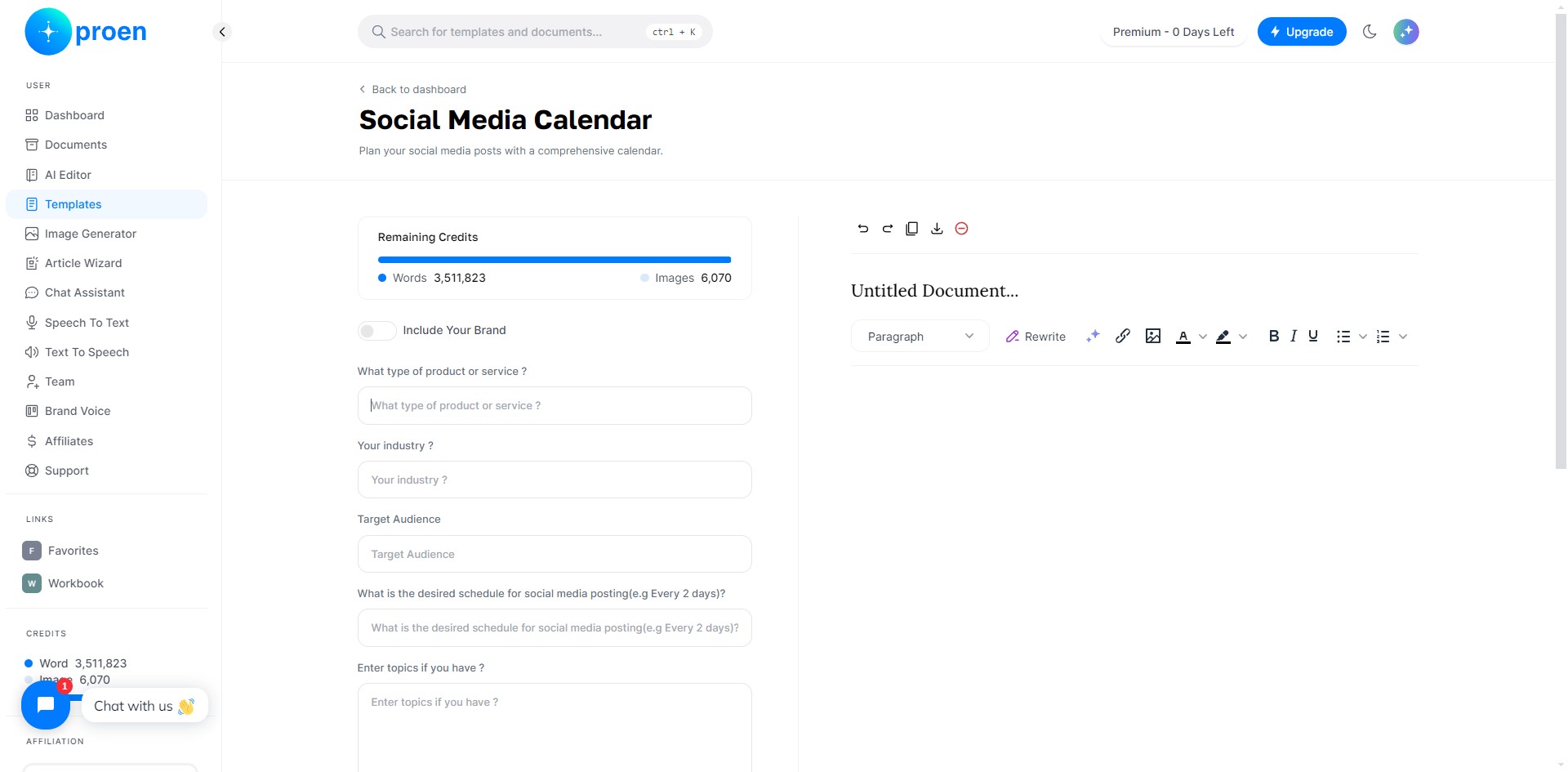
Enter the type of the product or service you wish to make a social media calendar for
6
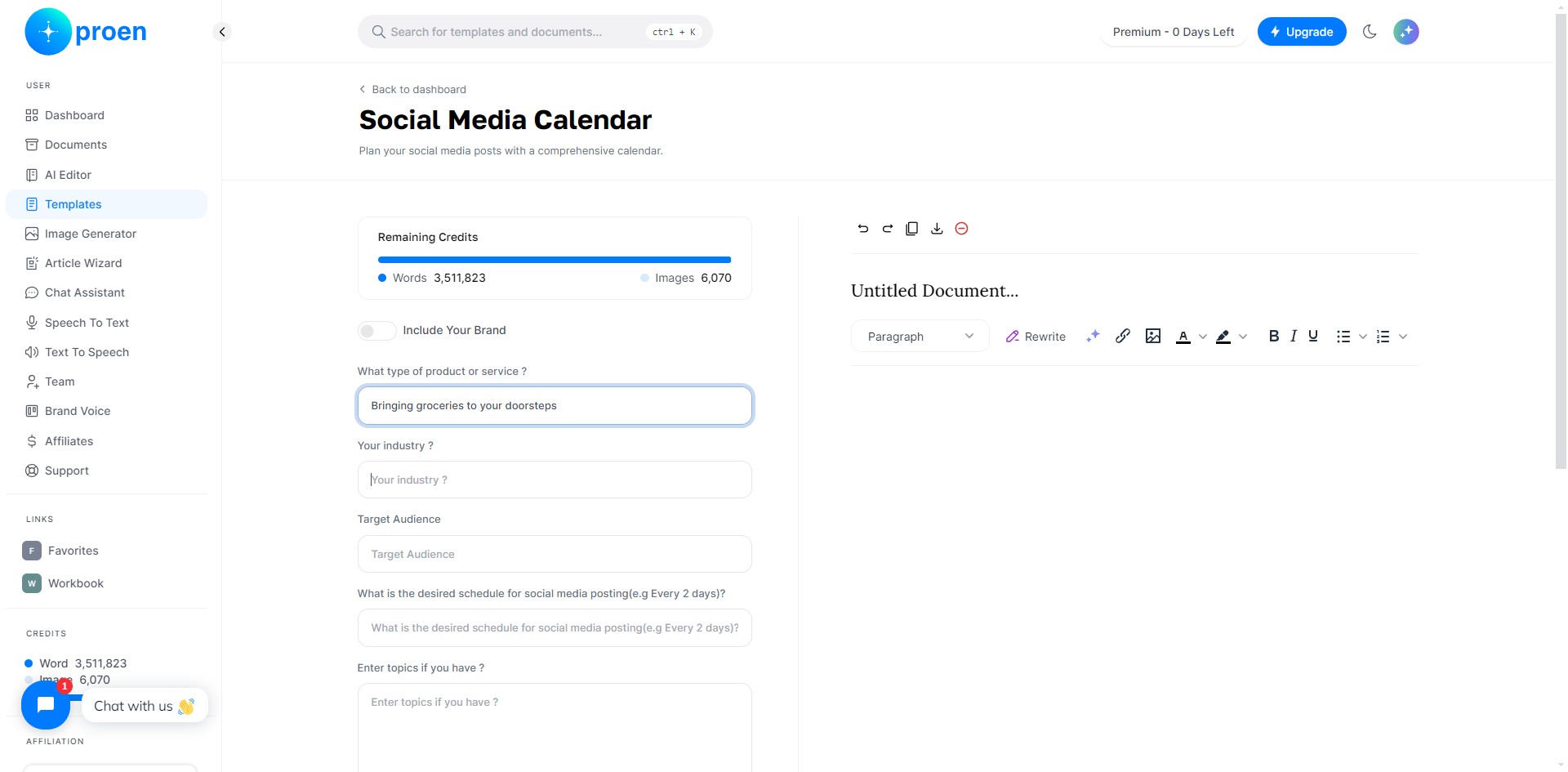
Enter the industry your product/service is based in
7
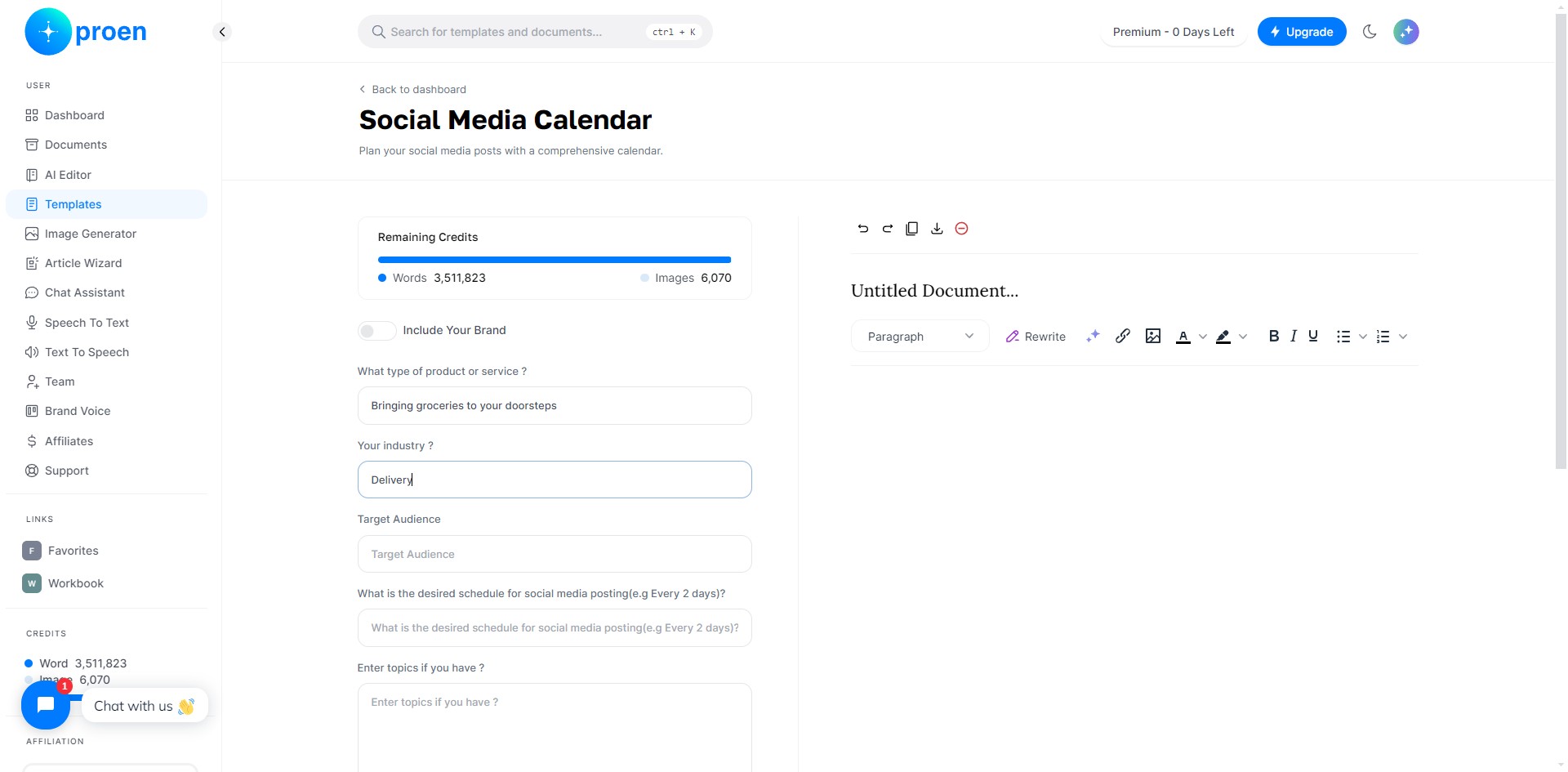
Enter your target audience
8
Enter how often you wish to post on social media the posts
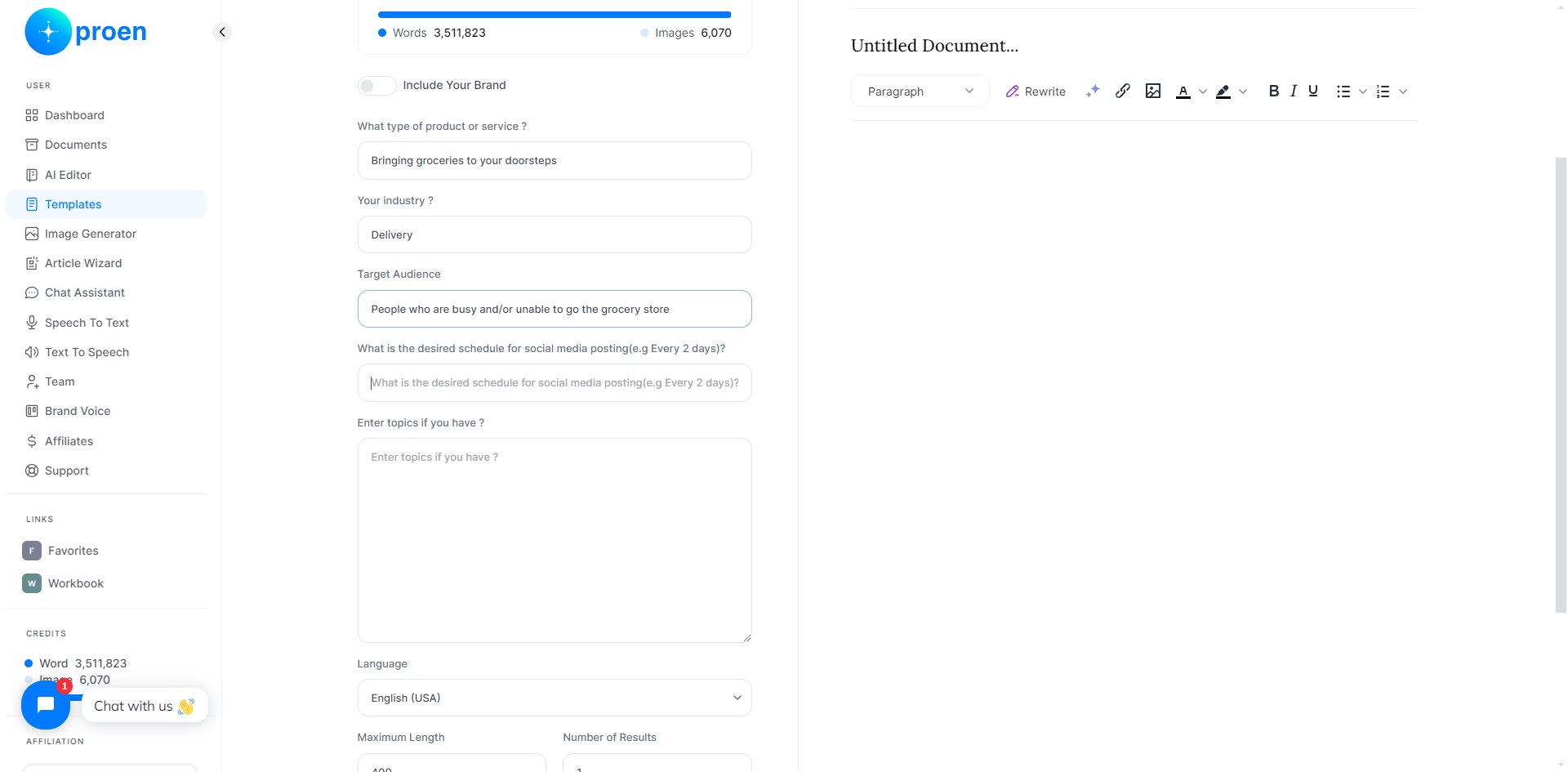
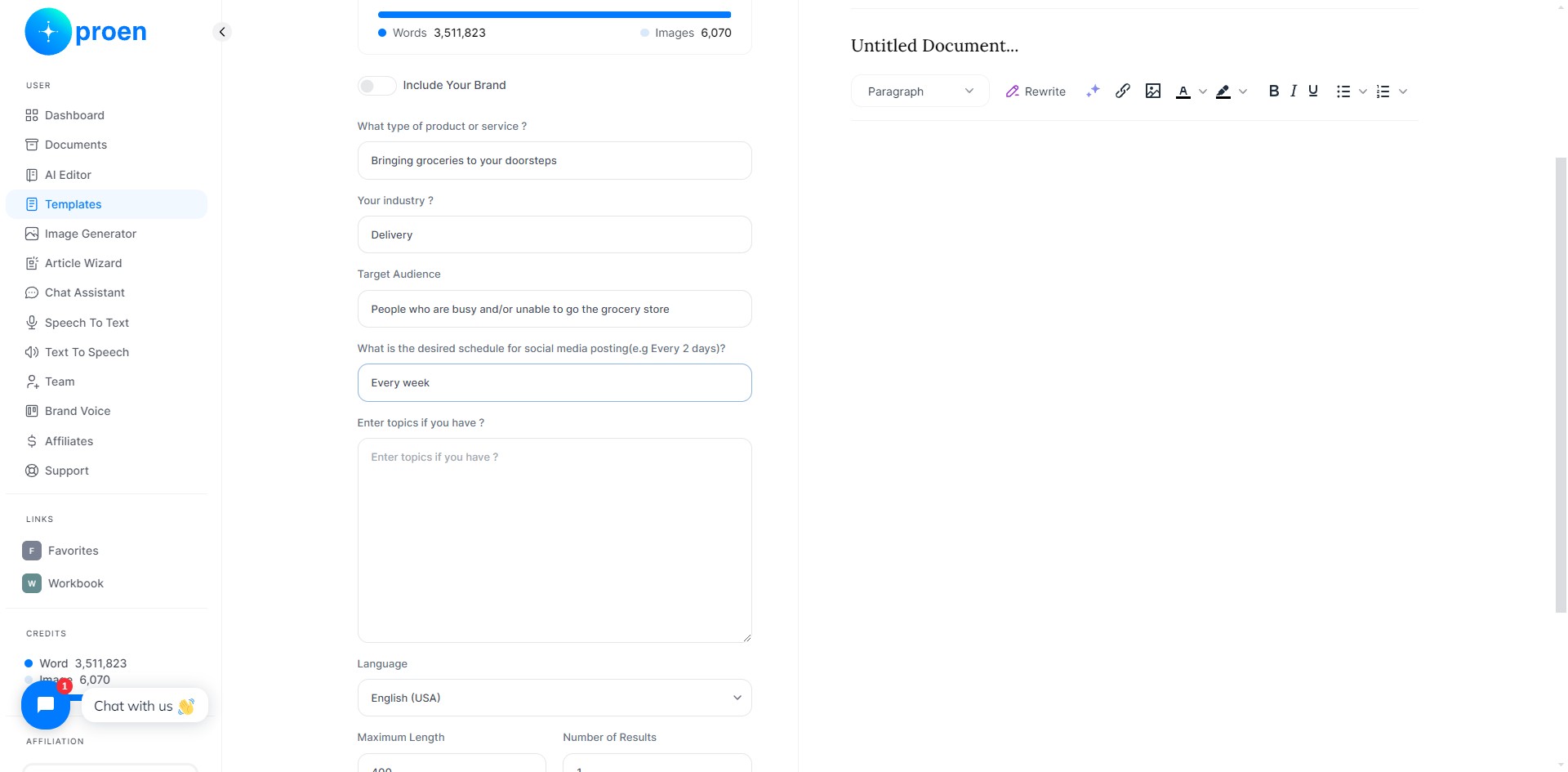
9
Provide some topics you wish to discuss if you have any, otherwise, type "N/A"
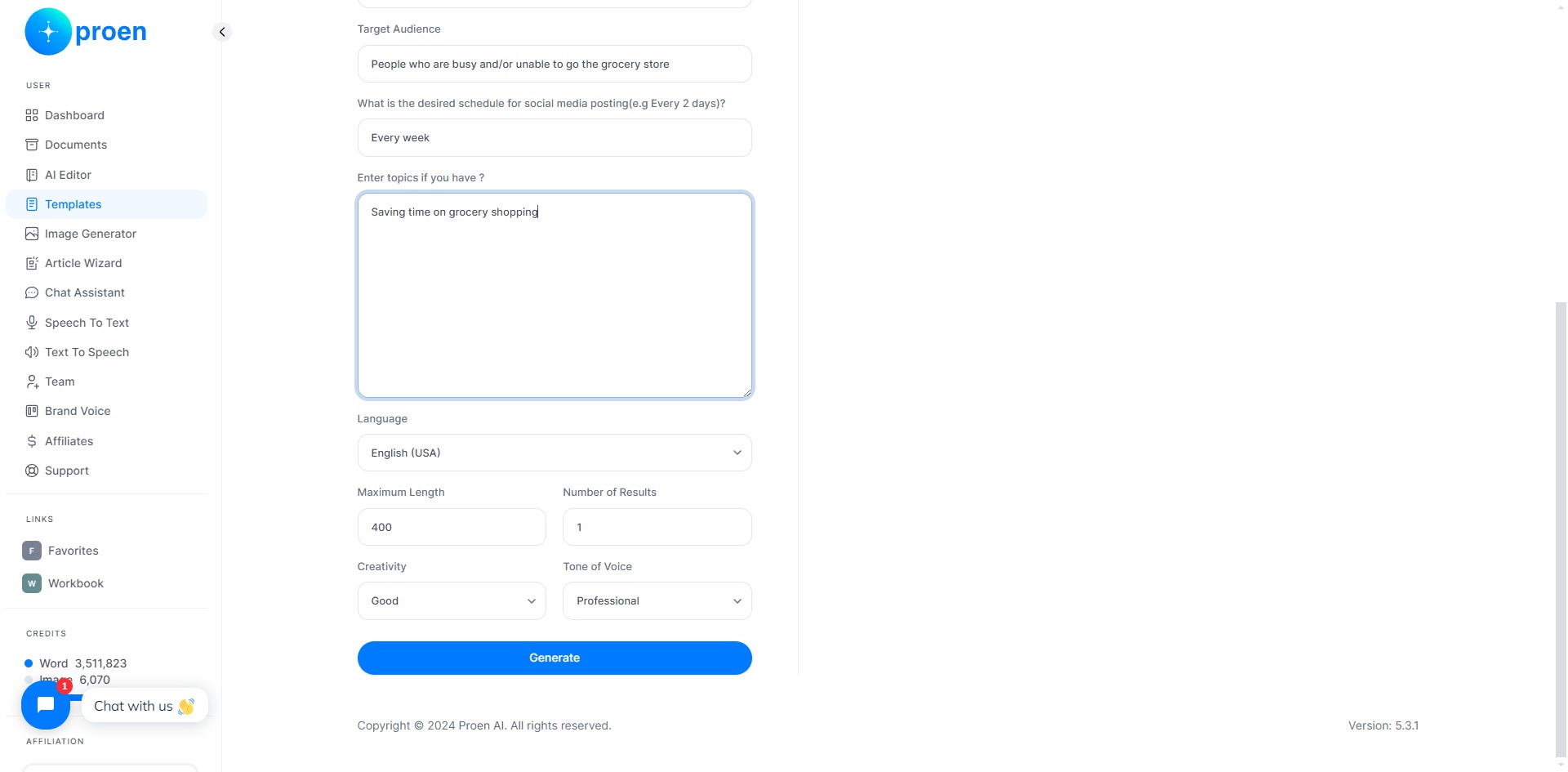
10
Optional: curate the content that will be generated
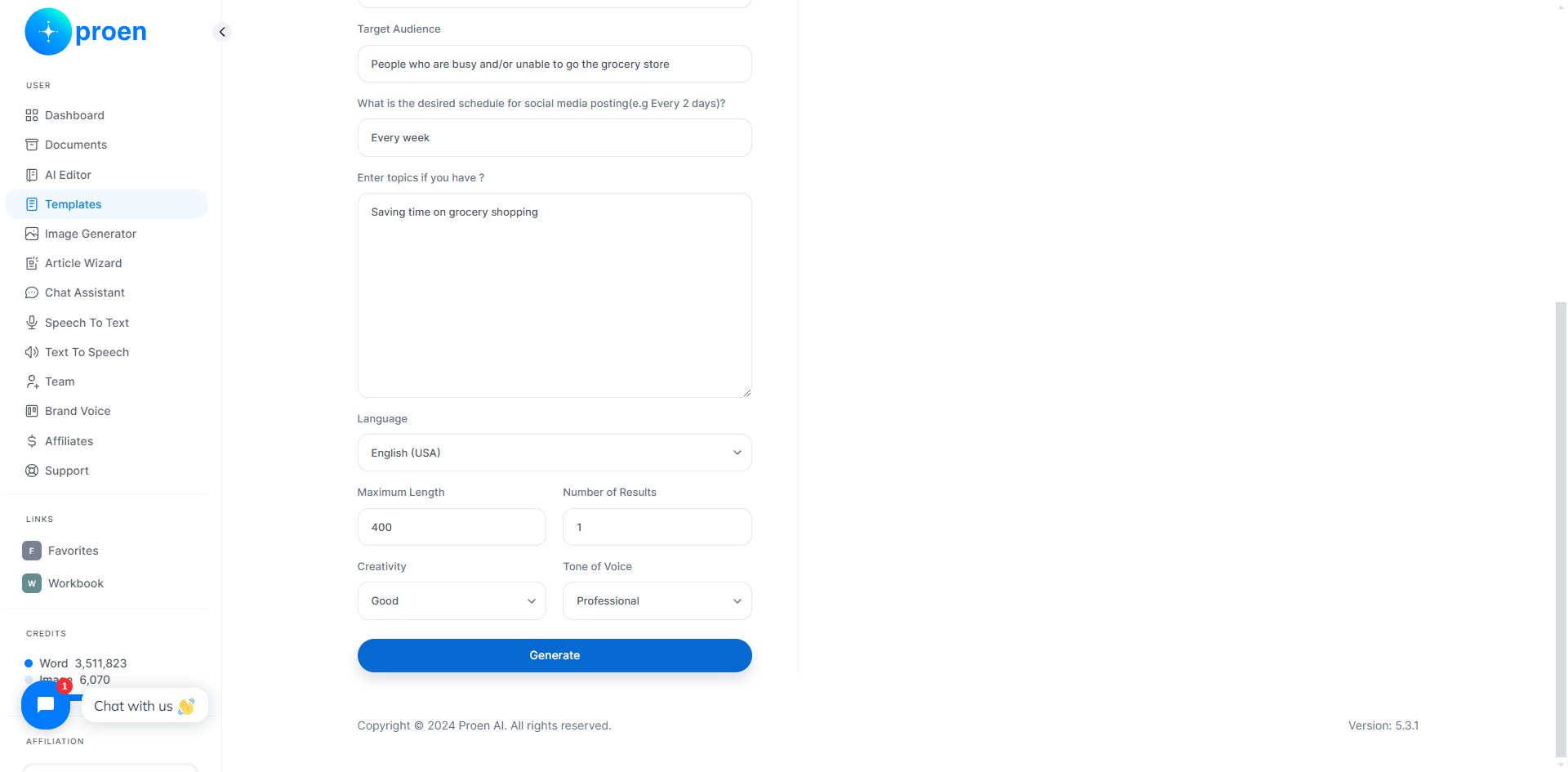
11
Click on "Generate"
12
Done 🚀