Proen AI | Managing Your Account
A guide on how to update your password and profile information.
Apr 29, 2024●
1
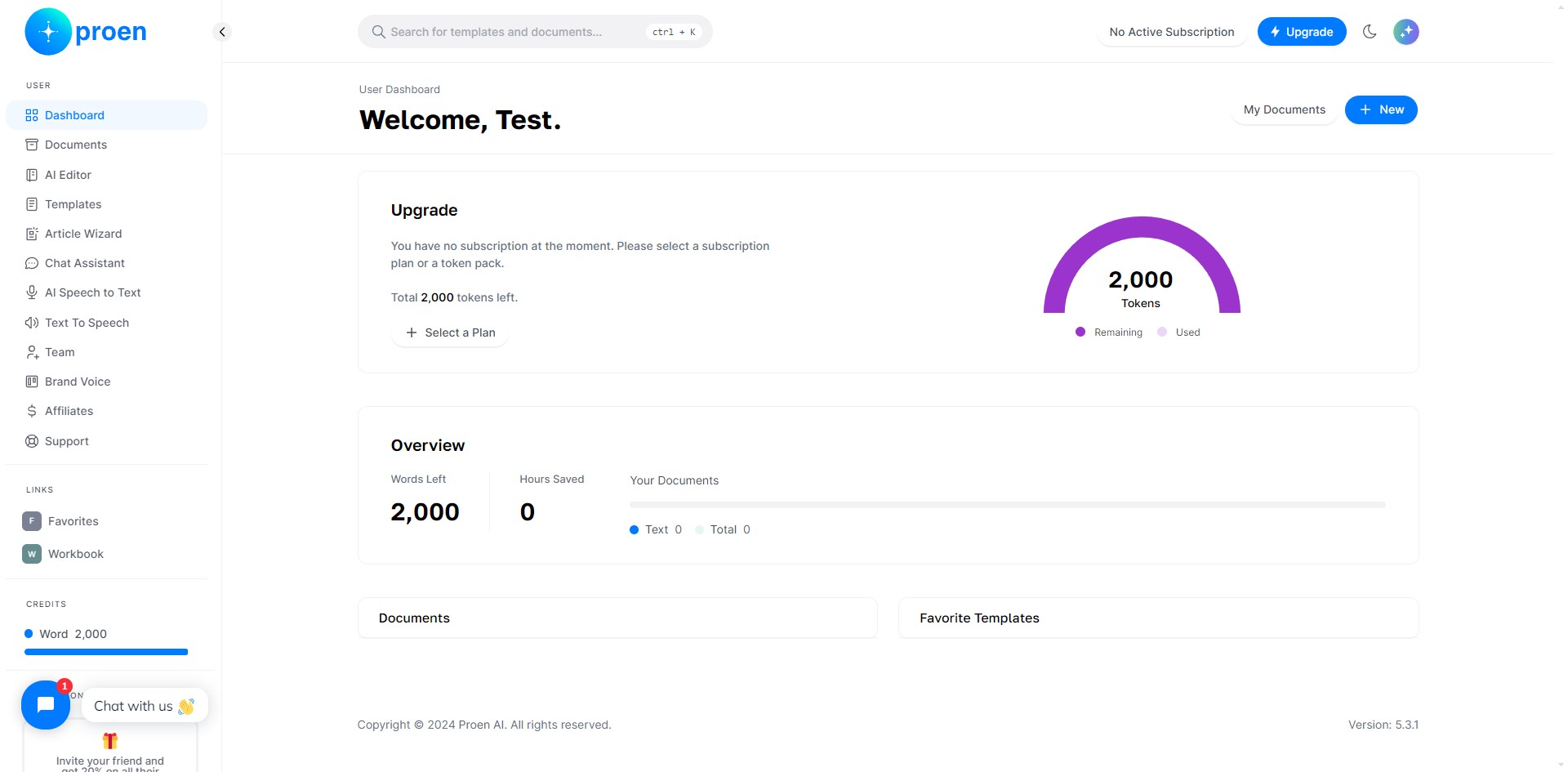
Click on your profile icon.
2
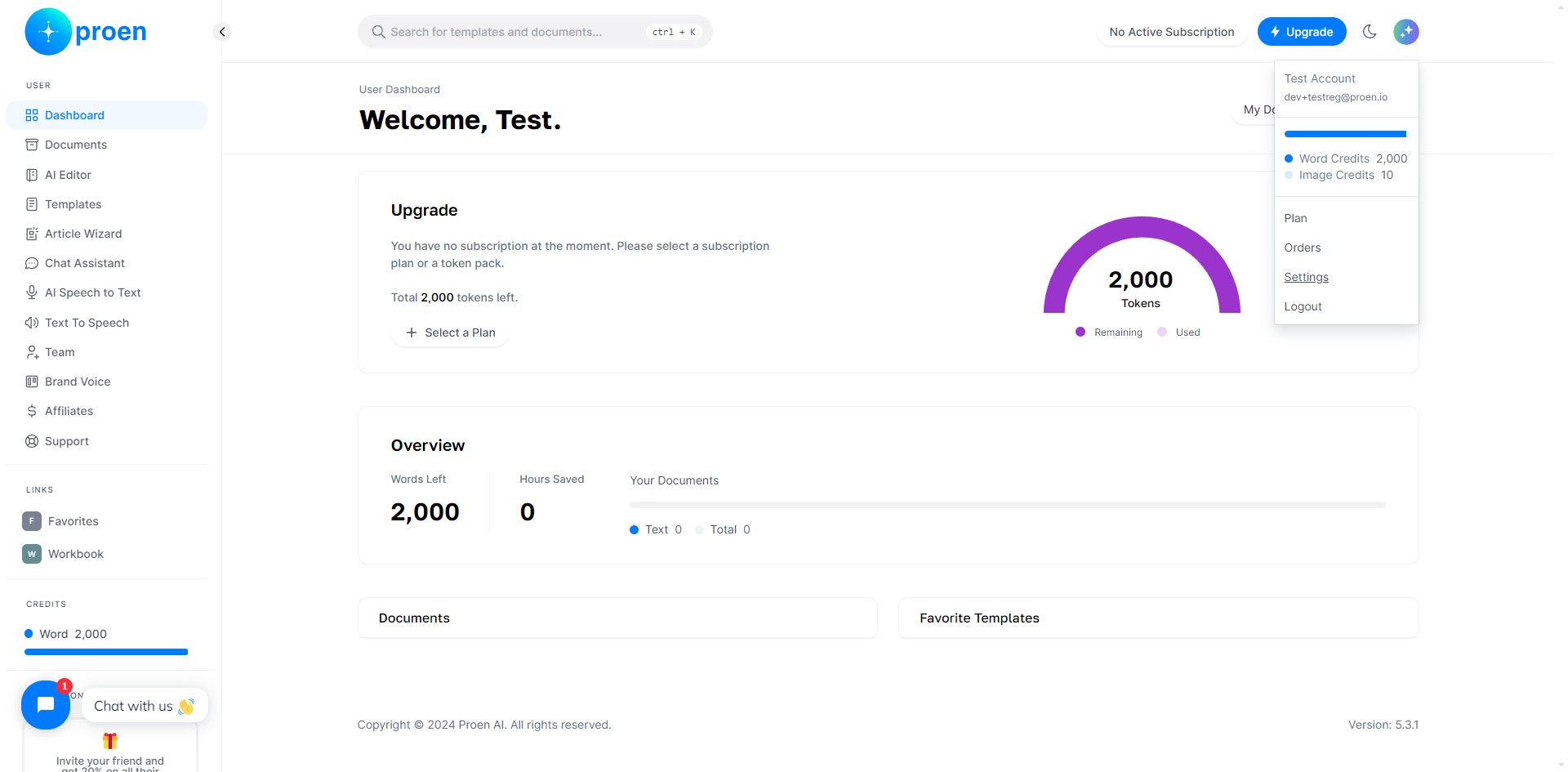
Click on "Settings"
3
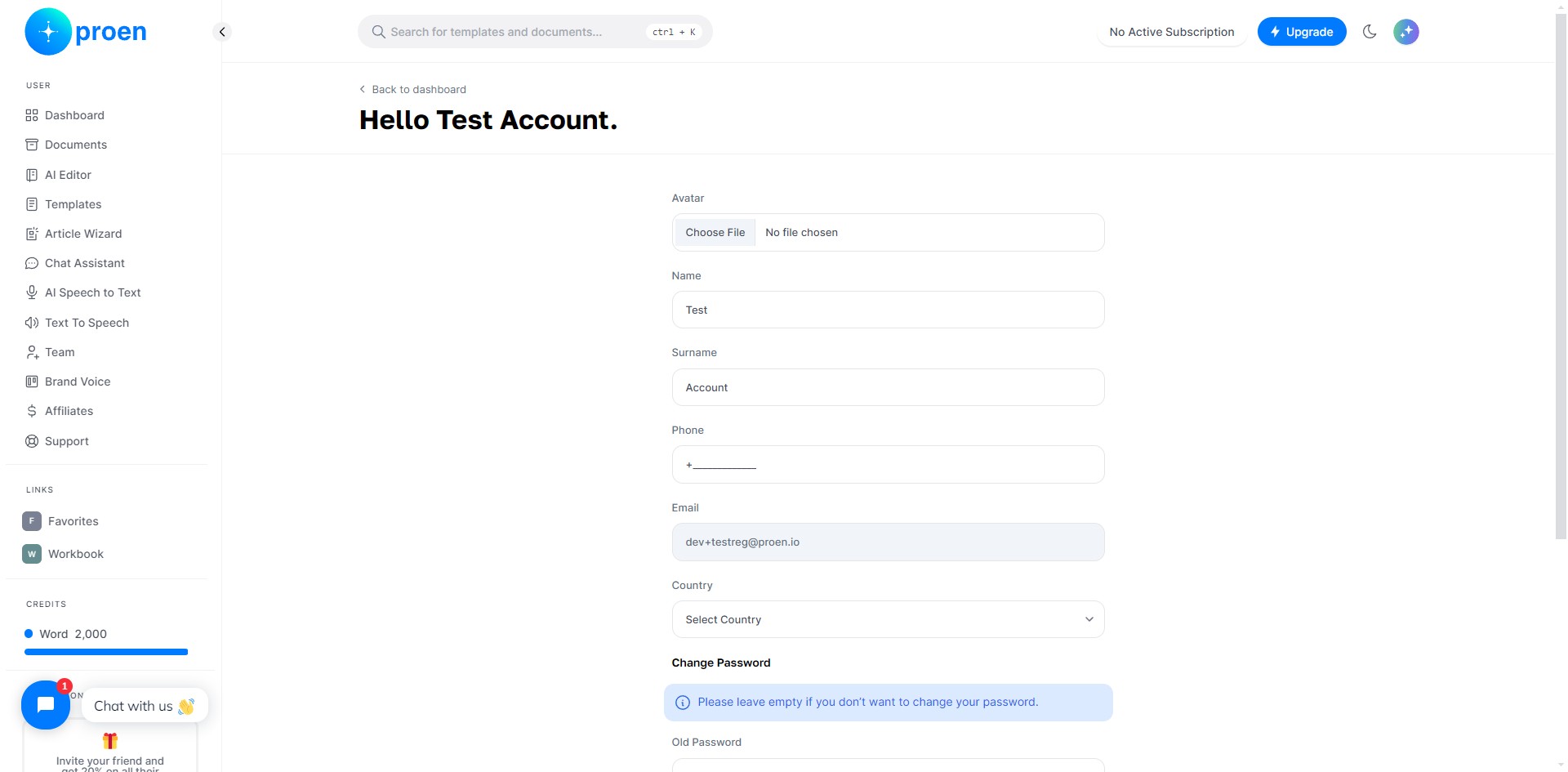
Here you can update the following associated to your account: your profile photo (optional), name, surname, phone number (optional), and country (optional).
4
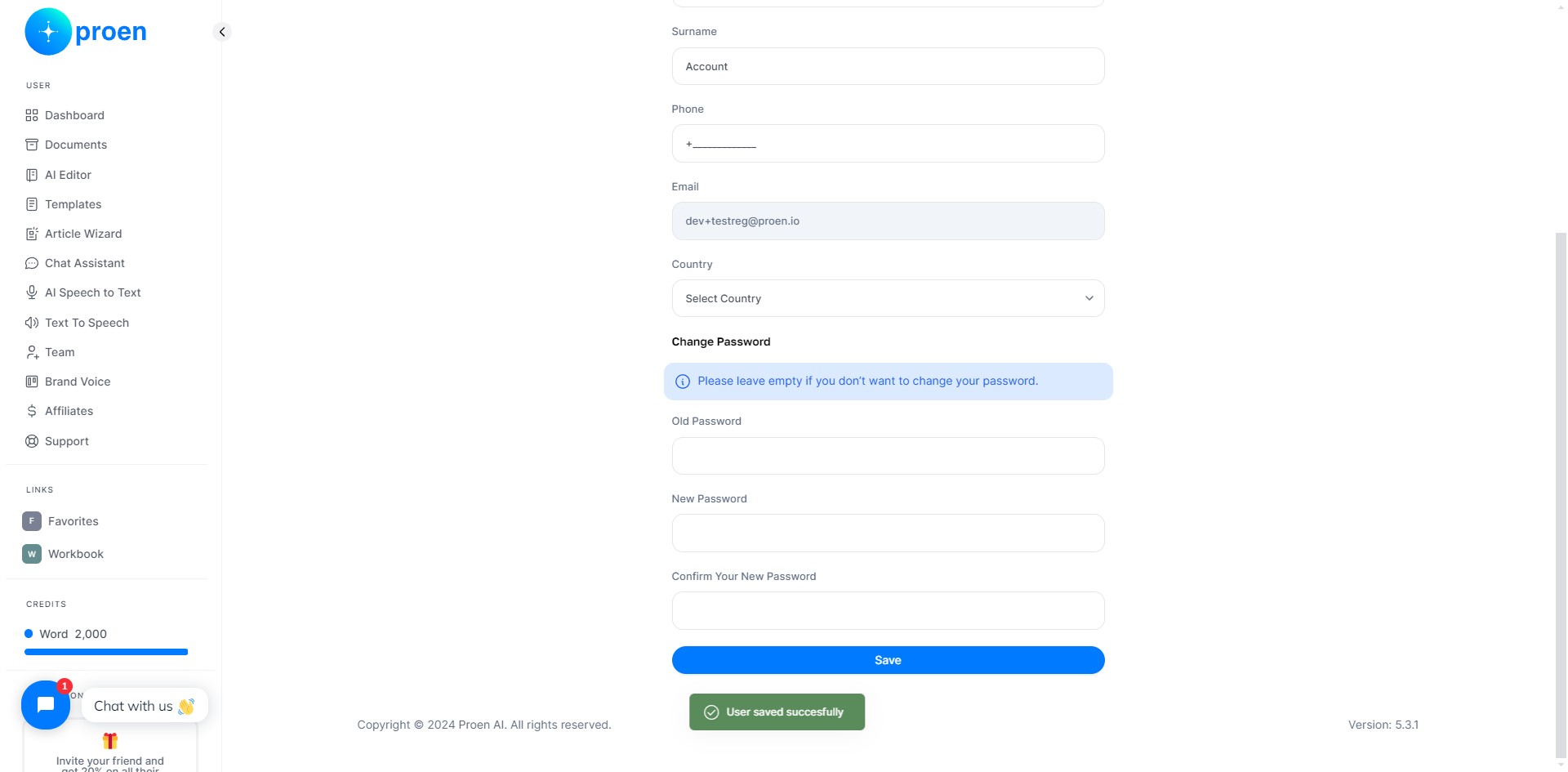
You can also change your password if you would like.
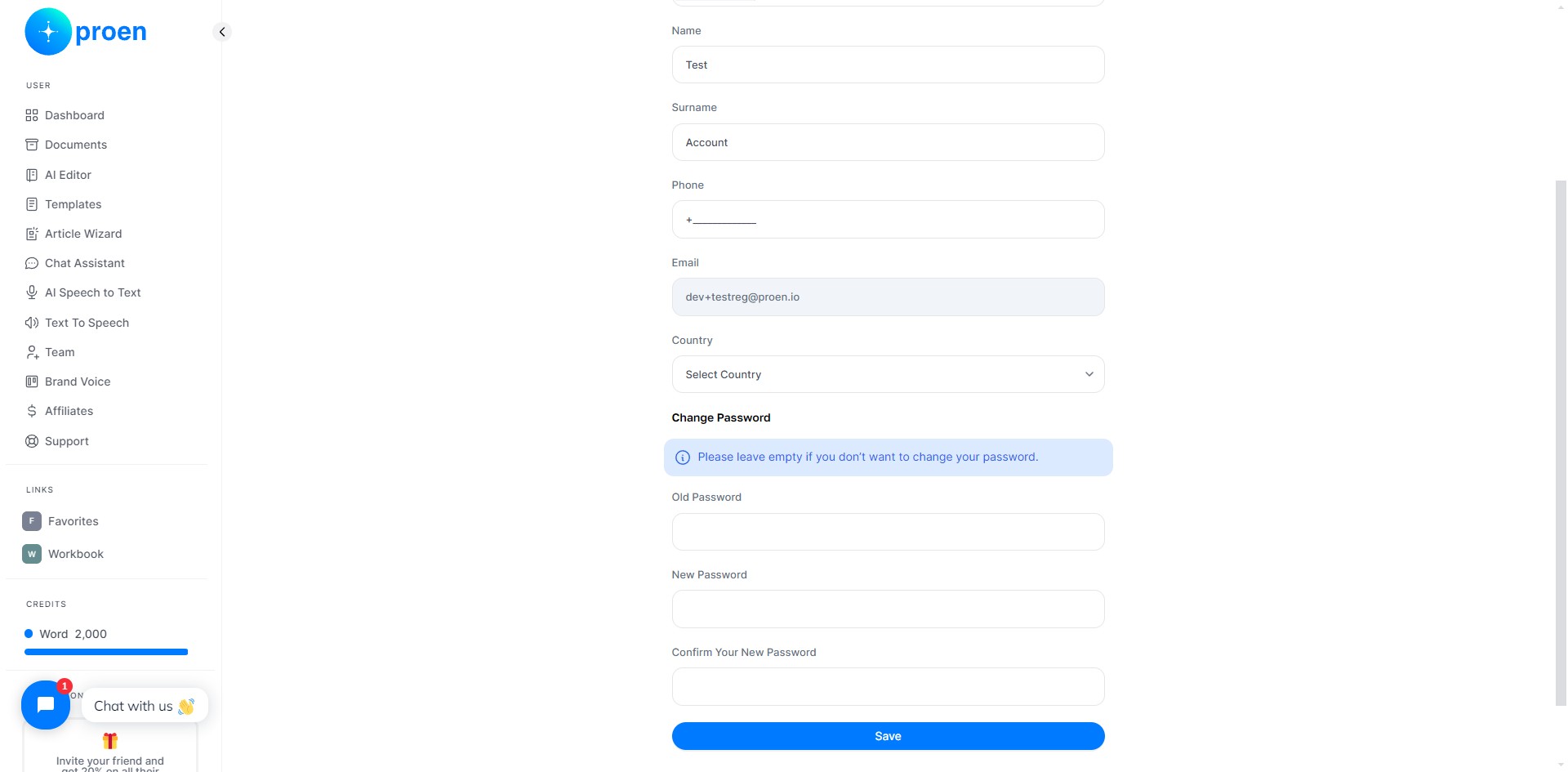
Reminder: Please leave the last three entries under "Change Password" empty if you do not want to change your password!
5
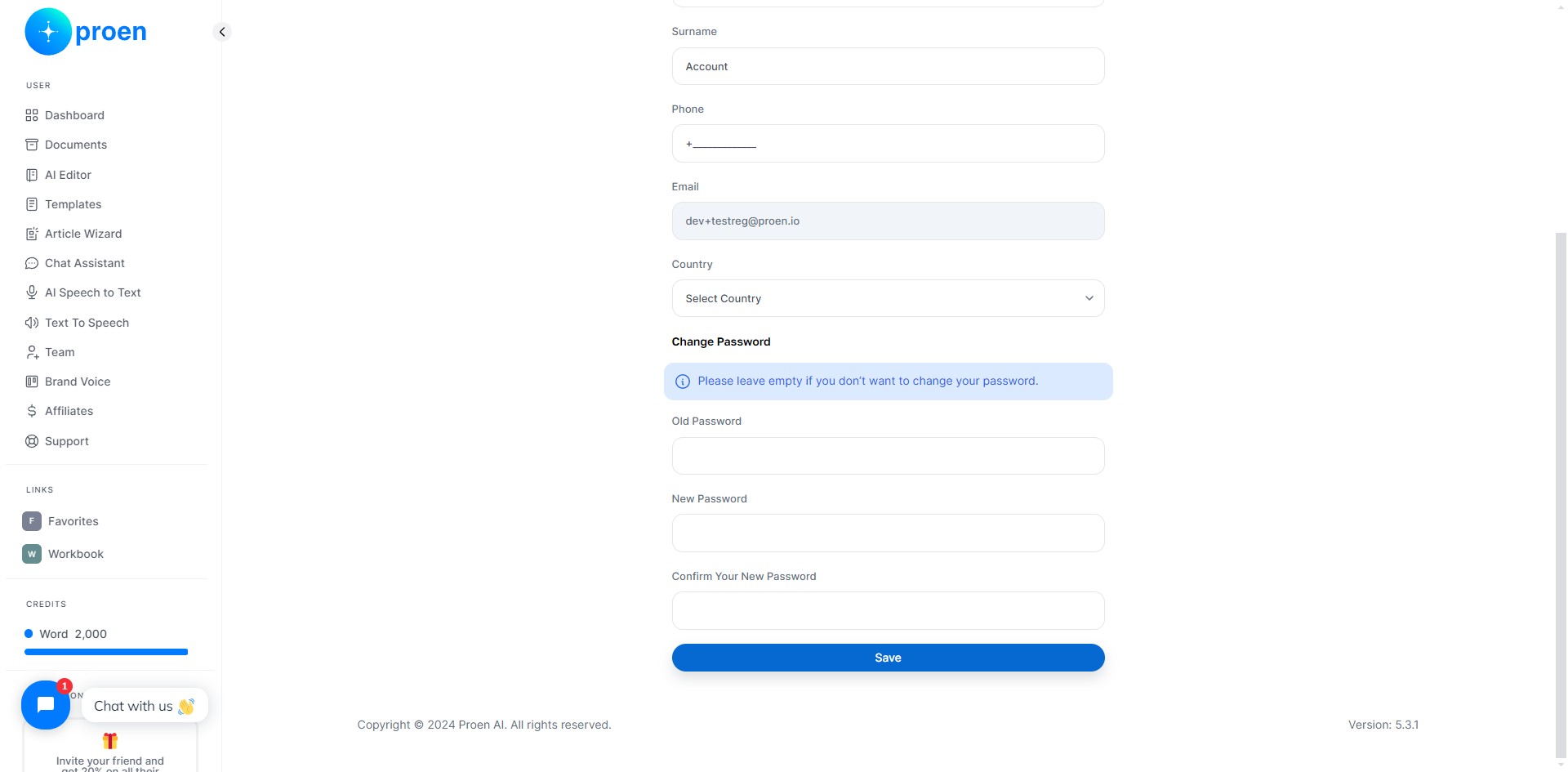
Click on "Save" to save any changes you made.
6
Done 🚀